
On this page
- 01Key takeaways
- 02What are the main types of navigation?
- 03Which principles explain good navigation?
- 04Which research methods test navigation?
- 05Which technical terms affect navigation?
- 06Why does shared vocabulary matter?
- 07What does this look like in practice?
- 08Next step
- 09Sources and further reading
- 10Frequently asked questions
Key takeaways
Website navigation has its own vocabulary, and knowing it makes briefs, quotes and reviews clearer. The terms fall into four groups: types of navigation, principles that explain why some menus work, research methods for testing navigation, and technical terms that affect accessibility and search. Each is defined below in one or two plain sentences.
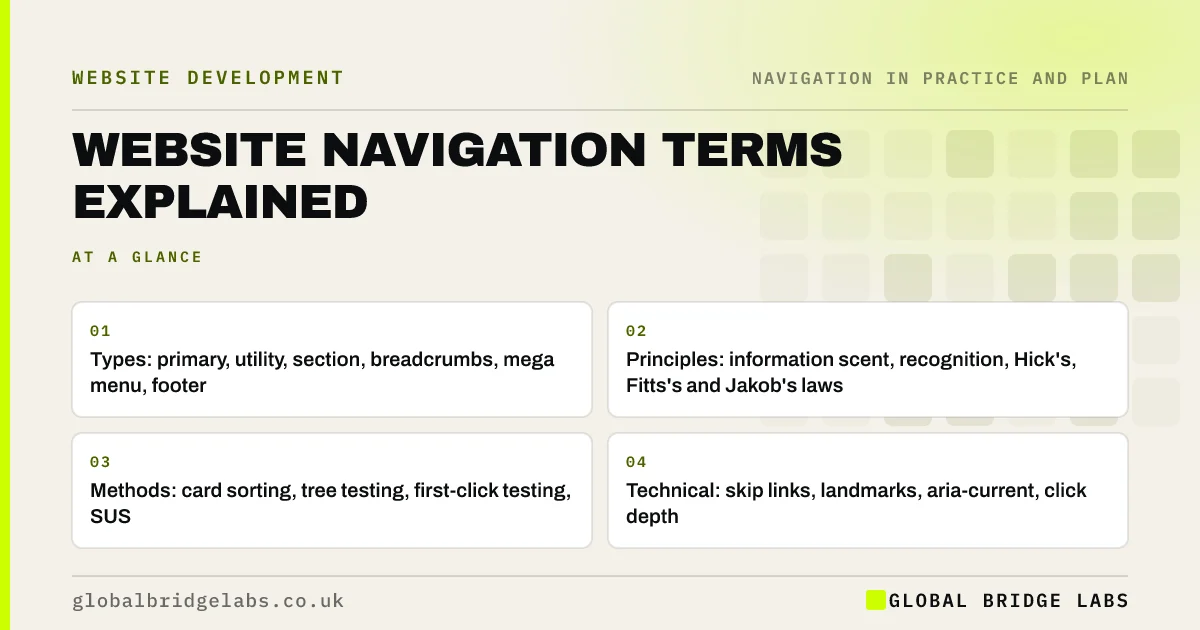
- Types: primary, utility, section, breadcrumbs, mega menu, footer.
- Principles: information scent, recognition, Hick's, Fitts's and Jakob's laws.
- Methods: card sorting, tree testing, first-click testing, SUS.
- Technical: skip links, landmarks, aria-current, click depth.
Want navigation terms in your brief explained or checked? Message us on WhatsApp.
Chat on WhatsApp →What are the main types of navigation?
These are the parts of a site that help visitors move around.
- Primary navigation: the main, site-wide menu.
- Utility navigation: tool links such as login, basket, search and language.
- Section or local navigation: a menu of pages within one section.
- Breadcrumbs: a trail of links from the homepage to the current page.
- Mega menu: a large dropdown showing many grouped links.
- Hamburger menu: a menu hidden behind a three-line icon.
- Footer navigation: links at the bottom of every page.
- Contextual links: links within page content.
Which principles explain good navigation?
These ideas from usability research explain why some navigation feels easy.
- Information architecture: how a site's content is organised and labelled.
- Information scent: how strongly a label signals what is behind it.
- Wayfinding: how visitors work out where they are and where to go.
- Recognition rather than recall: showing options instead of relying on memory.
- Progressive disclosure: showing basics first and details on request.
- Hick's law: more choices take longer to decide between.
- Fitts's law: bigger, closer targets are faster to hit.
- Jakob's law: people expect your site to work like others they know.
Which research methods test navigation?
These methods show whether navigation works for real people.
- Card sorting: customers group and name your content.
- Tree testing: customers find items in a text-only version of your menu.
- First-click testing: records where people click first for a task.
- Usability testing: people complete tasks while you observe.
- Task success rate: the share of tasks completed.
- System Usability Scale: a 10-question usability score out of 100.
- Card sorting: let customers organise your website
- Tree testing: check visitors can find things before you build
- Navigation usability testing: five tasks, five people
Want the right research method chosen for your project? Message us on WhatsApp and we will discuss your requirements.
Chat on WhatsApp →Which technical terms affect navigation?
These terms come up when developers build or audit menus.
- Click depth: the number of clicks from the homepage to a page.
- Anchor text: the clickable words of a link.
- Skip link: a link that lets keyboard users jump past the menu.
- Landmarks: marked page regions such as nav and main.
- aria-current: marks the link to the current page for assistive technology.
- Faceted navigation: filtering products by several attributes at once.
- XML sitemap: a file listing URLs for search engines.
- 301 redirect: a permanent redirect from an old URL to a new one.
Why does shared vocabulary matter?
When owners, designers and developers use the same terms, briefs are clearer, quotes are comparable and reviews are faster. 'The section navigation should highlight the current page' is a specific instruction; 'the menu feels confusing' is not.
What does this look like in practice?
A pattern we see: a brief asks for 'an intuitive menu'. Rewriting it with terms such as 'five top-level items, utility navigation for login, breadcrumbs on service pages and a tree test before build' lets every supplier quote the same work.
Next step
Use three of these terms to describe one navigation problem on your site in a sentence each.
Message us on WhatsApp for a navigation review, or book a 30-minute consultation.
Chat on WhatsApp →Sources and further reading
- 10 usability heuristics for user interface design · Nielsen Norman Group
- Information scent: how users decide where to go next · Nielsen Norman Group
- Tree testing: fast, iterative evaluation of menu labels and categories · Nielsen Norman Group
- Understanding WCAG 2.2 success criterion 2.4.1: Bypass Blocks · W3C
Frequently asked questions
What are the types of website navigation?
The main types are primary navigation, utility navigation, section or local navigation, breadcrumbs, footer navigation and contextual links within content. Mega menus and hamburger menus are ways of presenting navigation rather than separate types.
What is information architecture?
Information architecture is the structure behind a website: which pages exist, how they are grouped and how they are labelled. Navigation is how visitors move through that structure.
What is the difference between card sorting and tree testing?
Card sorting asks people to group and name your content, which helps design a structure. Tree testing asks people to find items in a text-only version of a proposed structure, which checks whether it works.
Written by

Global Bridge Labs (GBL) is a UK–Sri Lanka partner for social media, websites and BPO. Everything here comes from client delivery, not theory.


