
On this page
- 01Key takeaways
- 02What is tree testing?
- 03How is tree testing different from card sorting?
- 04How do you run a tree test?
- 05How many people should take a tree test?
- 06What do tree test results tell you?
- 07When is a tree test not needed?
- 08What does this look like in practice?
- 09Tree testing checklist
- 10Next step
- 11Sources and further reading
- 12Frequently asked questions
Key takeaways
Tree testing checks whether people can find things in your website's structure, using a text-only version of the menu with no design. You give participants tasks, such as 'Where would you find the cost of a loft conversion?', and record where they look. It catches structure problems before design and build, when they are cheap to fix. Run it after a card sort, or on your current menu before a redesign.
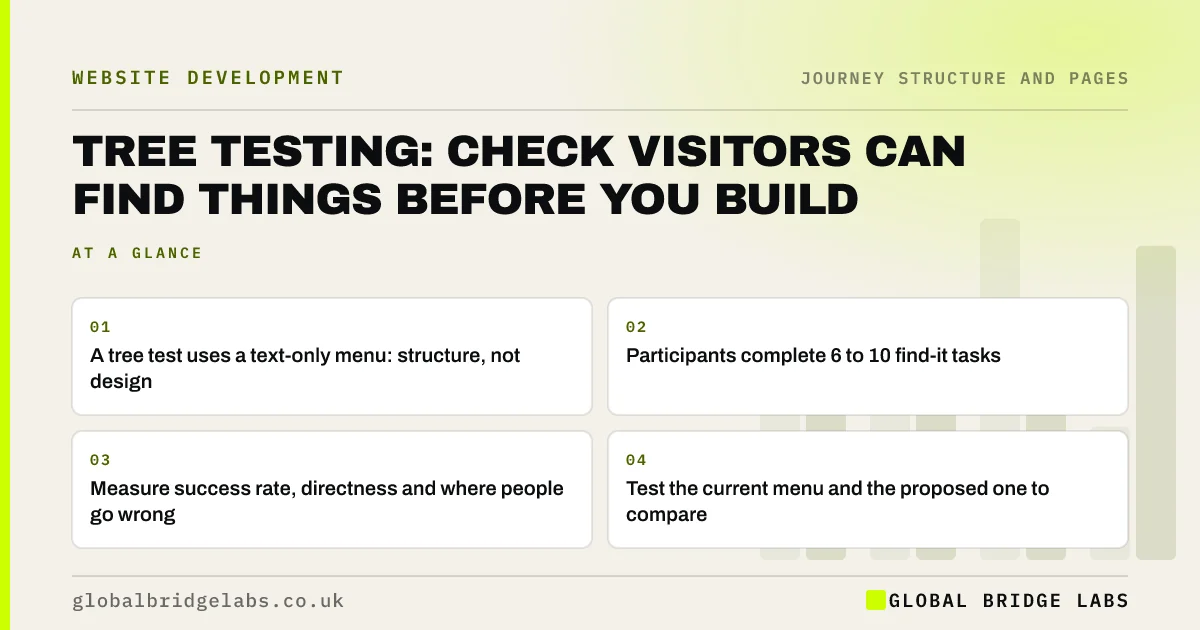
- A tree test uses a text-only menu: structure, not design.
- Participants complete 6 to 10 find-it tasks.
- Measure success rate, directness and where people go wrong.
- Test the current menu and the proposed one to compare.
Want your menu tree-tested before a redesign? Message us on WhatsApp.
Chat on WhatsApp →What is tree testing?
Tree testing is a usability method that evaluates a website's hierarchy of categories, or tree, by asking people to find specific items in it. Nielsen Norman Group describes it as an evaluation of a hierarchical category structure in which users find the locations where tasks would be completed. Because there is no visual design, it tests the structure and labels alone.
How is tree testing different from card sorting?
Card sorting asks customers to build a structure; tree testing asks them to use one. A card sort helps you generate menu groups and labels. A tree test checks whether a given structure works for real tasks. They fit together: card sort to propose, tree test to check, then design.
How do you run a tree test?
Run a tree test by writing out your menu structure as a text tree, choosing six to ten tasks based on your customer journey, and asking participants to click through the tree to where they would expect to find each answer. Online tree testing tools record the paths. Write tasks in the customer's situation, without using the label you want them to find.
- Write the structure as a text tree, including second-level pages.
- Choose 6 to 10 tasks from the journey map's key questions.
- Phrase tasks as situations: 'Your boiler is leaking. Where would you look?'.
- Avoid using the target label in the task.
- Recruit customers or likely buyers, not colleagues.
- Record success, directness and first clicks.
How many people should take a tree test?
NN/g notes that tree testing can be qualitative, needing only a few participants to spot problems, or quantitative, needing a larger sample to compare success rates. As a working rule, Global Bridge Labs (GBL) uses around 20 participants to compare a current and proposed structure on a small business site, and more where a decision rests on small percentage differences.
What do tree test results tell you?
Tree test results show, for each task, how many people found the right place, how many went straight there without backtracking, and where the others went instead. A task with low success points to a confusing label or a misplaced page. The wrong destinations are the most useful part: they show where customers expect the item to be.
- Success rate: did they end in the right place?
- Directness: did they get there without backtracking?
- First click: did they start in the right section?
- Wrong destinations: where did they expect it?
Have tree test results and not sure what to change? Send them to us on WhatsApp.
Chat on WhatsApp →When is a tree test not needed?
A tree test is not needed for tiny sites with a few pages where every item is visible at once, or when the structure is not changing. It is most useful before a redesign, when merging sites, when adding many new services, or when analytics shows visitors searching or bouncing between sections.
What does this look like in practice?
A pattern we see in tree tests of current menus: most tasks succeed, but one or two fail badly, and the wrong destinations cluster in one place. Buyers looking for the cost of a service go to 'About' because the pricing sits there under 'How we work'. Nothing in a visual review would reveal it.
Moving pricing to where people look, and re-testing, takes a day. Across our client work we have seen a 2.4x enquiry rate from conversion changes of this kind. Global Bridge Labs (GBL) tree-tests the menu before the designer opens a design tool.
Tree testing checklist
- Write the current and proposed structures as text trees.
- Choose 6 to 10 tasks from the journey map.
- Phrase tasks as situations without the target label.
- Recruit around 20 customers or likely buyers.
- Compare success, directness and wrong destinations.
- Fix the worst tasks and re-test.
Next step
A structure that tests well is far cheaper than one fixed after launch. We can tree-test your current menu and a proposed one and show which works better.
Message us on WhatsApp to tree-test your website structure, or book a 30-minute consultation.
Chat on WhatsApp →Sources and further reading
- Tree testing: fast, iterative evaluation of menu labels and categories · Nielsen Norman Group
- Card sorting: uncover users' mental models · Nielsen Norman Group
- User research · GOV.UK Service Manual
Frequently asked questions
What is tree testing in UX?
Tree testing evaluates a website's category structure by asking people to find specific items in a text-only version of the menu. It shows whether the structure and labels work, separately from visual design, and where people expect things to be.
What is the difference between card sorting and tree testing?
Card sorting asks people to group topics and name the groups, which helps you create a structure. Tree testing asks people to find items in a given structure, which checks whether it works. They are often used together: card sort first, then tree test.
How many tasks should a tree test have?
Six to ten tasks is typical, drawn from the most important questions on your customer journey map. More tasks tire participants and later tasks become less reliable as people learn the tree.
Written by

Global Bridge Labs (GBL) is a UK–Sri Lanka partner for social media, websites and BPO. Everything here comes from client delivery, not theory.


