
On this page
- 01Key takeaways
- 02What is breadcrumb navigation?
- 03When does a business website need breadcrumbs?
- 04What breadcrumb mistakes should you avoid?
- 05How should breadcrumbs look?
- 06Do breadcrumbs help SEO?
- 07What does this look like in practice?
- 08Breadcrumb checklist
- 09Next step
- 10Sources and further reading
- 11Frequently asked questions
Key takeaways
Breadcrumb navigation is a short trail of links, such as Home > Services > Boiler repair, showing where a page sits in the site. It helps on sites with more than two levels of pages, such as service areas, product categories or blogs. Very flat sites with a handful of pages rarely need it. Mark it up with structured data so search engines understand it.
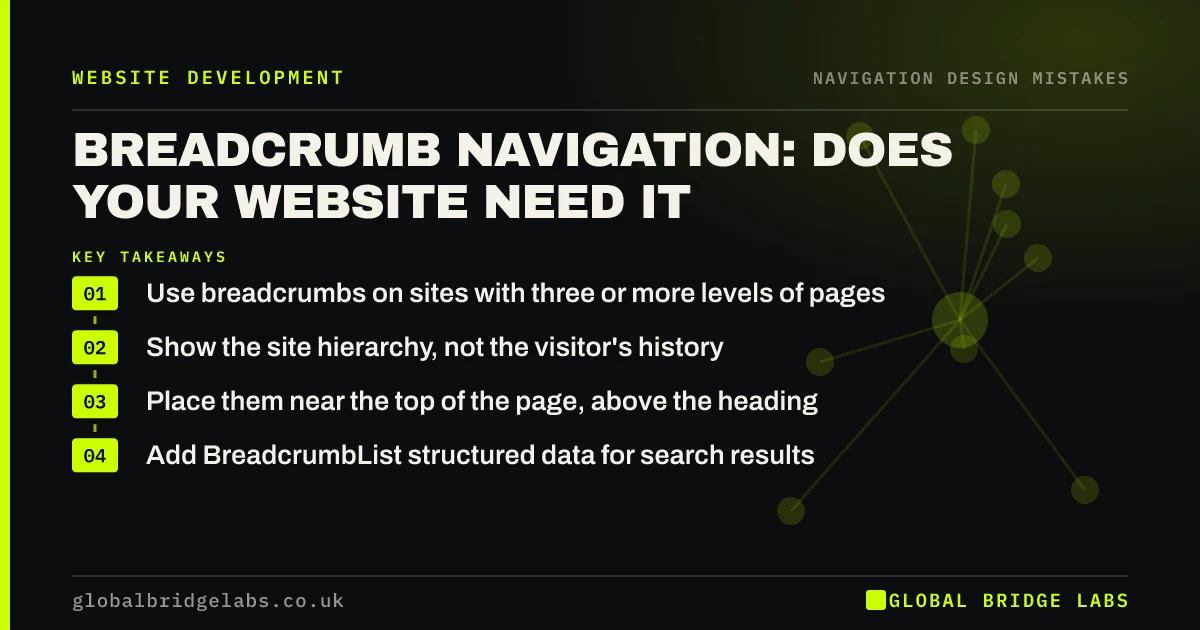
- Use breadcrumbs on sites with three or more levels of pages.
- Show the site hierarchy, not the visitor's history.
- Place them near the top of the page, above the heading.
- Add BreadcrumbList structured data for search results.
Want to know if breadcrumbs would help your site? Message us on WhatsApp.
Chat on WhatsApp →What is breadcrumb navigation?
Breadcrumb navigation is a secondary navigation aid that shows the path from the homepage to the current page as a row of links. Each link goes up a level. It tells visitors arriving from search where they are and gives them a one-click route to broader pages.
When does a business website need breadcrumbs?
Breadcrumbs help when visitors often land deep in the site: product pages in a category, service pages for a location, or blog articles in a topic. Nielsen Norman Group recommends them for sites with hierarchical structures. A five-page brochure site gains little, because every page is already one click from the menu.
What breadcrumb mistakes should you avoid?
Breadcrumbs go wrong in a few predictable ways. Most are quick to correct in the template.
- Showing the visitor's browsing history instead of the site hierarchy.
- Making the current page a link to itself.
- Using breadcrumbs as the only navigation.
- Tiny, low-contrast text that is hard to tap on mobile.
- Labels that do not match the page titles or menu.
How should breadcrumbs look?
Place them near the top of the page, above the main heading, in smaller but readable text. Separate levels with a simple symbol such as '>' or '/'. Show the current page as plain text at the end. On phones, it is acceptable to show only the parent level ('< Services') to save space.
Want breadcrumbs set up with the right markup? Message us on WhatsApp and we will discuss your requirements.
Chat on WhatsApp →Do breadcrumbs help SEO?
Breadcrumbs add internal links that help search engines understand your site structure, and Google supports BreadcrumbList structured data to understand a page's position in the hierarchy. They are not a ranking shortcut, but they make the structure clearer to crawlers and to visitors arriving from search.
What does this look like in practice?
A pattern we see: a business with service pages for many towns has visitors landing on a single town page from search with no obvious way to see other services. A breadcrumb trail back to the service and the area gives them that route in one click.
Breadcrumb checklist
- Use breadcrumbs if pages sit three or more levels deep.
- Show the hierarchy, not history.
- Place them above the main heading.
- Leave the current page unlinked.
- Keep text readable and tappable.
- Add BreadcrumbList structured data.
Next step
Find your deepest page and check how many clicks it takes a visitor to get back to its parent section.
Message us on WhatsApp for a structure review, or book a 30-minute consultation.
Chat on WhatsApp →Sources and further reading
- Breadcrumbs: 11 design guidelines for desktop and mobile · Nielsen Norman Group
- Breadcrumb (BreadcrumbList) structured data · Google Search Central
- Understanding WCAG 2.2 success criterion 2.4.5: Multiple Ways · W3C
Frequently asked questions
Do I need breadcrumbs on my website?
If your site has three or more levels, such as Services > Area > Town or Shop > Category > Product, breadcrumbs help visitors and search engines understand where a page sits. Small, flat sites with a few pages rarely need them.
Are breadcrumbs good for SEO?
They help by adding clear internal links and, with BreadcrumbList structured data, by telling Google where a page sits in the site. They will not lift rankings on their own, but they make structure clearer.
Where should breadcrumbs go on a page?
Near the top, above the main heading and below the site header. Use smaller but readable text, separate levels with a simple symbol and show the current page as plain, unlinked text at the end.
Written by

Global Bridge Labs (GBL) is a UK–Sri Lanka partner for social media, websites and BPO. Everything here comes from client delivery, not theory.


