
On this page
- 01Key takeaways
- 02Which navigation changes are risky for SEO?
- 03How do you protect URLs?
- 04What about pages leaving the menu?
- 05What should you check after launch?
- 06When is the change worth the risk?
- 07What does this look like in practice?
- 08SEO-safe navigation change checklist
- 09Next step
- 10Sources and further reading
- 11Frequently asked questions
Key takeaways
Changing labels and menu order rarely affects rankings. The risk comes when URLs change, pages are removed or key pages lose internal links. Keep URLs where you can, set permanent redirects for any that move, keep every important page linked from the menu or a hub, and monitor Search Console for the following weeks.
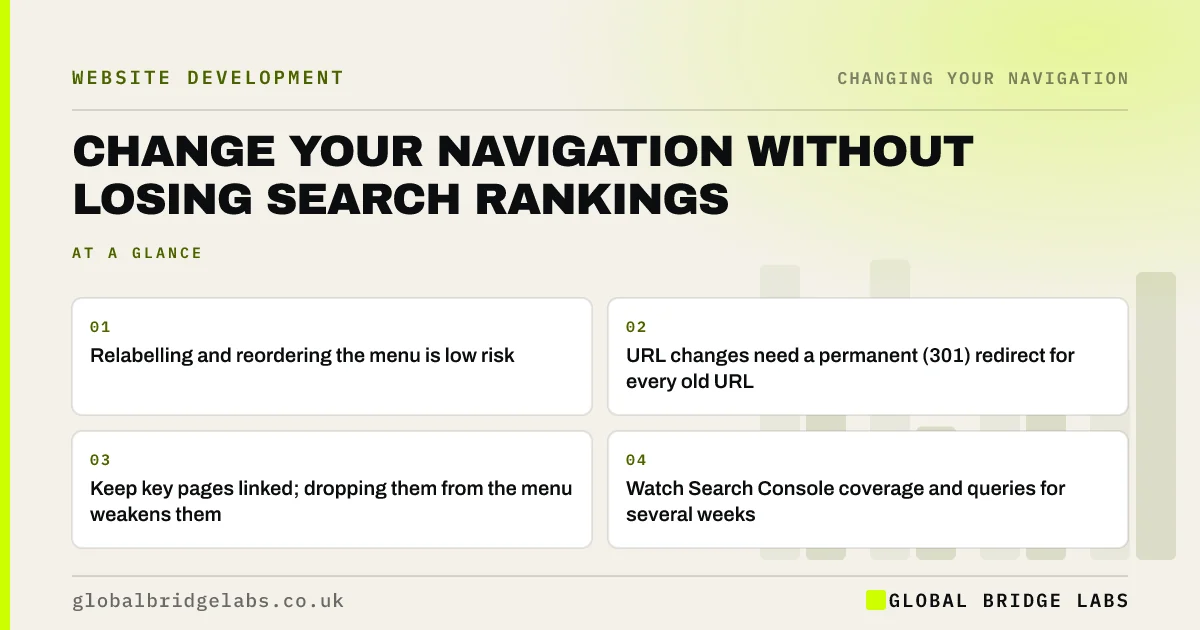
- Relabelling and reordering the menu is low risk.
- URL changes need a permanent (301) redirect for every old URL.
- Keep key pages linked; dropping them from the menu weakens them.
- Watch Search Console coverage and queries for several weeks.
Planning a navigation change and worried about search? Message us on WhatsApp.
Chat on WhatsApp →Which navigation changes are risky for SEO?
Changes that alter what search engines can find or how pages are linked carry risk. Changes to wording and order usually do not.
- Low risk: new labels, new order, new styling.
- Medium risk: removing pages from the menu without other links.
- Higher risk: changing URLs or merging pages.
- Higher risk: switching to a script-only menu.
- Higher risk: deleting pages that earn traffic or links.
How do you protect URLs?
The safest option is not to change URLs at all. Menu labels can change without changing the address behind them. If URLs must change, list every old URL, map it to its new one and set permanent redirects. Google's site move guidance treats large URL changes as a migration needing careful planning.
What about pages leaving the menu?
A page removed from the main menu loses the internal link it had on every page. If it still matters, link it from a section page, a hub or related pages, so it stays well connected. Check it remains within a couple of clicks of the homepage.
Want a redirect map and link plan for your change? Message us on WhatsApp and we will discuss your requirements.
Chat on WhatsApp →What should you check after launch?
Crawl the site to confirm there are no broken links or redirect chains. In Search Console, watch indexing, crawl errors and clicks for key pages over the following weeks. Some movement is normal; a sustained fall on specific pages points to a missing redirect or a lost link.
- Crawl for broken links and redirect chains.
- Test old URLs to confirm they redirect.
- Submit an updated XML sitemap.
- Watch Search Console indexing and clicks.
- Compare key-page traffic with the same period before.
When is the change worth the risk?
When the current structure clearly loses visitors, and the new one has been tested with real users. A well-planned change with full redirects rarely causes lasting harm. Avoid changing URLs purely to add keywords; the gain is small and the risk is real.
What does this look like in practice?
A pattern we see: a firm renames 'Solutions' to 'Services' and, at the same time, changes every service URL from /solutions/ to /services/ without redirects. Rankings for service pages drop as old URLs return errors. Adding redirects from each old URL usually restores them over the following weeks.
SEO-safe navigation change checklist
- Change labels without changing URLs where possible.
- Map and redirect every changed URL.
- Keep key pages linked after they leave the menu.
- Use real HTML links in the new menu.
- Crawl and monitor Search Console after launch.
Next step
Before changing your menu, export your current URLs and their monthly clicks from Search Console.
Message us on WhatsApp for a navigation change plan, or book a 30-minute consultation.
Chat on WhatsApp →Sources and further reading
- Site moves with URL changes · Google Search Central
- SEO link best practices for Google · Google Search Central
- Google Search Console · Google
Frequently asked questions
Will changing my website menu affect SEO?
Changing labels, order and styling usually has little effect. Changing URLs, removing pages or removing key internal links can affect rankings. Keep URLs where possible, redirect any that change and keep important pages well linked.
Do I need redirects if I only change menu labels?
No, not if the URLs stay the same. A label is just the visible text; the link still points to the same page. Redirects are only needed when the page's address changes.
How long do rankings take to recover after a restructure?
With correct redirects, most sites see little lasting change, with some movement over a few weeks as search engines recrawl. Larger falls usually point to missing redirects or lost links, which should be fixed quickly.
Written by

Global Bridge Labs (GBL) is a UK–Sri Lanka partner for social media, websites and BPO. Everything here comes from client delivery, not theory.


