On this page
- 01Key takeaways
- 02What is a website information template?
- 03What goes in the identity and offer sections?
- 04What goes in the proof and practicalities sections?
- 05What goes in the contact and compliance section?
- 06How do you use the completed template?
- 07When is a template not enough?
- 08What does this look like in practice?
- 09Template completion checklist
- 10Next step
- 11Sources and further reading
- 12Frequently asked questions
Key takeaways
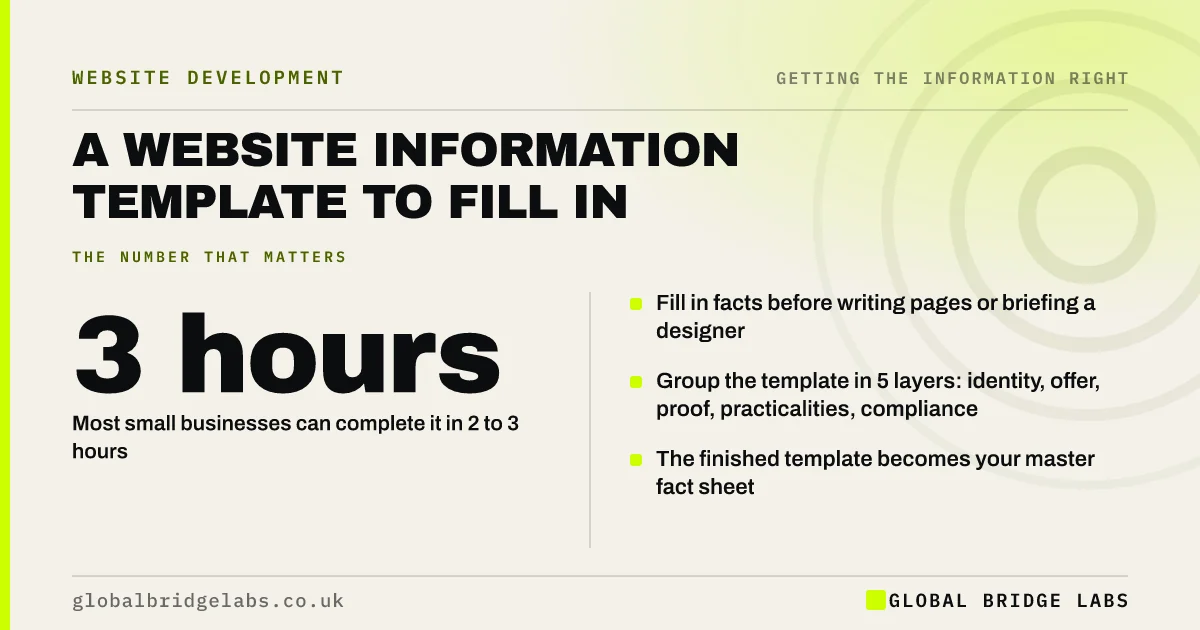
A website information template is a fill-in sheet of every fact your site needs, grouped into the five layers of the GBL Website Information Inventory: identity, offer, proof, practicalities, and contact and compliance. Filling it in before writing or rebuilding a site means pages are built from facts, not guesses, and nothing legal is missed.
- Fill in facts before writing pages or briefing a designer.
- Group the template in 5 layers: identity, offer, proof, practicalities, compliance.
- Most small businesses can complete it in 2 to 3 hours.
- The finished template becomes your master fact sheet.
Want the template as a document? Message us on WhatsApp.
Chat on WhatsApp →What is a website information template?
A website information template is a structured list of every fact your website should state, with space to fill in your answers. Global Bridge Labs (GBL) groups it into the five layers of the website information inventory. It is the content half of a website brief, and it becomes your master fact sheet once complete.
What goes in the identity and offer sections?
The identity section records names, company details, a one-sentence description, people, premises and regulators. The offer section records each service, who it is for, what is included and excluded, prices or ranges, area and process. Fill these in first; they shape every page.
- Trading name, legal name, company number, registered office, VAT number.
- One-sentence description: what, for whom, where.
- Owners and key people, with roles.
- Each service: audience, inclusions, exclusions, price guide, timescale.
What goes in the proof and practicalities sections?
The proof section records reviews, examples of work, qualifications, insurance, clients and policies, each with permission and expiry dates where relevant. The practicalities section records hours, payment, deposits, cancellation, delivery or booking, warranty and complaints, so the terms are agreed before they are written.
- Qualifications and memberships with numbers and expiry dates.
- Insurance types and limits.
- Hours, holiday dates and response times.
- Payment methods, deposits, cancellation and guarantee terms.
What goes in the contact and compliance section?
This section records every contact route and who handles it, what happens after an enquiry, privacy and cookie arrangements, terms, trading disclosures and sector notices such as regulator statements. Missing items here are the ones most likely to carry legal risk.
How do you use the completed template?
Use it to write or check every page, brief a designer or copywriter, and keep your Google profile and listings consistent. Then keep it as the master record: when anything changes, update the template first and the website second.
When is a template not enough?
A template captures facts, not persuasion. You still need to decide what to emphasise, how to structure pages and how to show proof. It also cannot replace legal advice on terms. Use it as the foundation, then design and write on top of it.
What does this look like in practice?
A pattern we see in website projects: design starts before facts are gathered, and the build stalls while the client hunts for prices, policies and photos. Completing the template first usually shortens the project, because every page has its content waiting.
Template completion checklist
- Fill in identity facts.
- Fill in each service in the offer section.
- Gather proof with permissions and dates.
- Agree practical terms internally.
- Record contacts and compliance items.
- Name an owner and date the template.
Next step
Block out three hours this week to fill in the template, one layer at a time. Then score your current site against it.
Message us on WhatsApp for the website information template, with no pitch.
Chat on WhatsApp →Sources and further reading
- Writing to GOV.UK standards: writing guidelines · GOV.UK
- Company, Limited Liability Partnership and Business Names (Trading Disclosures) Regulations 2015 · legislation.gov.uk
- Right to be informed (privacy information) · Information Commissioner's Office
Frequently asked questions
What information do I need to build a website?
You need your business identity and legal details, each service with inclusions, prices and process, proof such as reviews and qualifications, practical terms such as payment and cancellation, and contact and compliance details. A template keeps it organised.
Is a website information template the same as a website brief?
No. A brief describes the project: goals, audience, budget, timescale and requirements. An information template holds the facts the website will state. Most projects need both, and the template feeds the brief.
How long does it take to fill in a website information template?
Most small businesses can complete it in two to three hours if the facts are agreed. Practical terms, such as deposits or cancellation, may need internal discussion first, which can take longer.
Written by

Global Bridge Labs (GBL) is a UK–Sri Lanka partner for social media, websites and BPO. Everything here comes from client delivery, not theory.