
On this page
- 01Key takeaways
- 02What content do you need for a homepage?
- 03Why does content cause so many delays?
- 04How should you organise everything?
- 05What about permissions?
- 06What if some content is not ready?
- 07What does this look like in practice?
- 08Homepage content checklist
- 09Next step
- 10Sources and further reading
- 11Frequently asked questions
Key takeaways
A homepage content checklist lists everything a designer needs before work starts: words, photos, reviews, logos, accreditations and legal details. Gathering these first is the best way to keep a project on time, because late content causes more delay than anything else. Allow a week, and keep it all in one shared folder.
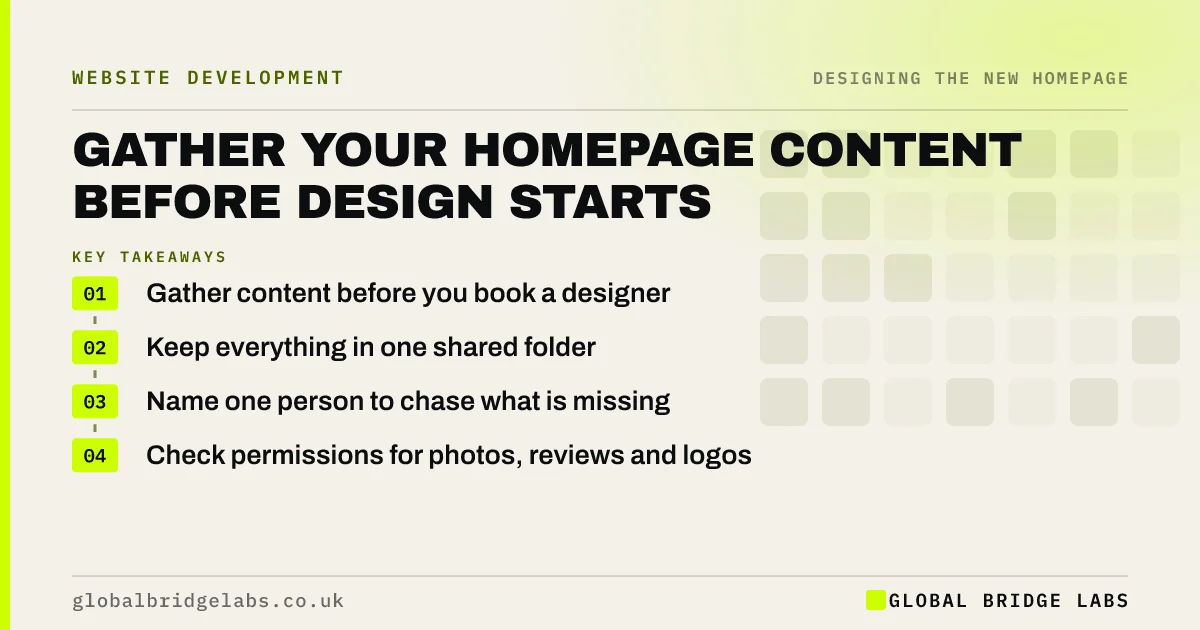
- Gather content before you book a designer.
- Keep everything in one shared folder.
- Name one person to chase what is missing.
- Check permissions for photos, reviews and logos.
Want a content list for your project? Message us on WhatsApp.
Chat on WhatsApp →What content do you need for a homepage?
You need your approved copy, a logo in vector or high-resolution form, real photos, reviews with permission, accreditation logos, business details and legal pages. Add tracking and account access for your site and domain. Most of these exist already, in scattered places, and the job is simply to find them.
- Approved copy for each section.
- Logo files, including a version for dark backgrounds.
- Real photos, at full resolution.
- Reviews, with names and permission.
- Accreditation logos and membership numbers.
- Company number, registered address and VAT number if relevant.
- Privacy notice and terms.
- Logins for website, domain and analytics.
Why does content cause so many delays?
Content comes from busy people. Designers wait for it, the launch slips and the last pieces are often written in a hurry. Treating content as the first deliverable, rather than the last, removes the main source of overruns. Some suppliers will not start until they have it, and that is sensible.
How should you organise everything?
Use one shared folder, with one subfolder per section and clear file names. Keep a simple list showing what is needed, who owns it and whether it is approved. Do not send material by email, because it gets lost, and old versions keep coming back to the page.
What about permissions?
Check permissions as you collect. Images may belong to a photographer, stock licences may have limits and customers should know their review or name is being used. Accreditation bodies often have rules for using their logos, and some require your membership to be current. Fixing this after launch is always harder.
What if some content is not ready?
Decide whether it blocks launch. A missing photo can be replaced by a plain section; missing legal details cannot. Mark each gap as must-have or nice-to-have. Do not hold back a good page for a nice-to-have, and do not publish with placeholder text in the hope of filling it later.
What does this look like in practice?
A pattern we see: a project is ready to build, and work then stops for three weeks because nobody can find the logo file or the login for the domain. A one-hour audit at the start of the project exposes these gaps while there is still time to fix them.
Homepage content checklist
- Create one shared folder.
- List each item and its owner.
- Find logo files and account logins.
- Collect real photos.
- Gather reviews with permission.
- Confirm legal details.
- Mark gaps as must-have or nice-to-have.
Next step
Create the folder today and spend an hour filling it. What you cannot find is your real project risk.
Message us on WhatsApp for a content plan, or book a 30-minute consultation.
Chat on WhatsApp →Sources and further reading
- How copyright protects your work · GOV.UK
- Company, Limited Liability Partnership and Business Names (Trading Disclosures) Regulations 2015 · legislation.gov.uk
- Right to be informed (privacy information) · Information Commissioner's Office
Frequently asked questions
What content do I need to give a web designer?
Approved copy, logo files, photos, reviews, accreditations, business and legal details, and access to your website, domain and analytics accounts. Ask your designer for their list, as requirements vary. Supplying this early is the best way to keep the project on schedule.
Who should write the content for my website?
Someone who understands your customers and can write clearly. That may be you, a colleague or a copywriter. Check your quote, because many design proposals assume that you will supply the copy yourself.
Should content be ready before design starts?
Yes, or at least a solid draft. Designing around real words produces a better page and fewer revisions. Designing around placeholder text often creates layouts that do not fit when the real content finally arrives.
Written by

Global Bridge Labs (GBL) is a UK–Sri Lanka partner for social media, websites and BPO. Everything here comes from client delivery, not theory.


