On this page
- 01Key takeaways
- 02When should a website list separate department contacts?
- 03Which routes do most businesses need?
- 04Should you use role-based email addresses?
- 05Where should department contacts go?
- 06Does splitting contacts lower enquiries?
- 07When is one contact route enough?
- 08What does this look like in practice?
- 09Department contacts checklist
- 10Next step
- 11Sources and further reading
- 12Frequently asked questions
Key takeaways
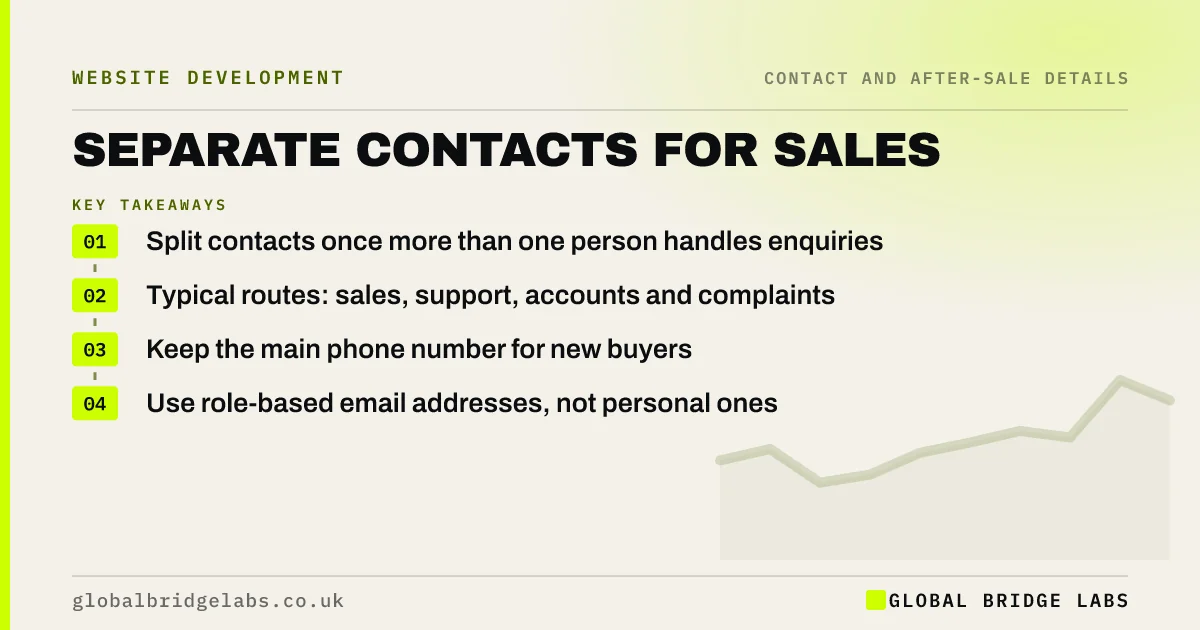
Once more than one person handles enquiries, give separate contact routes for sales, existing customer support, accounts and complaints. Each visitor reaches the right person first time, sales are not delayed by support queries, and invoices reach accounts. Keep the main number for buyers and list the others clearly on the contact page.
- Split contacts once more than one person handles enquiries.
- Typical routes: sales, support, accounts and complaints.
- Keep the main phone number for new buyers.
- Use role-based email addresses, not personal ones.
Want your contact routes reviewed? Message us on WhatsApp.
Chat on WhatsApp →When should a website list separate department contacts?
List separate contacts once different people handle different requests, typically when you have a sales lead, a support or operations team and someone handling invoices. Global Bridge Labs (GBL) sees a single inbox become a bottleneck at around this point, with new enquiries waiting behind support and payment queries.
Which routes do most businesses need?
Most businesses need four contact routes, each with its own email address and, where relevant, a phone line or extension. Label each route by what the visitor wants to do, not by your internal department names, so nobody has to guess.
- New enquiries and quotes.
- Help with an existing order, job or account.
- Invoices and payments.
- Complaints.
Should you use role-based email addresses?
Yes. Addresses such as sales@, support@ and accounts@ survive staff changes, can be shared by a team and look more established. Personal addresses on the website break when someone leaves. Make sure each role address is monitored daily, including during holidays.
Where should department contacts go?
Put the full list on the contact page, under clear headings. Keep the main sales number in the header and footer. Add the support route to your support or account pages and the accounts route to invoices. WCAG 2.2 asks that help routes appear in a consistent place across pages.
Does splitting contacts lower enquiries?
Not if new buyers still see one obvious route. Too many options on the homepage can slow a buyer down, so keep department lists on the contact page and lead with the sales route everywhere else. The goal is to route existing customers away from the sales line, not to add choices for buyers.
When is one contact route enough?
One route is enough when one person handles everything, or when volumes are low. Then a single address and number, with a note on the form asking people to say what their message is about, works fine. Split routes when queues form.
What does this look like in practice?
A pattern we see: new enquiries wait in an inbox behind supplier invoices and delivery queries, and the sales reply arrives a day late. Adding separate support and accounts addresses, and pointing invoices and customer portals to them, usually clears the sales inbox for buyers.
Department contacts checklist
- List the requests you receive.
- Create role-based addresses for each.
- Label routes by visitor task.
- Put the list on the contact page.
- Keep the sales route most prominent.
- Check each inbox is monitored daily.
Next step
Sort last month's inbox by request type. If more than a third were not new enquiries, it is time to split your contact routes.
Message us on WhatsApp for a contact routes review, with no pitch.
Chat on WhatsApp →Sources and further reading
- Understanding WCAG 2.2 success criterion 3.2.6: Consistent Help · W3C
- Utility navigation: what it is and how to design it · Nielsen Norman Group
- UK Customer Satisfaction Index · Institute of Customer Service
Frequently asked questions
Should I have separate emails for sales and support?
Yes, once different people handle them or the volume makes one inbox slow. Separate role-based addresses route messages to the right person and keep new enquiries from waiting behind support requests.
What contact details should a business website have?
A website should have a phone number, an email address and an address, plus routes for support, accounts and complaints as the business grows. Say when you reply and keep the details consistent with your Google profile.
Is it better to use a contact form or email address?
Offer both where you can. Forms collect structured information; email suits people who prefer their own client. Whichever you use, route messages by type so each reaches the right person quickly.
Written by

Global Bridge Labs (GBL) is a UK–Sri Lanka partner for social media, websites and BPO. Everything here comes from client delivery, not theory.