
On this page
- 01Key takeaways
- 02Is Elementor bad for homepage speed?
- 03How should you structure the page?
- 04Why set global styles first?
- 05Which add-ons cause the most trouble?
- 06When should you rebuild without Elementor?
- 07What does this look like in practice?
- 08Elementor homepage checklist
- 09Next step
- 10Sources and further reading
- 11Frequently asked questions
Key takeaways
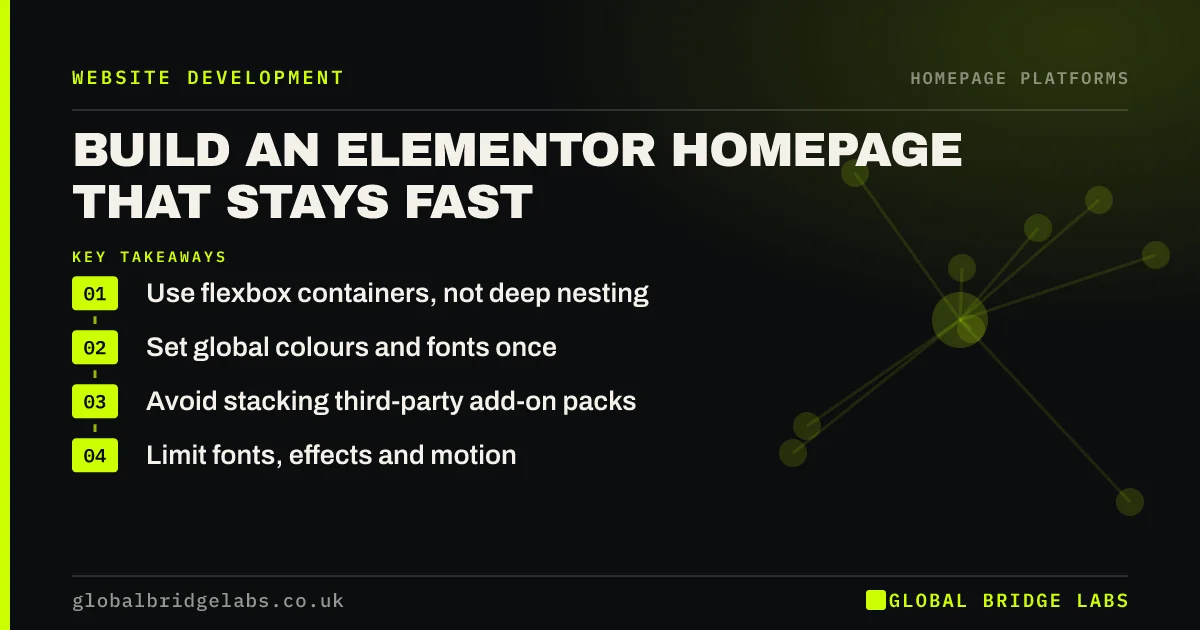
An Elementor homepage can be fast if you build it with restraint. Use containers rather than nested sections, set global colours and fonts, avoid stacking add-on packs and compress your images. Most slow Elementor pages come from how they were built, with too many widgets, effects and fonts, rather than from the plugin alone.
- Use flexbox containers, not deep nesting.
- Set global colours and fonts once.
- Avoid stacking third-party add-on packs.
- Limit fonts, effects and motion.
Elementor homepage feeling slow? Message us on WhatsApp.
Chat on WhatsApp →Is Elementor bad for homepage speed?
Elementor adds code that a plain block theme does not, but it does not doom a page. Speed depends heavily on how the page is built. A restrained layout on decent hosting can pass Core Web Vitals, whereas a page packed with widgets and animation will struggle on any host.
How should you structure the page?
Use flexbox containers and keep nesting shallow, because each extra wrapper adds to the page's structure. Build one section at a time from your wireframe. Save repeated parts as templates, so that a change to your closing section or review block updates everywhere it appears.
Why set global styles first?
Global colours and fonts keep the page consistent and easier to change. When each heading is styled by hand, a brand update means editing dozens of elements, and differences creep in. Set site-wide type, colours and buttons before you begin, and limit yourself to two font families.
Which add-ons cause the most trouble?
Add-on packs that bundle dozens of widgets cause the most trouble, as they can load code you never use. Sliders, animated counters, particle backgrounds and hover effects also add weight. Enable only the widgets you need in Elementor's settings, and use its performance options after testing them on staging.
When should you rebuild without Elementor?
Consider rebuilding when you have already cleaned up the page and it still fails Core Web Vitals on good hosting, or when a major redesign is due anyway. Do not rebuild just to remove a plugin. Moving away takes time, and it can produce a worse page if the message is unchanged.
What does this look like in practice?
A pattern we see on Elementor sites: a homepage with entrance animations on each element, three add-on packs and several font weights. Removing the animations and unused packs, without touching the visible design, often gives a useful speed gain for very little work.
Elementor homepage checklist
- Use containers for layout.
- Keep nesting shallow.
- Set global colours and fonts.
- Disable widgets you do not use.
- Remove unused add-on packs.
- Turn off entrance animations.
- Test speed on a phone after each change.
Next step
Run your homepage through PageSpeed Insights, turn off one add-on pack on staging and run it again. That one test shows what your add-ons are costing you.
Message us on WhatsApp for an Elementor review, with no pitch.
Chat on WhatsApp →Sources and further reading
- Optimise Largest Contentful Paint · web.dev (Google)
- Best practices for fonts · web.dev (Google)
- Advanced administration handbook: optimisation · WordPress.org
Frequently asked questions
Is Elementor good for a business homepage?
Yes, if it is built with care. It lets non-developers design flexible pages, and it has a large ecosystem. The trade-off is added code and dependence on one plugin, so keep the build simple and watch speed as you go.
Why is my Elementor homepage so slow?
Usual causes are too many widgets and add-ons, deep nesting, animations, several fonts, large images and weak hosting. Fix images first, then remove add-ons and motion, and check that you are using containers instead of older nested sections.
Should I switch from Elementor to the block editor?
Only if you are rebuilding anyway or the page cannot reach acceptable speed after a clean-up. Converting a working page costs time and may not improve enquiries. A simpler Elementor build is often the better use of your budget.
Written by

Global Bridge Labs (GBL) is a UK–Sri Lanka partner for social media, websites and BPO. Everything here comes from client delivery, not theory.


