
On this page
- 01Key takeaways
- 02What is a design system?
- 03Why does consistency affect credibility?
- 04What should a small business design system include?
- 05How do you keep it in use?
- 06When is a design system overkill?
- 07What does this look like in practice?
- 08Design system checklist
- 09Next step
- 10Sources and further reading
- 11Frequently asked questions
Key takeaways
A design system is a short set of rules and reusable parts, such as colours, type sizes, buttons, spacing and page sections, that keeps every page consistent. A small business does not need a large one. One page of rules and a handful of built components stop the gradual drift that makes sites look improvised.
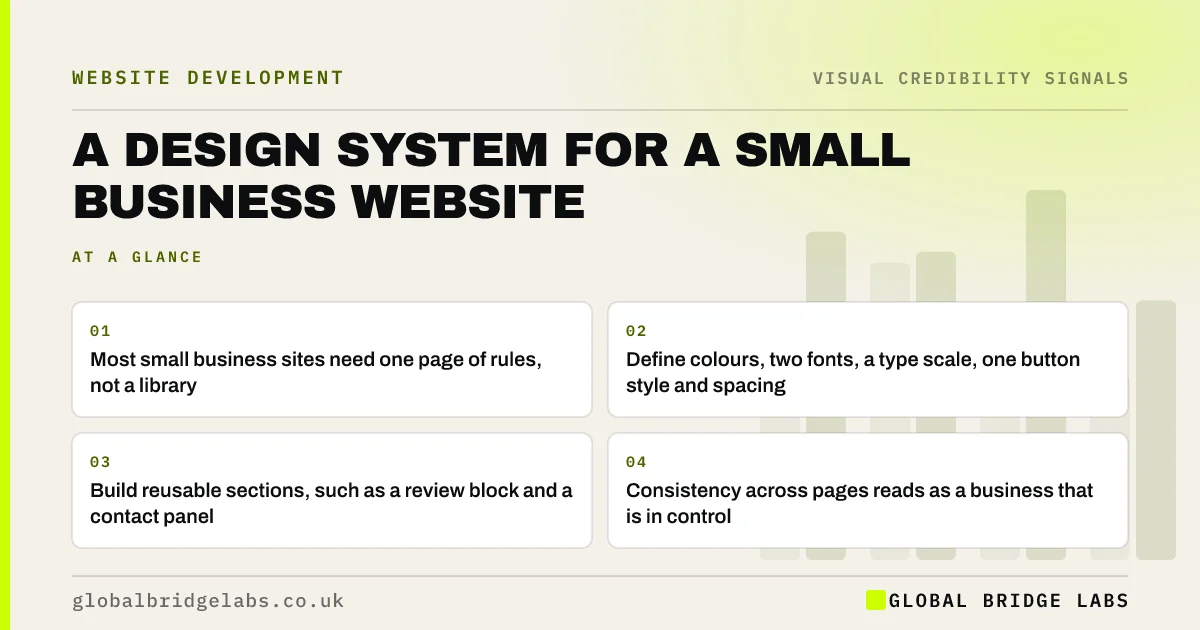
- Most small business sites need one page of rules, not a library.
- Define colours, two fonts, a type scale, one button style and spacing.
- Build reusable sections, such as a review block and a contact panel.
- Consistency across pages reads as a business that is in control.
Want a one-page design system for your site? Message us on WhatsApp.
Chat on WhatsApp →What is a design system?
A design system is a documented set of visual rules and reusable interface components used to build pages consistently. Large organisations, such as GOV.UK, publish extensive ones. For a small business, it can be a single page listing colours, fonts, heading sizes, button styles and spacing, plus the reusable sections in the website builder or code.
Why does consistency affect credibility?
Consistency affects credibility because inconsistency looks improvised. When buttons change shape between pages, headings change size and spacing varies, visitors sense that nobody is in charge of the details. The Web Content Accessibility Guidelines also ask for consistent identification: the same function labelled and shown the same way everywhere.
What should a small business design system include?
Keep it to what you actually use. Each rule should answer a question a future editor would otherwise guess at.
- Colours: primary, neutrals, one accent, with contrast-checked text pairs.
- Type: two fonts, five heading and body sizes, line height.
- Buttons: one primary style, one secondary, one link style.
- Spacing: three or four standard gaps used everywhere.
- Sections: hero, service card, review block, case study, contact panel.
- Images: sizes, ratios and what each type is for.
- Choosing a website colour scheme: mistakes to avoid
- Website typography mistakes that make pages hard to read
Want your site's rules written up and built in? Message us on WhatsApp and we will discuss your requirements.
Chat on WhatsApp →How do you keep it in use?
Build the rules into the site so the easy path is the right one. In WordPress, Shopify or a page builder, set global colours and fonts and save reusable sections. Name an owner who checks new pages against the rules. Review twice a year, because drift creeps in with every quick edit.
When is a design system overkill?
A formal system is overkill for a five-page site that rarely changes. Even then, write down the colours, fonts and button style, because someone will eventually add a page. It becomes essential once several people edit the site or you add pages often, such as a blog or location pages.
What does this look like in practice?
A pattern we see: after three years of edits by different people, a site has seven button styles and four shades of the brand colour. Agreeing one page of rules, setting them as global styles and replacing the old components brings the whole site back into line in about a week.
Design system checklist
- List the colours, fonts and button styles currently in use.
- Choose one of each and document them.
- Set them as global styles in your platform.
- Save reusable sections for common content.
- Name an owner and review twice a year.
Next step
Count the button styles on your site. If there is more than two, that is your first consistency fix.
Message us on WhatsApp for a consistency review, or book a 30-minute consultation.
Chat on WhatsApp →Sources and further reading
- Government design principles · GOV.UK
- Web Content Accessibility Guidelines (WCAG) 2.2 · W3C
- Visual hierarchy in UX: definition · Nielsen Norman Group
Frequently asked questions
Does a small business need a design system?
It needs a simple one: a page of rules for colours, fonts, buttons and spacing, and a few reusable sections. That is enough to keep pages consistent as the site grows and different people edit it. A large component library is rarely needed.
What is the difference between brand guidelines and a design system?
Brand guidelines cover the brand across everything: logo, colours, voice, print and signage. A design system covers how the brand is applied in digital interfaces: buttons, layouts, components and spacing. Small businesses can combine both in one short document.
How do I make my website look consistent?
Use one set of colours, two fonts, one main button style and standard spacing, set as global styles in your platform. Build reusable sections for repeated content and check new pages against the rules before publishing.
Written by

Global Bridge Labs (GBL) is a UK–Sri Lanka partner for social media, websites and BPO. Everything here comes from client delivery, not theory.


