
On this page
- 01Key takeaways
- 02What is parallax scrolling?
- 03Why can parallax hurt usability?
- 04Why is scroll hijacking especially bad?
- 05Why should content not wait to animate in?
- 06What does reduced motion mean?
- 07When is motion worth keeping?
- 08What does this look like in practice?
- 09Motion checklist
- 10Next step
- 11Sources and further reading
- 12Frequently asked questions
Key takeaways
Parallax scrolling, where background and foreground move at different speeds, and scroll-triggered animations can make a site feel polished. On business websites they more often slow pages, delay content and cause discomfort for people sensitive to motion. Scroll hijacking, where the page takes control of scrolling, is the worst offender. Use motion sparingly and respect reduced-motion settings.
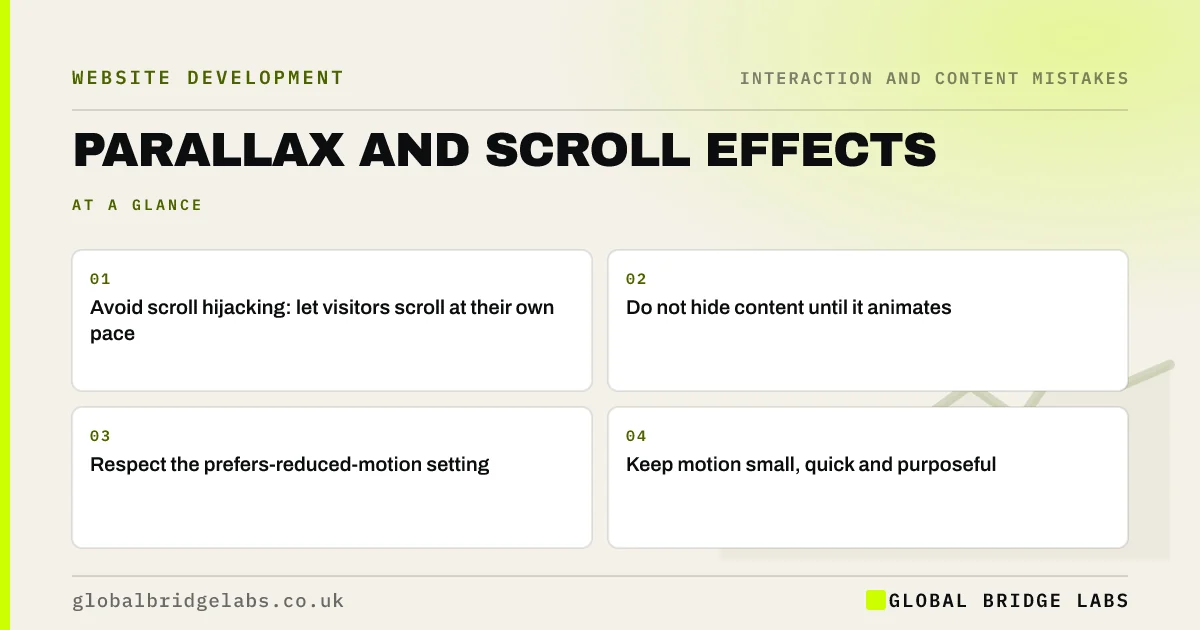
- Avoid scroll hijacking: let visitors scroll at their own pace.
- Do not hide content until it animates in.
- Respect the prefers-reduced-motion setting.
- Keep motion small, quick and purposeful.
Want your scroll effects reviewed? Message us on WhatsApp.
Chat on WhatsApp →What is parallax scrolling?
Parallax scrolling is a design technique where background images move more slowly than foreground content as the visitor scrolls, creating a sense of depth. Related effects include sections that fade or slide in as they enter the screen and scroll hijacking, where each scroll movement jumps to the next full-screen section.
Why can parallax hurt usability?
Nielsen Norman Group's review of parallax found the effect can be distracting and can make content harder to read, while adding little for most sites. It often relies on heavy scripts and large images, which slow pages on mid-range phones. And the sense of movement can cause nausea or dizziness for people with vestibular disorders.
Why is scroll hijacking especially bad?
Scroll hijacking overrides the visitor's control. A small scroll jumps a whole screen, trackpads and mouse wheels behave unpredictably and it is hard to go back to something just read. Visitors feel the site is fighting them. Let scrolling behave normally.
Why should content not wait to animate in?
Sections that start invisible and fade in on scroll can leave blank areas if the script is slow or fails, and visitors who scroll quickly see empty space. Search engines and screen readers may also struggle with content that depends on animation. Make content visible by default and add motion on top, if at all.
Want motion that adds polish without the cost? Message us on WhatsApp and we will discuss your requirements.
Chat on WhatsApp →What does reduced motion mean?
Operating systems let people ask for reduced motion, and websites can detect this with the prefers-reduced-motion media query. WCAG's Animation from Interactions criterion (level AAA) recommends that motion triggered by interaction can be turned off. Honour the setting by switching off parallax and non-essential animation for those visitors.
When is motion worth keeping?
Small, quick motion that explains something is worth keeping: a menu sliding open, a confirmation tick after a form is sent, a hover state on a button. These help visitors understand what happened. Decorative motion that exists to impress is the first thing to cut.
What does this look like in practice?
A pattern we see: every section on a homepage fades in as it scrolls into view, and on a mid-range phone visitors scroll faster than the animations, seeing blank space. Making the content visible by default fixes it with no visible loss of polish.
Motion checklist
- Remove scroll hijacking.
- Make content visible without animation.
- Honour prefers-reduced-motion.
- Keep parallax light, or remove it.
- Keep motion that explains an action.
- Test on a mid-range phone.
Next step
Scroll your homepage quickly on a phone and note anything that is blank, jumpy or slow to appear.
Message us on WhatsApp for a motion review, or book a 30-minute consultation.
Chat on WhatsApp →Sources and further reading
- What parallax lacks · Nielsen Norman Group
- prefers-reduced-motion · MDN Web Docs
- Understanding SC 2.3.3: Animation from Interactions · W3C Web Accessibility Initiative
- How to create high-performance CSS animations · web.dev (Google)
Frequently asked questions
Is parallax scrolling bad for websites?
Not always, but it rarely helps business sites. It can distract, slow pages and cause discomfort for people sensitive to motion. If you use it, keep it subtle and turn it off for visitors who have reduced motion enabled.
What is scroll hijacking?
Scroll hijacking is when a website overrides normal scrolling, for example jumping a full screen with each small scroll or changing scroll speed. It takes control away from visitors and usually makes sites frustrating to use.
Do scroll animations affect SEO?
They can if content is hidden until an animation runs and the script fails or is slow. Keep content visible in the HTML by default, and treat animation as a light layer on top.
Written by

Global Bridge Labs (GBL) is a UK–Sri Lanka partner for social media, websites and BPO. Everything here comes from client delivery, not theory.


