
On this page
- 01Key takeaways
- 02Why do design trends cost enquiries?
- 03Which trends cause the most problems?
- 04How do you use a trend safely?
- 05How do you check a trend before launch?
- 06When can a bold design pay off?
- 07What does this look like in practice?
- 08Design trends checklist
- 09Next step
- 10Sources and further reading
- 11Frequently asked questions
Key takeaways
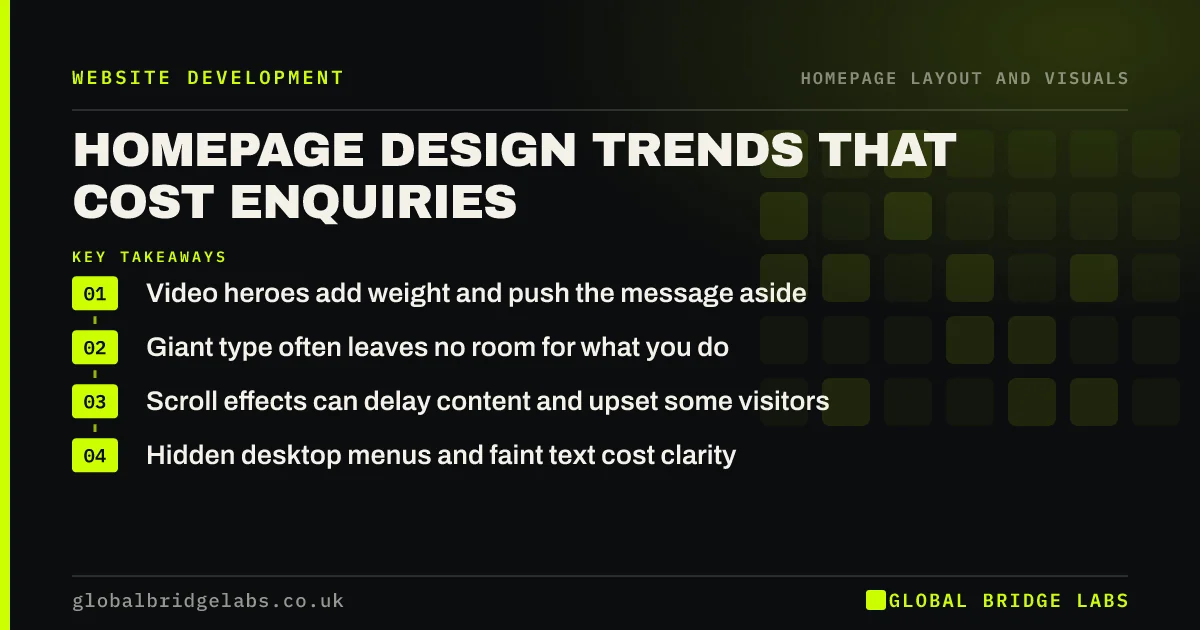
The homepage design trends that most often cost enquiries are full-screen video heroes, giant headline type with no description, scroll-triggered animation, hidden navigation on desktop and low-contrast minimalism. They look good in a portfolio but slow the page, hide the message or the next step. Borrow the style, not the trade-offs.
- Video heroes add weight and push the message aside.
- Giant type often leaves no room for what you do.
- Scroll effects can delay content and upset some visitors.
- Hidden desktop menus and faint text cost clarity.
Planning a trendy new homepage? Message us on WhatsApp before you build.
Chat on WhatsApp →Why do design trends cost enquiries?
Trends cost enquiries when they are chosen for how a page looks in a screenshot rather than how it works for a visitor in a hurry. Many trends come from brands with huge recognition and budgets, where the homepage does not need to explain anything. Small businesses do not have that luxury.
Which trends cause the most problems?
These are the ones we most often see working against small business homepages.
- Full-screen background video: heavy, often silent and meaningless, delays the message.
- Giant headline type: looks bold, leaves no room for a description.
- Scroll-triggered animation: content appears late or jumps.
- Hamburger menus on desktop: hides navigation that has plenty of room.
- Light grey text on white: elegant and hard to read.
How do you use a trend safely?
Keep the look and remove the cost. Use a still image instead of video. Pair big type with a clear subheadline. Animate small details, not whole sections, and respect the reduced-motion setting. Keep visible navigation on desktop. Check text contrast against WCAG's 4.5:1 for normal text.
How do you check a trend before launch?
Test the design with five people from your target market and ask them what you do and what they would click. Run the page through PageSpeed Insights on mobile. If either test shows the message or speed suffering, simplify before launch, not after the enquiries drop.
When can a bold design pay off?
Bold design pays off for creative businesses whose design is the product, such as studios and venues, and for premium brands where looking different is part of the value. Even then, the message and next step must survive the style.
What does this look like in practice?
A pattern we see: a new homepage with a video hero, giant one-word headline and animated sections, signed off on a fast office laptop. On a mid-range phone, the headline appears after several seconds and the button is below the fold. Swapping the video for a still and adding a subheadline usually recovers most of the loss.
Design trends checklist
- Replace background video with a still image.
- Pair any big headline with a clear subheadline.
- Limit animation and respect reduced motion.
- Keep visible navigation on desktop.
- Check text contrast meets 4.5:1.
- Test on a mid-range phone before sign-off.
Next step
Run your homepage through PageSpeed Insights on mobile and list any trend features that appear in its suggestions. Start with the heaviest.
Message us on WhatsApp for a trend check, or book a 30-minute consultation.
Chat on WhatsApp →Sources and further reading
- Hamburger menus and hidden navigation hurt UX metrics · Nielsen Norman Group
- Understanding SC 1.4.3: Contrast (Minimum) · W3C
- Understanding SC 2.3.3: Animation from Interactions · W3C Web Accessibility Initiative
- PageSpeed Insights · Google
Frequently asked questions
Do website design trends affect conversion?
They can. Trends such as video heroes, giant type without description, heavy animation and hidden menus often slow the page or hide the message and next step. Keep the style you like but remove the parts that delay understanding or action.
Is a video background bad for a homepage?
Often, for small businesses. It adds weight, can delay the headline and rarely shows anything buyers need. A still image of your real work usually loads faster and communicates more. If you use video, make it light, muted and not essential.
Are hamburger menus bad on desktop?
Generally yes. On desktop there is room to show the main links, and hiding them behind an icon makes navigation less discoverable. On mobile a menu icon is normal, but keep the main action visible outside it.
Written by

Global Bridge Labs (GBL) is a UK–Sri Lanka partner for social media, websites and BPO. Everything here comes from client delivery, not theory.


