
On this page
- 01Key takeaways
- 02When does a horizontal top menu work best?
- 03When does a vertical side menu work best?
- 04Can you combine both?
- 05What happens on phones?
- 06What are the trade-offs?
- 07What does this look like in practice?
- 08Layout checklist
- 09Next step
- 10Sources and further reading
- 11Frequently asked questions
Key takeaways
A horizontal top menu suits most business websites: it is familiar, uses little space and fits five to seven items. A vertical side menu suits sites with many sections or long section lists, such as help centres, documentation and large catalogues. Many sites combine them: a top menu for the whole site and a side menu within a section.
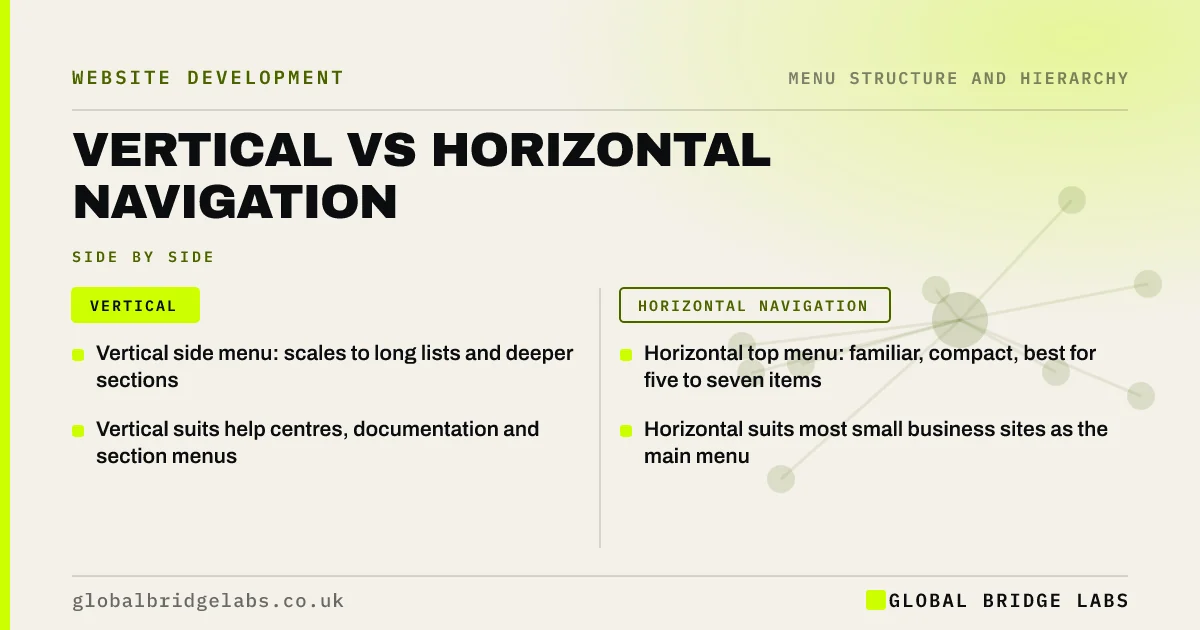
- Vertical side menu: scales to long lists and deeper sections.
- Horizontal top menu: familiar, compact, best for five to seven items.
- Vertical suits help centres, documentation and section menus.
- Horizontal suits most small business sites as the main menu.
Want to know which layout suits your page count? Message us on WhatsApp.
Chat on WhatsApp →When does a horizontal top menu work best?
A horizontal menu works best when the site has a handful of main sections with short labels, which describes most small business sites. It is the convention visitors expect, keeps the content area full width and leaves room for a logo and a header action. It struggles when labels are long or there are more than about seven items.
When does a vertical side menu work best?
A vertical menu works best when there are many items or long labels, because a column can grow downwards without wrapping. Nielsen Norman Group notes vertical navigation scales better and is easier to scan for long lists. It suits help centres, documentation, account areas and section menus within larger sites.
Can you combine both?
Yes, and many well-structured sites do. The top menu carries the main sections across the whole site; a side menu inside each large section lists its pages, with the current one highlighted. Visitors get the overview and the local detail without either menu getting long.
Want a combined top and side menu planned for your site? Message us on WhatsApp and we will discuss your requirements.
Chat on WhatsApp →What happens on phones?
On phones, a side menu has no room, so both usually collapse behind a menu button or turn into a compact list at the top of the section. Make sure the section menu is still reachable and labelled, rather than disappearing on small screens.
What are the trade-offs?
Side menus take horizontal space from content, which matters on laptops. Top menus limit the number of items. Hiding a top menu behind a hamburger icon on desktop to save space is usually the worst of both, because visitors use hidden menus less.
What does this look like in practice?
A pattern we see: a firm with 40 guides lists them all in a top menu dropdown that scrolls off the screen. Moving the guides to a hub page with a side menu grouped by topic, and keeping the top menu to five items, makes both easier to use.
Layout checklist
- Top menu for five to seven main sections.
- Side menu for long lists within a section.
- Highlight the current page in both.
- Keep section menus reachable on phones.
- Do not hide the top menu on desktop.
Next step
Count your top-level items and longest section. That tells you whether you need a side menu.
Message us on WhatsApp for a navigation layout review, or book a 30-minute consultation.
Chat on WhatsApp →Sources and further reading
- Menu-design checklist: 17 UX guidelines · Nielsen Norman Group
- Local navigation is a valuable orientation and wayfinding aid · Nielsen Norman Group
- Hamburger menus and hidden navigation hurt UX metrics · Nielsen Norman Group
Frequently asked questions
Is a top menu or side menu better?
For most business sites with a few main sections, a top menu is better because it is familiar and compact. For sites with many sections or long lists, such as help centres, a side menu scales better. Large sites often use both.
Do side menus work on mobile?
Not as a sidebar, because there is no room. On phones, collapse the side menu into a labelled list or dropdown at the top of the section, and keep it easy to reach.
How many items fit in a horizontal menu?
Usually five to seven with short labels before it wraps or crowds the logo and header action. If you need more, group items under dropdowns or move some to a section or footer menu.
Written by

Global Bridge Labs (GBL) is a UK–Sri Lanka partner for social media, websites and BPO. Everything here comes from client delivery, not theory.


