
On this page
- 01Key takeaways
- 02What is section navigation?
- 03Why does section navigation help?
- 04How should section navigation look?
- 05How is it different from breadcrumbs?
- 06When is section navigation unnecessary?
- 07What does this look like in practice?
- 08Section navigation checklist
- 09Next step
- 10Sources and further reading
- 11Frequently asked questions
Key takeaways
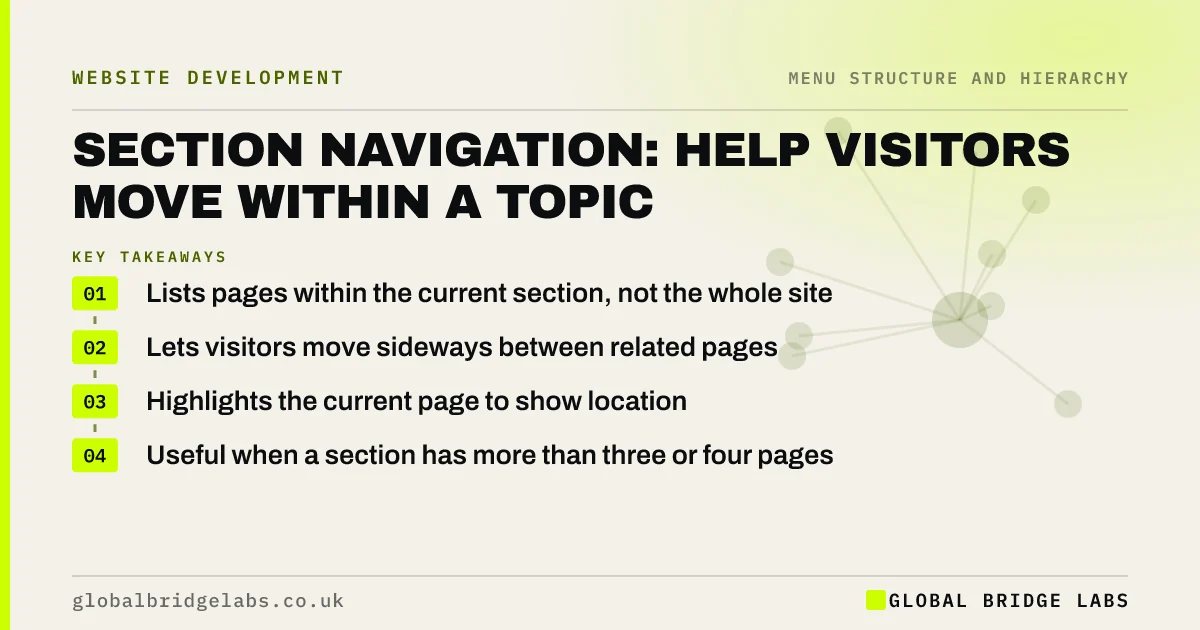
Section navigation, also called local navigation, is a menu that lists the pages within the section a visitor is in, such as all the treatments in a clinic's skin section. It lets visitors move sideways between related pages without going back to the main menu, and shows where they are. Add it when a section has more than three or four pages.
- Lists pages within the current section, not the whole site.
- Lets visitors move sideways between related pages.
- Highlights the current page to show location.
- Useful when a section has more than three or four pages.
Want to know which sections of your site need their own menu? Message us on WhatsApp.
Chat on WhatsApp →What is section navigation?
Section navigation is a secondary menu showing the pages that belong to the current section of a site, usually displayed beside or above the content. Nielsen Norman Group describes local navigation as a valuable orientation and wayfinding aid, because it shows nearby content and the visitor's place within it.
Why does section navigation help?
Visitors comparing options want to move between related pages: one service and the next, one location and another. Without section navigation, they must go back to the main menu or the hub page each time. A local menu keeps the options in view and makes comparison easy.
How should section navigation look?
A short list with a heading naming the section, the current page highlighted, placed consistently in every page of that section. On desktop, a column beside the content works well; on phones, a compact list above or below the content, or a dropdown labelled with the section name.
- Heading that names the section.
- Current page highlighted.
- Same position on every page in the section.
- Compact version on phones.
- Only pages within the section.
How is it different from breadcrumbs?
Breadcrumbs show the path upwards, from the homepage to the current page. Section navigation shows the pages beside the current one. They work well together on deeper sites: breadcrumbs answer 'where am I?', section menus answer 'what else is here?'.
Want section menus and breadcrumbs planned together? Message us on WhatsApp and we will discuss your requirements.
Chat on WhatsApp →When is section navigation unnecessary?
Small sites with a handful of pages per section do not need it; the main dropdown already shows the options. Adding it there just repeats links. Use contextual links between related pages instead.
What does this look like in practice?
A pattern we see: a law firm has eight pages on family law, each reachable only from the main dropdown. Visitors reading about divorce cannot see the related pages on finances and children. A family law section menu on each page links the eight together.
Section navigation checklist
- Add it to sections with four or more pages.
- Name the section in a heading.
- Highlight the current page.
- Keep the same position on every page.
- Pair with breadcrumbs on deeper sites.
Next step
Find your largest section and check whether visitors can move between its pages directly.
Message us on WhatsApp for a navigation review, or book a 30-minute consultation.
Chat on WhatsApp →Sources and further reading
- Local navigation is a valuable orientation and wayfinding aid · Nielsen Norman Group
- Breadcrumbs: 11 design guidelines for desktop and mobile · Nielsen Norman Group
- Understanding WCAG 2.2 success criterion 2.4.8: Location · W3C
Frequently asked questions
What is local navigation on a website?
Local navigation is a menu listing the pages within the section a visitor is currently in. It helps them move between related pages and shows where they are. It is also called section navigation or sub-navigation.
Where should section navigation go?
On desktop, usually in a column to the left of the content or as a row above it. On phones, as a compact list or a labelled dropdown near the top of the content. Keep the position the same across the section.
Do small websites need section navigation?
Usually not. If each section has only two or three pages and they are all in the main dropdown, a section menu repeats links. Contextual links between related pages do the job better.
Written by

Global Bridge Labs (GBL) is a UK–Sri Lanka partner for social media, websites and BPO. Everything here comes from client delivery, not theory.


