
On this page
Key takeaways
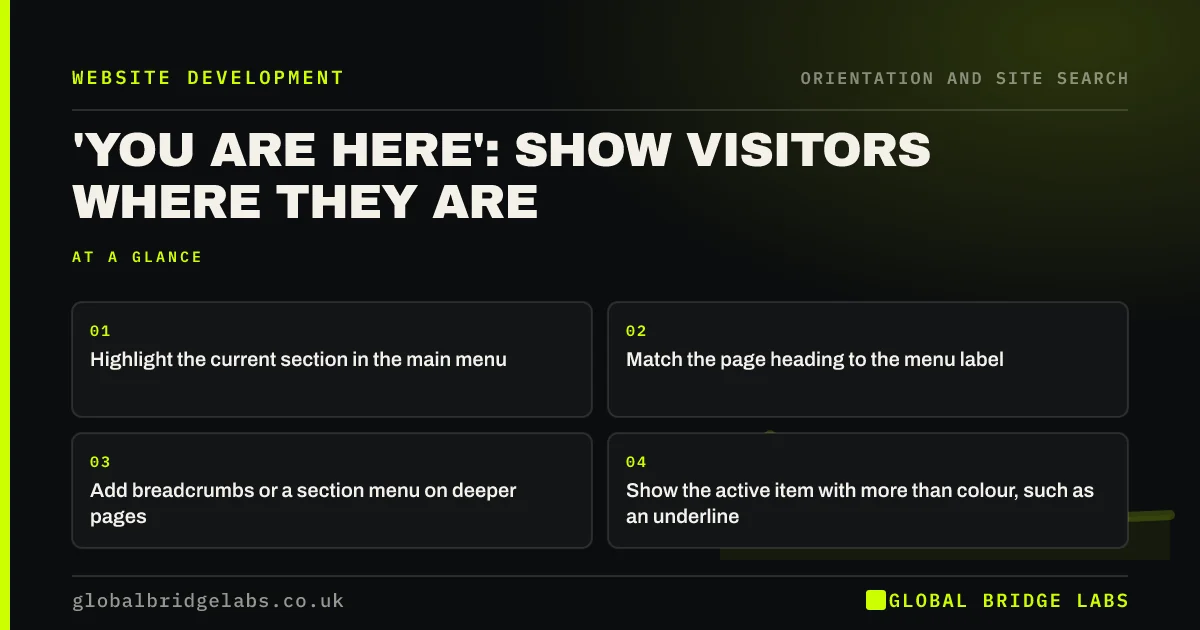
Visitors need to know where they are, especially when they arrive from search on a page deep in the site. Highlight the current section in the main menu, give the page a heading that matches the menu label, and add breadcrumbs or a section menu on deeper pages. Use more than colour alone to show the active item.
- Highlight the current section in the main menu.
- Match the page heading to the menu label.
- Add breadcrumbs or a section menu on deeper pages.
- Show the active item with more than colour, such as an underline.
Want to check whether visitors can tell where they are on your site? Message us on WhatsApp.
Chat on WhatsApp →Why do visitors need to know where they are?
Many visitors arrive on an inner page from search, an ad or a shared link, not on the homepage. Without cues, they cannot tell what section they are in or what else the site offers. Nielsen Norman Group's guidance on 'you are here' cues says navigation should show users their current location so they can orient themselves.
How do you show the current page?
Combine several small cues, because each helps a different visitor. Together they answer 'where am I?' at a glance.
- The current menu item underlined, bolded or boxed.
- A page heading that matches the menu label.
- A descriptive page title in the browser tab.
- Breadcrumbs on pages two or more levels deep.
- A section menu with the current page highlighted.
What does WCAG say?
WCAG 2.2 success criterion 2.4.8, Location, at level AAA, asks for information about the user's location within a set of pages, such as breadcrumbs or a site map. Success criterion 1.4.1, Use of Colour, means the active item should not be shown by colour alone. Screen readers can announce the active item if it is marked with aria-current.
Want location cues added across your site? Message us on WhatsApp and we will discuss your requirements.
Chat on WhatsApp →What about dropdown sections?
When the current page sits inside a dropdown, highlight its parent item in the main menu, so visitors can see which section they are in without opening anything. Inside the dropdown, highlight the page itself. This is one of the most commonly missed cues.
What does this look like in practice?
A pattern we see: a visitor lands from search on a page about commercial boilers. The menu shows no active item and the heading reads 'Reliable heat for your business'. They cannot tell if they are under services, sectors or blog. Highlighting 'Commercial' in the menu and adding breadcrumbs answers it instantly.
Location cues checklist
- Active section highlighted in the main menu.
- Parent highlighted when the page is in a dropdown.
- Heading matches the menu label.
- Breadcrumbs on deeper pages.
- Active state not shown by colour alone.
- aria-current on the active link.
Next step
Open a deep page on your site in a private window and ask: what section am I in?
Message us on WhatsApp for a navigation review, or book a 30-minute consultation.
Chat on WhatsApp →Sources and further reading
- Navigation: You are here · Nielsen Norman Group
- Understanding WCAG 2.2 success criterion 2.4.8: Location · W3C
- Understanding SC 1.4.1: Use of Color · W3C
Frequently asked questions
Should the current page be highlighted in the menu?
Yes. Highlighting the active menu item, and its parent when the page sits in a dropdown, tells visitors where they are at a glance. Use an underline, bold or box as well as colour so everyone can see it.
What is aria-current?
aria-current is an HTML attribute that tells assistive technologies which link represents the current page. Adding aria-current="page" to the active menu link lets screen readers announce it as the current page.
Do I need breadcrumbs to show location?
On small sites with one level of pages, a highlighted menu item and clear heading are enough. On sites with two or more levels, breadcrumbs add a clear path and a way back up.
Written by

Global Bridge Labs (GBL) is a UK–Sri Lanka partner for social media, websites and BPO. Everything here comes from client delivery, not theory.


