
On this page
- 01Key takeaways
- 02What is a hamburger menu?
- 03Why is a hamburger menu a mistake on desktop?
- 04What does it cost a business?
- 05When is a hamburger acceptable on desktop?
- 06How do you show a visible menu without clutter?
- 07Where should the switch to a hamburger happen?
- 08What does this look like in practice?
- 09Desktop navigation checklist
- 10Next step
- 11Sources and further reading
- 12Frequently asked questions
Key takeaways
A hamburger menu on desktop hides your services behind an icon even though the screen has room to show them. Nielsen Norman Group's testing found hidden navigation reduces how often people use the menu and makes tasks slower on desktop. Show the main menu as visible links on desktop and keep the hamburger for small screens.
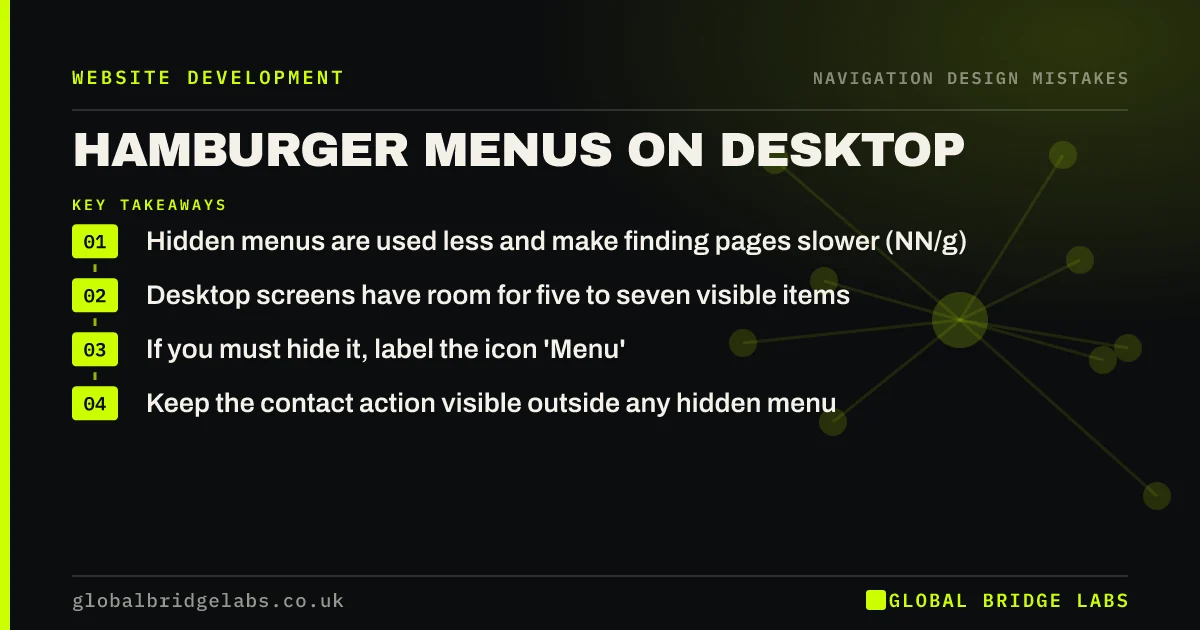
- Hidden menus are used less and make finding pages slower (NN/g).
- Desktop screens have room for five to seven visible items.
- If you must hide it, label the icon 'Menu'.
- Keep the contact action visible outside any hidden menu.
Want a visible menu that still looks clean? Message us on WhatsApp.
Chat on WhatsApp →What is a hamburger menu?
A hamburger menu is a navigation menu hidden behind an icon of three horizontal lines, opened by clicking or tapping. It was designed to save space on phones. On desktop it became a style choice, used to make headers look minimal.
Why is a hamburger menu a mistake on desktop?
Out of sight is out of mind. Visible menu links tell visitors at a glance what you offer, act as a summary of the business and invite exploration. Hidden behind an icon, they do none of that. Nielsen Norman Group found hidden navigation was used less often and lowered task performance on desktop compared with visible navigation.
What does it cost a business?
Visitors who land on the homepage and see no menu have to guess what is on the site. Some will open the icon; others will scroll, miss the service they wanted and leave. Visitors arriving on an inner page from search lose the quickest way to see what else you offer.
When is a hamburger acceptable on desktop?
It can be acceptable on sites where the menu is secondary, such as a single-page portfolio, or as an extra menu for secondary links alongside a visible primary menu. Even then, label it with the word 'Menu' beside the icon, which makes it easier to recognise.
How do you show a visible menu without clutter?
Cut the menu to five to seven items first. Then a visible menu fits comfortably in most desktop headers. Group services under one dropdown, move secondary pages to the footer and keep one contact button on the right.
Want your header redesigned around a visible menu? Message us on WhatsApp and we will discuss your requirements.
Chat on WhatsApp →Where should the switch to a hamburger happen?
Switch to a hamburger only when the visible menu no longer fits: usually on phones and some small tablets. Test the breakpoint on a real tablet and a small laptop; many sites switch too early and hide the menu on screens that could easily show it.
What does this look like in practice?
A pattern we see: a sleek desktop header shows only a logo and a hamburger icon, and visitors cannot tell from the first screen that the business offers four distinct services. Showing those services as visible menu items makes the offer clear before anyone scrolls.
Desktop navigation checklist
- Show the main menu as visible links on desktop.
- Cut it to five to seven items.
- Keep the contact button visible.
- Label any hidden menu icon 'Menu'.
- Switch to a hamburger only when space runs out.
- Test on a tablet and a small laptop.
Next step
Open your site on a laptop. If the menu is hidden, list the items it contains and see whether they would fit visibly.
Message us on WhatsApp for a header review, or book a 30-minute consultation.
Chat on WhatsApp →Sources and further reading
- Hamburger menus and hidden navigation hurt UX metrics · Nielsen Norman Group
- Hick's Law: designing long menu lists · Nielsen Norman Group
- SEO link best practices for Google · Google Search Central
Frequently asked questions
Should I use a hamburger menu on desktop?
Usually not. Desktop screens have room to show five to seven menu items, and Nielsen Norman Group found hidden navigation is used less and slows people down. Show the menu visibly on desktop and use a hamburger only on small screens.
Are hamburger menus bad for usability?
They are a reasonable compromise on phones, where space is short. On desktop they hide navigation unnecessarily. Wherever you use one, labelling the icon 'Menu' and keeping the main contact action visible helps.
Does a hamburger menu affect SEO?
Links inside a hamburger menu can still be crawled if they are in the page's HTML. The bigger cost is to visitors, who see fewer cues about what the site offers and explore less.
Written by

Global Bridge Labs (GBL) is a UK–Sri Lanka partner for social media, websites and BPO. Everything here comes from client delivery, not theory.


