
On this page
- 01Key takeaways
- 02Should dropdowns open on hover or click?
- 03How should dropdowns behave on touch screens?
- 04How should dropdowns work with a keyboard?
- 05What design details matter?
- 06When should you avoid dropdowns altogether?
- 07What does this look like in practice?
- 08Dropdown checklist
- 09Next step
- 10Sources and further reading
- 11Frequently asked questions
Key takeaways
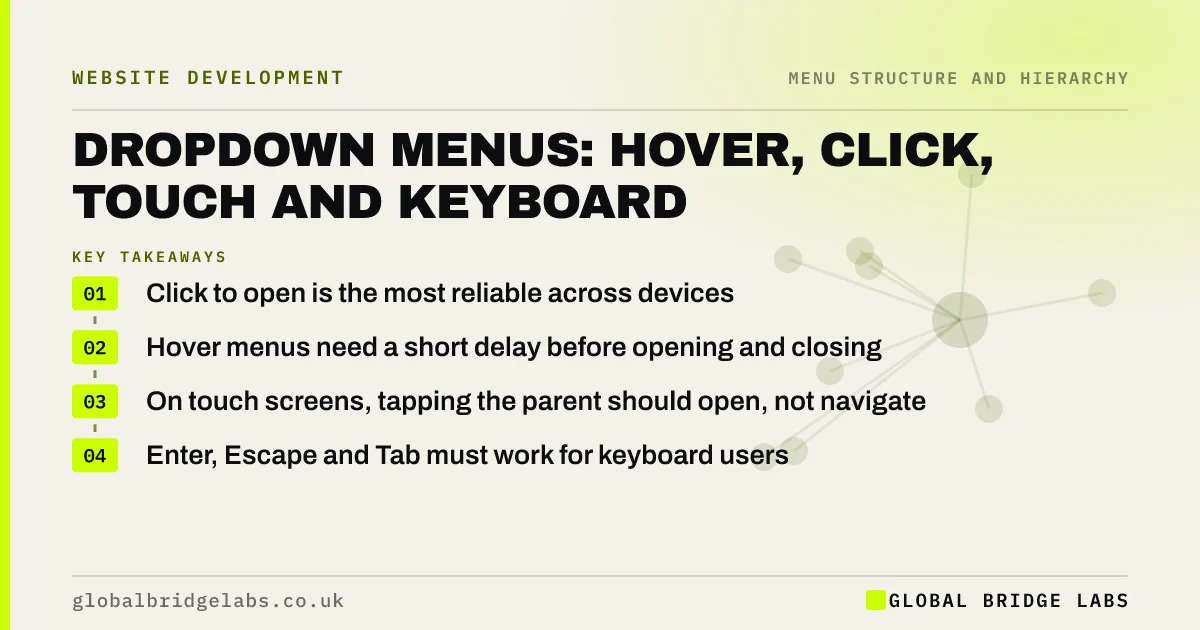
Dropdown menus work when they open predictably, stay open while visitors move into them and work the same for mouse, touch and keyboard users. Opening on click is the most reliable choice; hover can work on desktop with short delays. On touch screens the parent must open the dropdown, not navigate away, and keyboard users must be able to open and close it.
- Click to open is the most reliable across devices.
- Hover menus need a short delay before opening and closing.
- On touch screens, tapping the parent should open, not navigate.
- Enter, Escape and Tab must work for keyboard users.
Want your dropdowns tested on mouse, touch and keyboard? Message us on WhatsApp.
Chat on WhatsApp →Should dropdowns open on hover or click?
Click is the more reliable choice because it behaves the same on every device and only opens when the visitor asks. Hover can be quicker for mouse users, but menus that open the moment the pointer crosses them get in the way. Nielsen Norman Group's dropdown guidelines recommend short delays so menus do not open or close by accident.
How should dropdowns behave on touch screens?
Touch screens have no hover. If the parent item is both a link and a dropdown trigger, a tap may navigate before the visitor sees the options. Make the first tap open the dropdown, or use a separate arrow button, and put a link to the section overview inside the dropdown. Test on a real tablet.
How should dropdowns work with a keyboard?
Keyboard users must be able to open the dropdown with Enter or Space, move through its links with Tab, and close it with Escape. WCAG 2.2 success criterion 1.4.13 asks that content appearing on hover or focus can be dismissed, stays visible while the pointer is over it and does not vanish unexpectedly.
What design details matter?
Small details decide whether dropdowns feel solid or fiddly.
- An arrow or chevron showing the item opens a menu.
- Enough width for full labels without wrapping.
- No gap between parent and dropdown where the pointer falls through.
- Full-width clickable items, not just the text.
- One level only; avoid fly-outs within fly-outs.
- A clear close action on touch screens.
Want your dropdowns fixed without a redesign? Message us on WhatsApp and we will discuss your requirements.
Chat on WhatsApp →When should you avoid dropdowns altogether?
If you have only a few pages, show them all as top-level items. Dropdowns add a step and hide options, so they should earn their place by grouping related pages. Avoid putting the most important page, such as contact or prices, inside one.
What does this look like in practice?
A pattern we see: a 'Services' dropdown opens on hover, closes the instant the pointer drifts and navigates to an empty page when tapped on an iPad. Switching to click-to-open, adding a chevron and putting a 'All services' link inside fixes desktop, tablet and keyboard use together.
Dropdown checklist
- Open on click, or hover with delays.
- Show a chevron on parent items.
- First tap opens on touch screens.
- Enter opens, Escape closes, Tab moves.
- One level only.
- Test on mouse, tablet and keyboard.
Next step
Try your dropdowns on a tablet and with only a keyboard, and note anything that fails.
Message us on WhatsApp for a dropdown review, or book a 30-minute consultation.
Chat on WhatsApp →Sources and further reading
- Dropdowns: design guidelines · Nielsen Norman Group
- Understanding WCAG 2.2 success criterion 1.4.13: Content on Hover or Focus · W3C
- Menus tutorial · W3C Web Accessibility Initiative
Frequently asked questions
Are hover dropdown menus bad?
Not always, but they are fragile. They do not work on touch screens, can open by accident and can close before the pointer reaches them. If you use hover, add delays, support click and keyboard as well, and test on tablets.
How do I make a dropdown menu accessible?
Use a real button to open it, make it work with Enter, Space, Tab and Escape, show visible focus, keep it open while users move into it and make it dismissible. The W3C's menus tutorial explains the patterns in detail.
Should the parent of a dropdown be a link?
It can be, but on touch screens that causes problems. A common solution is to make the parent open the dropdown and include a link to the section overview as the first item inside it.
Written by

Global Bridge Labs (GBL) is a UK–Sri Lanka partner for social media, websites and BPO. Everything here comes from client delivery, not theory.


