
On this page
- 01Key takeaways
- 02What is primary navigation?
- 03What counts as secondary navigation?
- 04How do you decide what goes where?
- 05How should the menus look different?
- 06What are the common mistakes?
- 07What does this look like in practice?
- 08Primary and secondary checklist
- 09Next step
- 10Sources and further reading
- 11Frequently asked questions
Key takeaways
Primary navigation is the main menu holding the pages most visitors come for: services, prices, proof, about and contact. Secondary navigation covers everything else: utility links such as login and search, section menus within a topic, contextual links in copy and the footer. Keeping them distinct stops the main menu growing until nothing stands out.
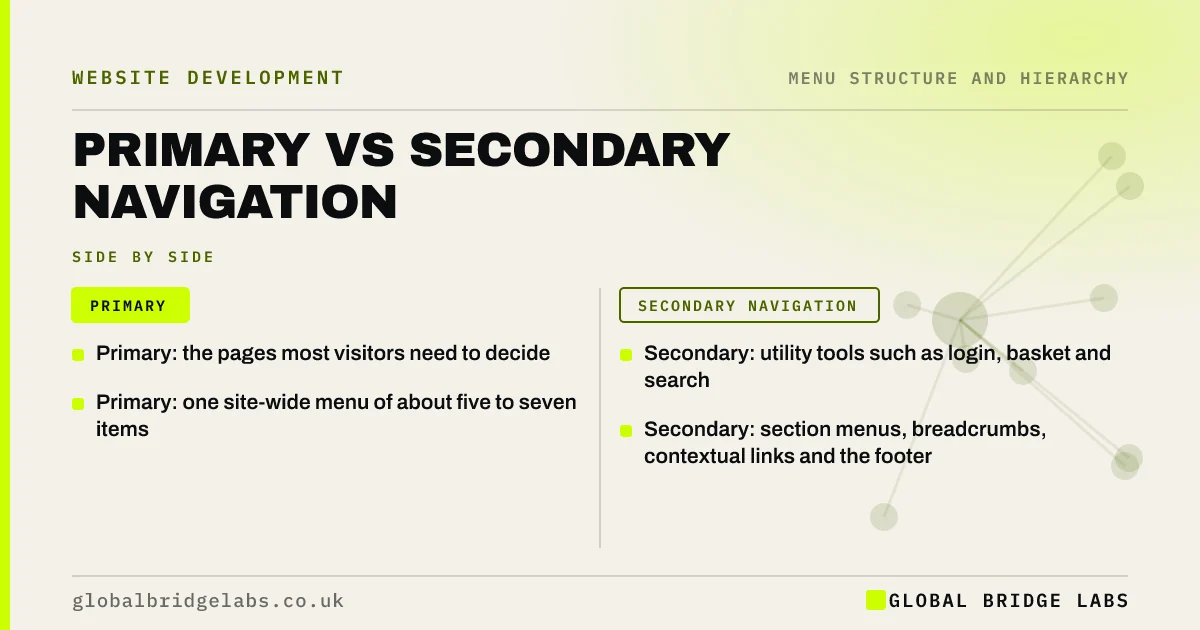
- Primary: the pages most visitors need to decide.
- Secondary: utility tools such as login, basket and search.
- Primary: one site-wide menu of about five to seven items.
- Secondary: section menus, breadcrumbs, contextual links and the footer.
Want your pages sorted into the right menus? Message us on WhatsApp.
Chat on WhatsApp →What is primary navigation?
Primary navigation is the site-wide main menu, usually across the top of every page, linking to the sections that matter most to most visitors. On a business site that usually means services, prices or fees, projects or reviews, about and contact. It is the map of what the business offers.
What counts as secondary navigation?
Secondary navigation is any navigation that is not the main menu. Each type has a job.
- Utility navigation: login, basket, search, language, phone.
- Section or local navigation: pages within one topic.
- Breadcrumbs: the path from the homepage.
- Contextual links: links within page copy.
- Footer navigation: policies, careers, sitemap, contact details.
How do you decide what goes where?
Ask how many visitors need the page and when. If most visitors need it to decide, it goes in the primary menu. If a minority need it occasionally, it goes in the footer. If visitors need it only while in a section, it goes in section navigation. Tools go in the utility area.
Want a page-by-page navigation map? Message us on WhatsApp and we will discuss your requirements.
Chat on WhatsApp →How should the menus look different?
Visitors should be able to tell the menus apart. Primary items are the largest and most prominent. Utility links are smaller, often top right. Section navigation sits beside or above the content. Footer links are compact. Using one style for all of them makes visitors read everything to find the main routes.
What are the common mistakes?
The common mistakes are putting careers, news and policies in the main menu, duplicating the whole main menu in the footer with nothing else, hiding login inside a dropdown, and mixing tools and pages in one row. Each blurs the line between what most visitors need and what a few do.
What does this look like in practice?
A pattern we see: a main menu of nine items includes 'Careers', 'Privacy', 'Client login' and 'News'. Moving login to the utility area and the rest to the footer leaves five primary items that describe the business.
Primary and secondary checklist
- Primary: only pages most visitors need to decide.
- Utility: login, basket, search, language.
- Section menus on larger areas.
- Footer: policies, careers, contact details.
- Different visual styles for each.
Next step
List every item in your main menu and mark which ones most visitors actually need.
Message us on WhatsApp for a navigation review, or book a 30-minute consultation.
Chat on WhatsApp →Sources and further reading
- Utility navigation: what it is and how to design it · Nielsen Norman Group
- Local navigation is a valuable orientation and wayfinding aid · Nielsen Norman Group
- Web page footers 101: design patterns and when to use each · Nielsen Norman Group
Frequently asked questions
What is the difference between primary and secondary navigation?
Primary navigation is the main, site-wide menu for the pages most visitors need. Secondary navigation covers supporting routes: utility links, section menus, breadcrumbs, contextual links and the footer. Keeping them separate keeps the main menu short and clear.
Should the footer repeat the main menu?
It can include the main sections, but its value is in the links that do not fit the main menu: contact details, policies, careers, location pages and accessibility information. A footer that only repeats the header adds little.
Where should the login link go?
In the utility area at the top right of the header, separate from the main menu, so returning customers find it quickly and new visitors are not distracted by it.
Written by

Global Bridge Labs (GBL) is a UK–Sri Lanka partner for social media, websites and BPO. Everything here comes from client delivery, not theory.


