
On this page
- 01Key takeaways
- 02What are the steps?
- 03How do you gather evidence?
- 04How do you design the new structure?
- 05How do you build and test the design?
- 06How do you launch safely?
- 07What are the common mistakes?
- 08What does this look like in practice?
- 09Navigation redesign checklist
- 10Next step
- 11Sources and further reading
- 12Frequently asked questions
Key takeaways
Redesign navigation in seven steps: gather evidence of the problems, list the content, learn how customers group and name it, draft a structure, tree test it, build and usability test the design, then launch with redirects and measure. Skipping the research steps is the most common reason a new menu performs no better than the old one.
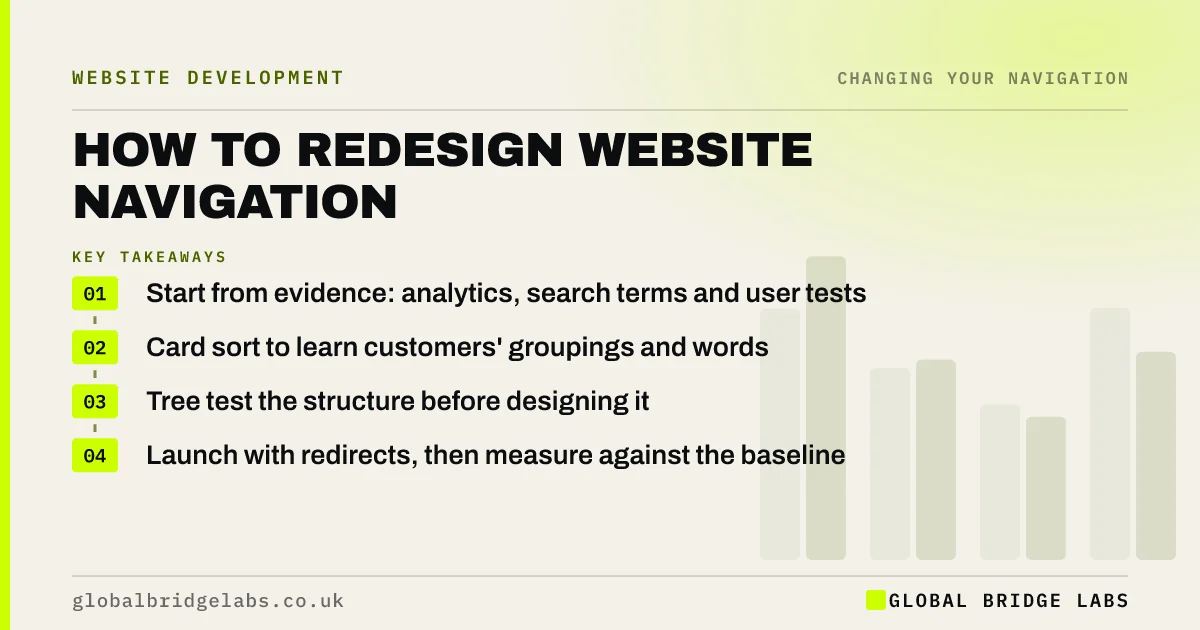
- Start from evidence: analytics, search terms and user tests.
- Card sort to learn customers' groupings and words.
- Tree test the structure before designing it.
- Launch with redirects, then measure against the baseline.
Want a navigation redesign planned step by step? Message us on WhatsApp.
Chat on WhatsApp →What are the steps?
The steps run from evidence to launch. Small sites can move through them in a few weeks; larger sites take longer.
- Gather evidence: analytics, search terms, support questions and a usability test.
- List every page and decide what to keep, merge or remove.
- Card sort with customers to learn their groups and labels.
- Draft the structure and labels.
- Tree test the structure with realistic tasks.
- Design, build and usability test the menu on phone and desktop.
- Launch with redirects and measure against the baseline.
How do you gather evidence?
Record a baseline before changing anything: key-page reach, homepage exits, menu clicks, site search terms and the most common 'where do I find' questions. Run a five-person usability test on the current site. This tells you what to fix and gives you something to compare against later.
How do you design the new structure?
Use card sort results to group pages the way customers do, then write labels in their words. Keep the main menu to about five to seven items, with one level of dropdown. Tree test the draft with 30 or more participants and the same tasks you used in the baseline test, and refine until key tasks succeed reliably.
- Card sorting: let customers organise your website
- Tree testing: check visitors can find things before you build
- Information architecture for small business websites
Want the research and testing run for you? Message us on WhatsApp and we will discuss your requirements.
Chat on WhatsApp →How do you build and test the design?
Build the menu with real links, test it on phones, tablets and laptops and by keyboard, then run another five-person usability test. Check that labels, active states, dropdowns and the header action all work. Fix and retest before launch.
How do you launch safely?
Keep URLs where possible. Redirect any that change, update internal links, submit an updated sitemap and crawl for errors. Then compare four weeks after with the baseline. Note the launch date so you can interpret results later.
What are the common mistakes?
The common mistakes are designing the menu around the org chart, choosing labels in a meeting rather than from customer language, skipping testing, changing URLs without redirects and changing everything at once with no baseline. Each makes it hard to know whether the new menu is better.
What does this look like in practice?
A pattern we see: a business has a new menu designed in a workshop, launches it with new URLs and no redirects, and cannot tell whether enquiries changed because there was no baseline. Following the steps, with a card sort, a tree test and redirects, gives a structure customers have already proved works.
Navigation redesign checklist
- Baseline data and usability test.
- Content list: keep, merge, remove.
- Card sort with customers.
- Tree test the draft structure.
- Build with real links; test on all devices.
- Redirect changed URLs.
- Measure against the baseline.
Next step
Before sketching a new menu, record this month's baseline numbers and run one usability test.
Message us on WhatsApp for a navigation redesign plan, or book a 30-minute consultation.
Chat on WhatsApp →Sources and further reading
- Card sorting: uncover users' mental models · Nielsen Norman Group
- Tree testing: fast, iterative evaluation of menu labels and categories · Nielsen Norman Group
- Why you only need to test with 5 users · Nielsen Norman Group
- Site moves with URL changes · Google Search Central
Frequently asked questions
How do you redesign a website's navigation?
Gather evidence of current problems, list the content, run a card sort to learn how customers group it, draft and tree test a new structure, build and usability test the design, then launch with redirects and compare results with your baseline.
How long does a navigation redesign take?
For a small business site, a few weeks including research and testing. Larger sites with many templates, languages or URL changes take longer. Simple label fixes can be done in days.
Should I redesign navigation and content at the same time?
Often yes, because the content list decides what the menu must hold. But keep the changes measurable: record a baseline, and if possible change the menu first and the content second so you can see the effect of each.
Written by

Global Bridge Labs (GBL) is a UK–Sri Lanka partner for social media, websites and BPO. Everything here comes from client delivery, not theory.


