
On this page
- 01Key takeaways
- 02Why is site search data so useful?
- 03How do you track site search in GA4?
- 04What should you look for?
- 05What if the site has no search?
- 06What about privacy?
- 07What does this look like in practice?
- 08Site search data checklist
- 09Next step
- 10Sources and further reading
- 11Frequently asked questions
Key takeaways
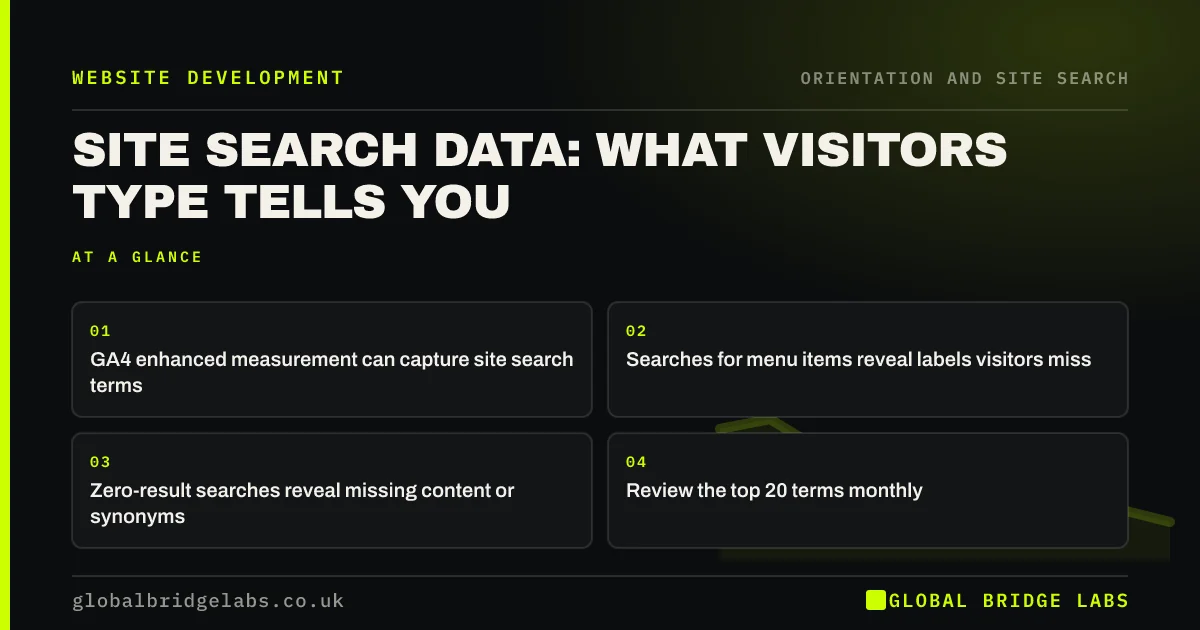
Site search data shows what visitors look for in their own words. Searches for things already in the menu point to labels that do not match; searches for things you do not have point to content gaps; searches from a particular page show what that page fails to answer. In GA4, enhanced measurement can record search terms automatically.
- GA4 enhanced measurement can capture site search terms.
- Searches for menu items reveal labels visitors miss.
- Zero-result searches reveal missing content or synonyms.
- Review the top 20 terms monthly.
Want your site search data turned into navigation fixes? Message us on WhatsApp.
Chat on WhatsApp →Why is site search data so useful?
Most analytics show where visitors went. Search data shows what they wanted and could not see, typed in their own words. That makes it one of the best sources for menu labels and missing pages. Nielsen Norman Group recommends using search logs to understand users' vocabulary.
How do you track site search in GA4?
Google Analytics 4's enhanced measurement includes a site search event, which records the search term when your search results URL contains a query parameter such as q, s or search. Turn it on in the web data stream settings, confirm your parameter name, then register the search term as a custom dimension to report on it.
- Enable enhanced measurement in the data stream.
- Check the site search setting and query parameter.
- Confirm the view_search_results event fires.
- Register search_term as a custom dimension.
- Build an exploration of top terms.
What should you look for?
Look for three patterns. Searches for things in your menu suggest the label is unclear. Searches for things you offer but have no page for suggest a content gap. Searches with no results suggest missing synonyms. Note the page visitors searched from, too.
- Menu items searched for: rename the label.
- Services with no page: create one.
- Zero-result terms: add synonyms or content.
- Common search start pages: fix what they lack.
Want a monthly search report with fixes? Message us on WhatsApp and we will discuss your requirements.
Chat on WhatsApp →What if the site has no search?
Use Search Console instead. The queries people type into Google to reach your site show their vocabulary in the same way. Comparing those queries with your menu labels often shows the same gaps.
What about privacy?
Search terms can contain personal data if visitors type names, emails or order numbers. Do not send those to analytics. Configure your setup to exclude or redact patterns such as email addresses, and cover analytics in your privacy information and cookie consent.
What does this look like in practice?
A pattern we see: the most common search on a professional firm's site is 'fees', yet fees sit under 'How we work'. Renaming the item to 'Fees' and linking it from the main menu answers the most common search before visitors need to type it.
Site search data checklist
- Turn on site search tracking in GA4.
- Register the search term dimension.
- Review the top 20 terms monthly.
- Rename labels visitors search around.
- Add synonyms for zero-result terms.
- Exclude personal data from analytics.
Next step
Check whether your analytics records site search today. If not, switch it on this week.
Message us on WhatsApp for help setting up search tracking, or book a 30-minute consultation.
Chat on WhatsApp →Sources and further reading
- Enhanced measurement events · Google Analytics Help
- Search: visible and simple · Nielsen Norman Group
- Google Search Console · Google
Frequently asked questions
How do I see what people search for on my website?
Turn on site search tracking in Google Analytics 4's enhanced measurement, confirm the search parameter your site uses, then register the search term as a custom dimension so you can report on it. Many site search tools also have their own reports.
What does it mean if people search for things in my menu?
It usually means the menu label does not match the word visitors look for, or the item is hidden in a dropdown they did not open. Rename the label to match the search term and check it is visible.
How often should I review site search data?
Monthly is enough for most small business sites. Look at the top terms, zero-result terms and the pages searches start from, and make one or two fixes each month.
Written by

Global Bridge Labs (GBL) is a UK–Sri Lanka partner for social media, websites and BPO. Everything here comes from client delivery, not theory.


