
On this page
Key takeaways
Org-chart navigation is a menu that mirrors how a business is organised, by department, team or product line, rather than how customers look for help. It is common because each team wants its own page. Customers do not know your structure, so they cannot predict where things live. Reorganise around customer needs and put the departments on the About page.
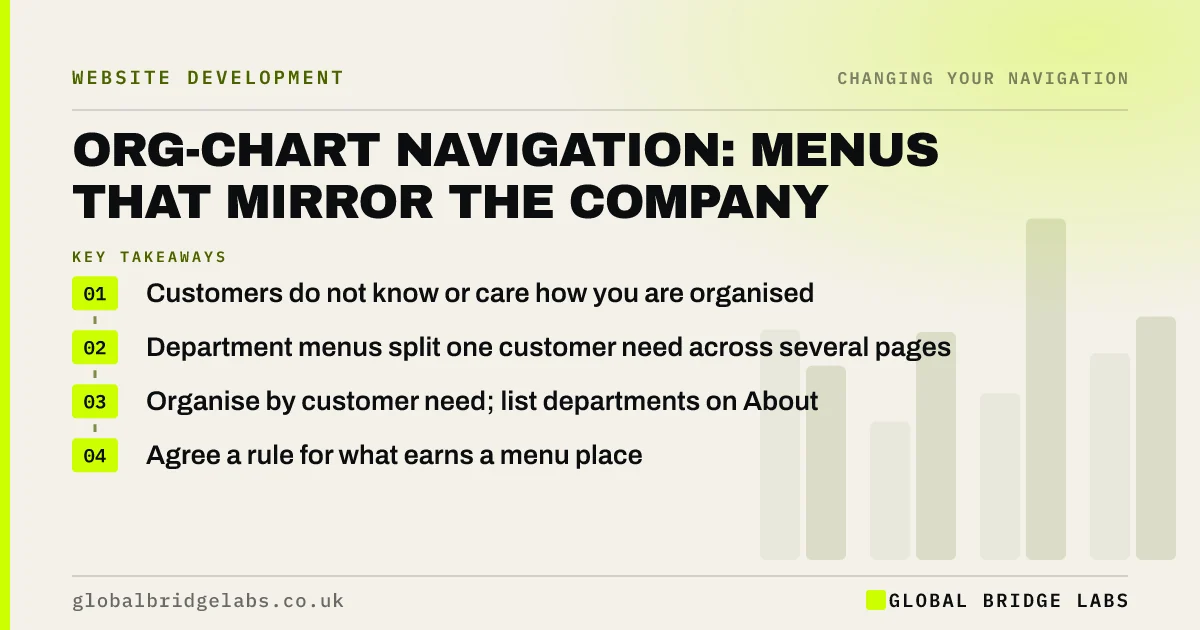
- Customers do not know or care how you are organised.
- Department menus split one customer need across several pages.
- Organise by customer need; list departments on About.
- Agree a rule for what earns a menu place.
Want your menu reorganised around customers, not teams? Message us on WhatsApp.
Chat on WhatsApp →What is org-chart navigation?
Org-chart navigation is website navigation organised around the company's internal structure, such as divisions, departments or teams, so the menu reflects who does the work rather than what customers want. Nielsen Norman Group's work on mental models explains why this fails: customers navigate by their own model, not the business's.
How do you spot it?
The signs are menu labels that are department names, the same service appearing under two sections, and pages that exist because a team asked for one. Watch a customer try to find a service: if they ask 'which of these is it under?', the menu is following your structure.
- Labels such as 'Commercial division' or 'Technical services'.
- One customer need spread across several sections.
- Separate pages for each office or team.
- Product names customers do not recognise.
Why does it happen?
It happens because websites are built by the organisation, and each part of it wants visibility. Workshops with department heads produce a menu that gives every department a slot. It feels fair internally and confusing externally. The fix is a shared rule, agreed early, that customer evidence decides structure.
Want help getting internal agreement on a customer-led menu? Message us on WhatsApp and we will discuss your requirements.
Chat on WhatsApp →How do you reorganise it?
Start from what customers need, using enquiries, search terms and a card sort. Group pages by those needs, such as services, problems or customer types, and write labels in customers' words. Move the departmental view to the About page, where people who want to know how you are organised can find it.
When does an org-based structure work?
When customers really do choose by division, for example a group of separate businesses under one brand, or a firm whose departments are distinct services customers already know. Even then, test it, and use customer words for the labels.
What does this look like in practice?
A pattern we see: a property firm's menu has 'Residential', 'Commercial', 'Lettings', 'Block management' and 'Surveying' because those are its teams. A landlord with a block of flats does not know whether to choose 'Lettings' or 'Block management'. Grouping by 'Landlords', 'Buyers and sellers' and 'Businesses' matches how customers arrive.
Org-chart navigation checklist
- Flag labels that are department names.
- Find customer needs split across sections.
- Card sort with customers.
- Regroup by customer need.
- Move the departmental view to About.
- Agree that evidence decides structure.
Next step
Write your menu labels next to your department names. If they match, the menu follows your org chart.
Message us on WhatsApp for a navigation review, or book a 30-minute consultation.
Chat on WhatsApp →Sources and further reading
- Mental models and user experience design · Nielsen Norman Group
- Card sorting: uncover users' mental models · Nielsen Norman Group
- Menu-design checklist: 17 UX guidelines · Nielsen Norman Group
Frequently asked questions
Why should websites not be organised by department?
Customers do not know how a business is organised internally, so department labels do not help them predict where to find what they need. They also split one customer need across several sections. Organising by customer need is easier to use.
How do I get departments to agree on a new menu?
Agree early that customer evidence, such as card sorts, tree tests and search data, decides the structure. Give each department visibility on the About page and through contextual links, rather than a top-level menu slot.
Can a website have both customer and department views?
Yes. The main menu can follow customer needs, while the About page explains departments, teams and offices for visitors who want that view. Link between them where helpful.
Written by

Global Bridge Labs (GBL) is a UK–Sri Lanka partner for social media, websites and BPO. Everything here comes from client delivery, not theory.


