
On this page
- 01Key takeaways
- 02What makes a good menu label?
- 03Where do you find buyers' words?
- 04Which labels cause most confusion?
- 05How do you test menu labels?
- 06Do labels matter for accessibility and SEO?
- 07What does this look like in practice?
- 08Menu label checklist
- 09Next step
- 10Sources and further reading
- 11Frequently asked questions
Key takeaways
Good navigation menu labels use the words buyers use, lead with the most important term, stay short and mean one thing. 'Boiler repair' beats 'Solutions'; 'Fees' beats 'Investment'. Collect customer language from enquiries and search queries, write labels from it, then test them with first-click tests before you publish.
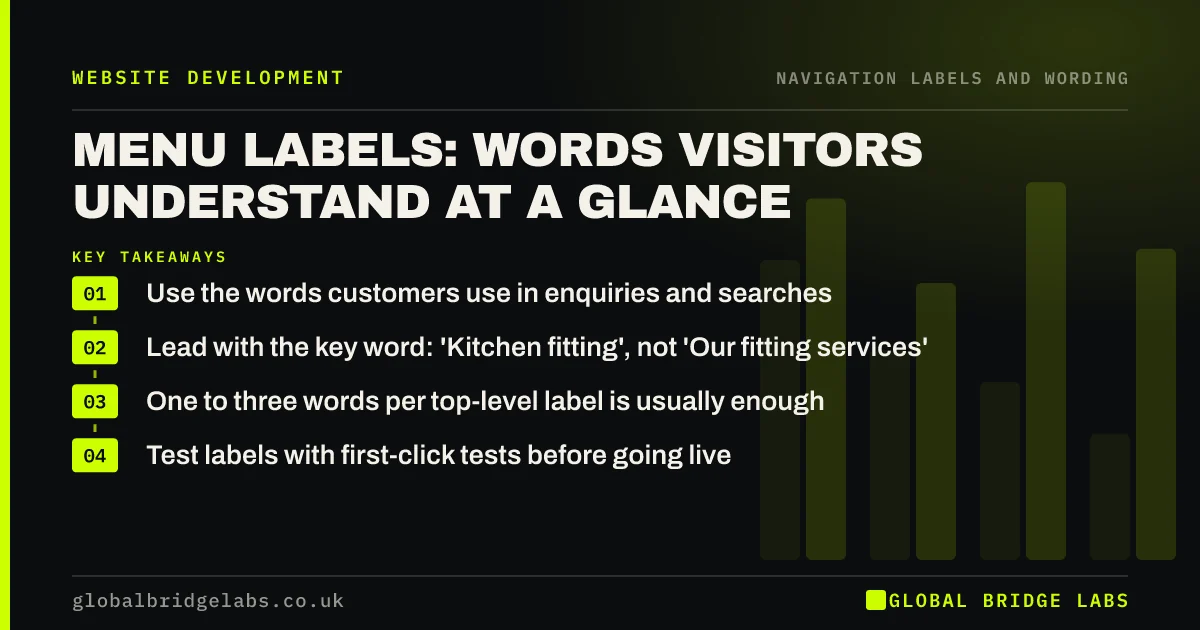
- Use the words customers use in enquiries and searches.
- Lead with the key word: 'Kitchen fitting', not 'Our fitting services'.
- One to three words per top-level label is usually enough.
- Test labels with first-click tests before going live.
Want your menu labels rewritten in your customers' words? Message us on WhatsApp.
Chat on WhatsApp →What makes a good menu label?
A good menu label tells visitors exactly what is behind it, in words they already use, and is different enough from its neighbours that they never have to choose between two similar options. Nielsen Norman Group's menu-design guidance recommends labels that are familiar, specific and front-loaded with the information-carrying word.
- Specific: names the service, topic or task.
- Familiar: uses customer, not internal, language.
- Front-loaded: the key word comes first.
- Distinct: no two labels could mean the same thing.
- Short: scannable in a glance.
Where do you find buyers' words?
Buyers' words are in the places they describe their problem to you: enquiry emails, call notes, reviews, Search Console queries and site search terms. Note the exact phrases. If customers say 'loft conversion' and your menu says 'Roof space solutions', the menu should change.
Which labels cause most confusion?
Vague, internal and overlapping labels cause most confusion. 'Solutions', 'Resources' and 'Insights' tell visitors nothing. Department names and product codes mean something only inside the business. Pairs such as 'Services' and 'What we do' force visitors to guess which holds what they need.
How do you test menu labels?
Run a first-click test: show people the menu, give them a task such as 'find the price of a boiler service', and record where they click first. If most pick the right label, it works. A card sort helps earlier, by showing how customers group and name your content before you write labels.
- First-click testing: is the first step the right one?
- Card sorting: let customers organise your website
Want your labels tested with real tasks? Message us on WhatsApp and we will discuss your requirements.
Chat on WhatsApp →Do labels matter for accessibility and SEO?
Yes. WCAG 2.2 success criterion 2.4.6, Headings and Labels, asks for labels that describe their purpose. Screen reader users often move through a page by its links, so each must make sense alone. Google uses link text to understand target pages, so specific labels also help search.
What does this look like in practice?
A pattern we see: a building firm's menu reads 'Home', 'Solutions', 'Sectors', 'Insights', 'Connect'. Rewriting it as 'Extensions', 'Loft conversions', 'Renovations', 'Projects', 'Contact', from the words in their enquiry emails, makes every service visible without adding an item.
Menu label checklist
- Collect customer phrases from enquiries and searches.
- Replace vague labels with specific ones.
- Put the key word first.
- Remove overlapping pairs.
- Keep top-level labels to one to three words.
- First-click test before publishing.
Next step
Read your menu aloud to someone outside the business and ask what they expect behind each label.
Message us on WhatsApp for a menu label rewrite, or book a 30-minute consultation.
Chat on WhatsApp →Sources and further reading
- Menu-design checklist: 17 UX guidelines · Nielsen Norman Group
- Understanding WCAG 2.2 success criterion 2.4.6: Headings and Labels · W3C
- Information scent: how users decide where to go next · Nielsen Norman Group
Frequently asked questions
How long should menu labels be?
Top-level labels usually work best at one to three words, so the whole menu can be scanned at a glance. Dropdown items can be a little longer if that makes them specific. Clarity matters more than length: a clear four-word label beats a vague one-word label.
Should I use 'Services' as a menu label?
It is fine as a parent for a dropdown listing named services, because visitors recognise it. Avoid it if it hides everything behind one click on a small site; naming two or three main services directly in the menu can be clearer.
Can I use creative menu labels?
It is risky. Clever labels look distinctive but make visitors stop and think. Keep labels plain and familiar, and express your brand through design and copy instead. If you do use a creative label, test it first.
Written by

Global Bridge Labs (GBL) is a UK–Sri Lanka partner for social media, websites and BPO. Everything here comes from client delivery, not theory.


