
On this page
- 01Key takeaways
- 02Why does consistent navigation matter?
- 03What does WCAG 2.2 require?
- 04Where does navigation become inconsistent?
- 05Can navigation ever change between pages?
- 06How do you check consistency?
- 07What does this look like in practice?
- 08Consistency checklist
- 09Next step
- 10Sources and further reading
- 11Frequently asked questions
Key takeaways
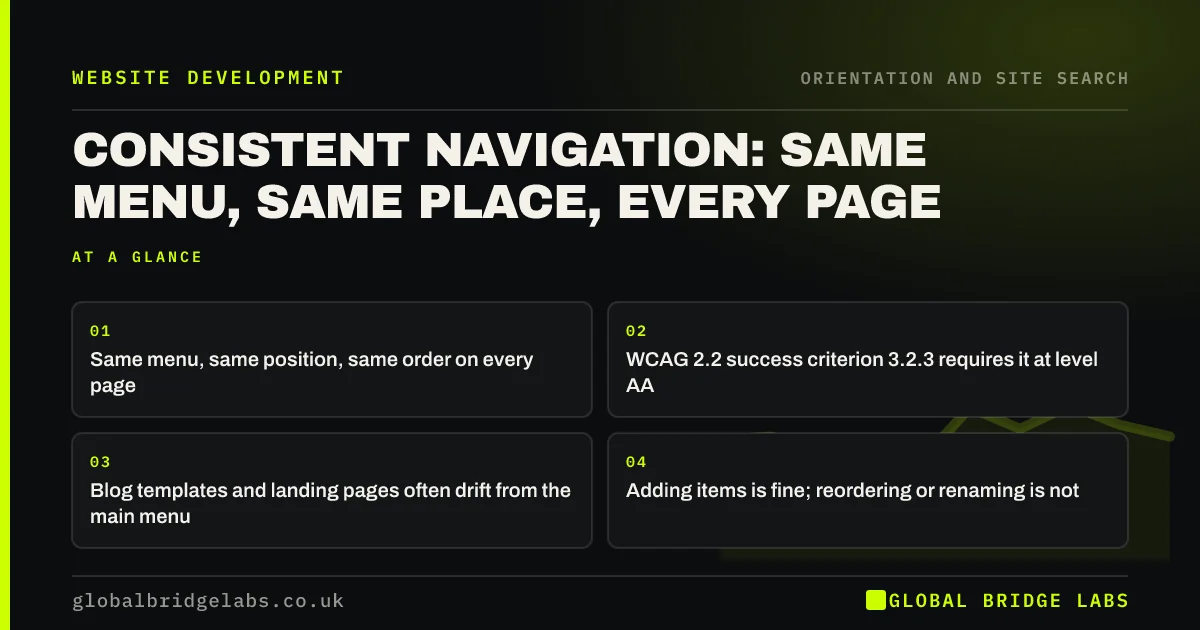
Consistent navigation means the main menu appears in the same place, with the same items in the same order, on every page. Visitors learn it once and stop thinking about it. WCAG 2.2 success criterion 3.2.3 requires it at level AA. Sites break it quietly through landing page templates, blog themes and separate mobile menus.
- Same menu, same position, same order on every page.
- WCAG 2.2 success criterion 3.2.3 requires it at level AA.
- Blog templates and landing pages often drift from the main menu.
- Adding items is fine; reordering or renaming is not.
Want your templates checked for menu drift? Message us on WhatsApp.
Chat on WhatsApp →Why does consistent navigation matter?
Visitors build a picture of a site from the first page they see. If the menu moves, changes order or changes labels, they have to re-learn it. Nielsen Norman Group's heuristic on consistency and standards says users should not have to wonder whether different words, situations or actions mean the same thing.
What does WCAG 2.2 require?
WCAG 2.2 success criterion 3.2.3, Consistent Navigation, says navigation repeated on multiple pages must appear in the same relative order each time, unless the user changes it. Items can be added or removed, such as a section menu, but the shared items must keep their order. It particularly helps people with low vision and cognitive disabilities.
Where does navigation become inconsistent?
Inconsistency usually creeps in through templates added at different times, by different people or on different tools.
- The blog uses an older theme with a different menu.
- Landing pages built in a separate tool.
- A shop or booking system on a subdomain with its own header.
- Mobile and desktop menus maintained separately.
- Labels changed on some pages but not others.
Want one menu shared across your site, shop and booking pages? Message us on WhatsApp and we will discuss your requirements.
Chat on WhatsApp →Can navigation ever change between pages?
The main menu should not, but supporting navigation can. Section menus appear only within their section, and checkout or booking flows often simplify the header to reduce distraction. Keep the logo link and a route to help in those flows, so visitors are never trapped.
How do you check consistency?
Open one page of each template: homepage, service page, blog post, landing page, shop, booking and contact. Compare the menus side by side on desktop and phone. Any difference in items, order, labels or position is a fix to make in the template, not on individual pages.
What does this look like in practice?
A pattern we see: a firm's booking system runs on a third-party subdomain with a different header and no link back to services. Visitors who click 'Book' feel they have left the site. Matching the booking page header to the main site and adding a link back restores the feeling of one site.
Consistency checklist
- List every page template and external system.
- Compare menus on desktop and phone.
- Fix differences in the template.
- Match booking and shop headers to the main site.
- Keep a logo link and help route in simplified flows.
Next step
Screenshot the header of five different templates on your site and line them up.
Message us on WhatsApp for a navigation consistency review, or book a 30-minute consultation.
Chat on WhatsApp →Sources and further reading
Frequently asked questions
What is consistent navigation?
Consistent navigation means repeated navigation, such as the main menu, appears in the same place and in the same order on every page. Visitors can rely on it after seeing it once, which lowers effort and confusion.
Is consistent navigation a WCAG requirement?
Yes. WCAG 2.2 success criterion 3.2.3, Consistent Navigation, is a level AA requirement. Navigation repeated across pages must appear in the same relative order each time unless the user changes it.
Can landing pages have a different menu?
Paid landing pages often use a simplified header to keep focus on one action. That is a deliberate exception. Keep the logo, contact details and a way back to the main site so visitors are not stranded.
Written by

Global Bridge Labs (GBL) is a UK–Sri Lanka partner for social media, websites and BPO. Everything here comes from client delivery, not theory.


