
On this page
- 01Key takeaways
- 02What is descriptive link text?
- 03Why does 'click here' fail?
- 04How do you write good link text?
- 05What about 'Read more' on cards?
- 06Does link text affect SEO?
- 07What does this look like in practice?
- 08Link text checklist
- 09Next step
- 10Sources and further reading
- 11Frequently asked questions
Key takeaways
Descriptive link text tells visitors where a link goes before they click: 'See boiler service prices', not 'Click here'. It helps people scanning a page, screen reader users moving between links and search engines understanding the target. Start the link with the key word and keep it unique on the page.
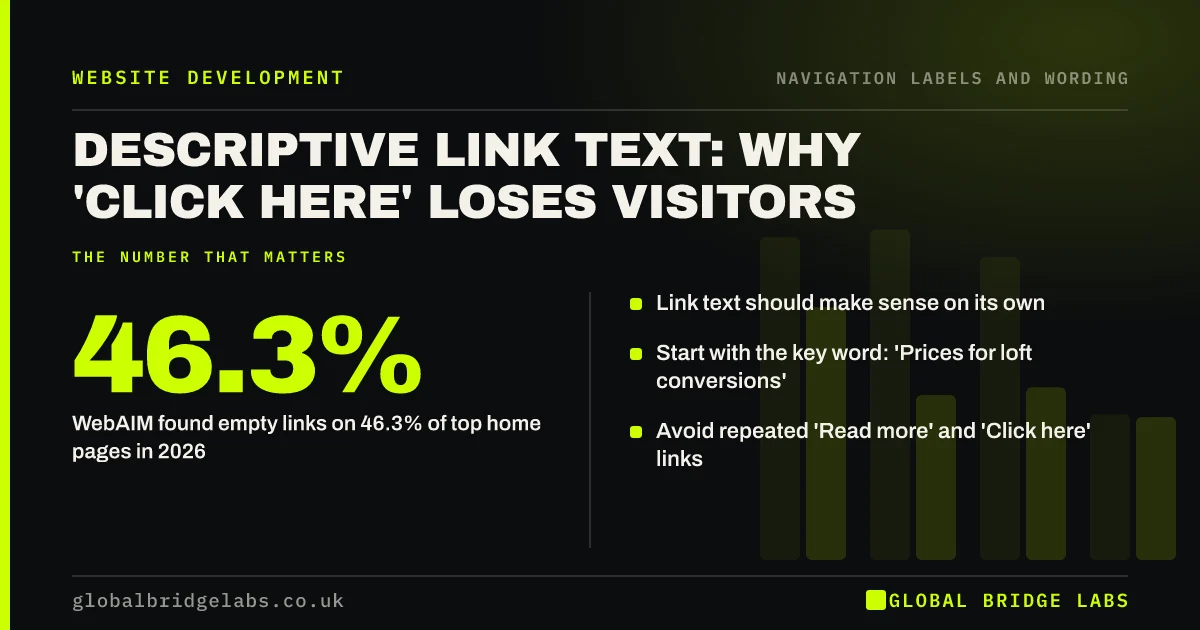
- Link text should make sense on its own.
- Start with the key word: 'Prices for loft conversions'.
- Avoid repeated 'Read more' and 'Click here' links.
- WebAIM found empty links on 46.3% of top home pages in 2026.
Want your site's link text checked? Message us on WhatsApp.
Chat on WhatsApp →What is descriptive link text?
Descriptive link text is the clickable wording of a link that states what the visitor will find at the destination, so the link makes sense without the surrounding sentence. Nielsen Norman Group recommends link text that is salient, descriptive and starts with a keyword. WCAG 2.2 success criterion 2.4.4 requires the purpose of each link to be clear.
Why does 'click here' fail?
'Click here' and 'Read more' give no information on their own. People scanning a page look at links first, so a page full of identical links reads as noise. Screen reader users often list all links on a page, and a list of ten 'Read more' links is useless. Search engines also lose a clue about the target page.
How do you write good link text?
Describe the destination in a few words, starting with the most useful term. Make the link part of a natural sentence where you can.
- Name the destination: 'loft conversion prices'.
- Put the key word first.
- Keep it short but specific, usually two to six words.
- Make every link on a page unique.
- Say if a link opens a PDF or downloads a file.
- Give icon links a text name for screen readers.
What about 'Read more' on cards?
Card layouts often end with 'Read more'. The simplest fix is to make the card's heading the link. If you keep a button, add hidden text so screen readers hear 'Read more about loft conversions'. Do not rely on the visual position of the link to supply its meaning.
Want your cards and buttons fixed without changing the design? Message us on WhatsApp and we will discuss your requirements.
Chat on WhatsApp →Does link text affect SEO?
Yes. Google's link guidance says anchor text helps it understand the page being linked to, and recommends descriptive, reasonably concise text. Internal links with clear anchor text tell Google what your service pages are about. Avoid stuffing keywords into every link; write for the reader.
What does this look like in practice?
A pattern we see: a homepage has six service cards, each ending in 'Learn more', and the social icons are links with no text. Making each card title the link and adding names to the icons gives screen reader users and search engines six specific links instead of six identical ones.
Link text checklist
- Replace every 'click here'.
- Make card headings the links.
- Start links with the key word.
- Keep each link unique on the page.
- Name icon links in text.
- Flag PDFs and downloads.
Next step
Search one key page for 'click here', 'read more' and 'learn more', and rewrite each one.
Message us on WhatsApp for a link text review, or book a 30-minute consultation.
Chat on WhatsApp →Sources and further reading
- Writing hyperlinks: salient, descriptive, start with keyword · Nielsen Norman Group
- Understanding WCAG 2.2 success criterion 2.4.4: Link Purpose (In Context) · W3C
- SEO link best practices for Google · Google Search Central
- The WebAIM Million: accessibility of the top 1,000,000 home pages · WebAIM
Frequently asked questions
Why should you avoid 'click here' links?
Because the text tells nobody where the link goes. Scanning visitors skip it, screen reader users hear a list of identical links, and search engines get no clue about the target. Describe the destination instead, such as 'see our price list'.
Is 'Read more' bad for accessibility?
Repeated 'Read more' links fail when read out of context, which is how many screen reader users navigate. Make the heading the link, or add visually hidden text so the link becomes 'Read more about kitchen fitting'.
How long should link text be?
Long enough to be specific, short enough to scan, usually two to six words. Nielsen Norman Group recommends starting with a keyword so the link's meaning is clear from its first words.
Written by

Global Bridge Labs (GBL) is a UK–Sri Lanka partner for social media, websites and BPO. Everything here comes from client delivery, not theory.


