
On this page
- 01Key takeaways
- 02What is a website dead end?
- 03Which pages are most often dead ends?
- 04How do you find dead ends?
- 05How do you fix a dead end?
- 06Is a high exit rate always a dead end?
- 07When should a page have no next step?
- 08What does this look like in practice?
- 09Dead end checklist
- 10Next step
- 11Sources and further reading
- 12Frequently asked questions
Key takeaways
A website dead end is a page that leaves visitors with no clear next step, so the only options are the back button or leaving. Common dead ends are blog posts that never mention the service, case studies with no link to enquire, generic thank-you pages and error pages. Find them in GA4 by exit rate and onward clicks, then give each page one next step that fits its stage.
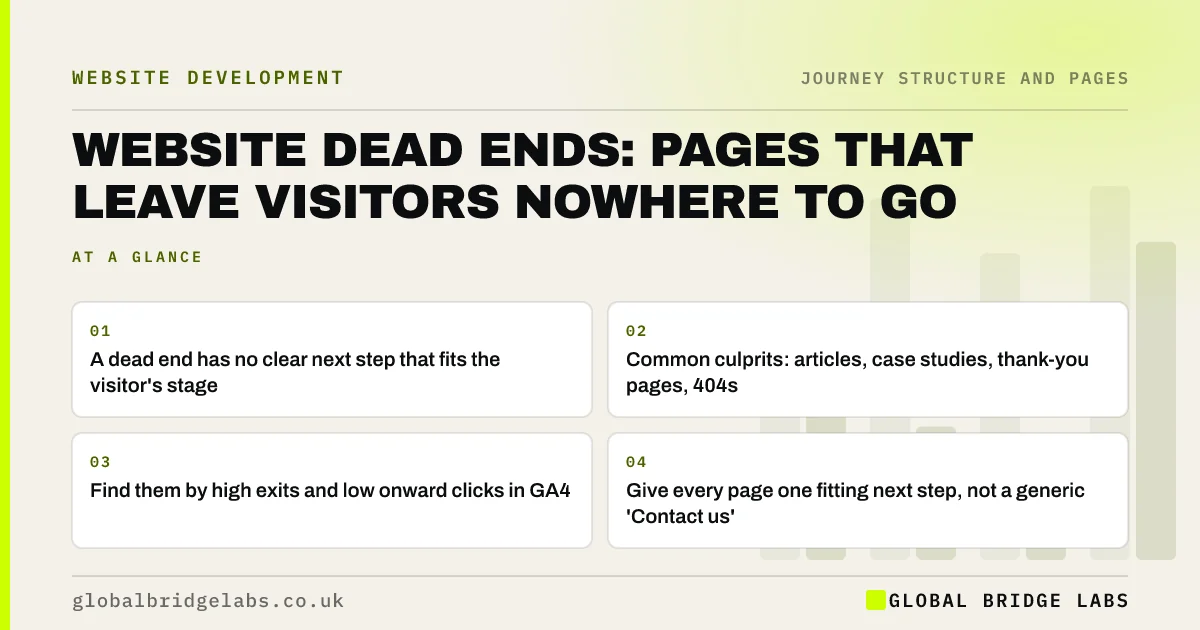
- A dead end has no clear next step that fits the visitor's stage.
- Common culprits: articles, case studies, thank-you pages, 404s.
- Find them by high exits and low onward clicks in GA4.
- Give every page one fitting next step, not a generic 'Contact us'.
Want your dead-end pages found? Send us your URL on WhatsApp.
Chat on WhatsApp →What is a website dead end?
A website dead end is a page that gives visitors nowhere useful to go next. It may have a menu and footer, but nothing in the content points to the logical next step in the journey, so visitors who wanted to continue have to work out where to go themselves. Many leave instead. Dead ends break the customer journey at the point where the visitor was still interested.
Which pages are most often dead ends?
The most common dead ends are pages written for one purpose and never connected to the journey. Blog articles answer a question and stop. Case studies tell a story with no route to a similar service. Thank-you pages say 'Thanks' and nothing else. Error pages show '404' without help. Old landing pages for finished campaigns linger.
- Blog posts with no link to the related service.
- Case studies with no 'want a result like this?' route.
- About and team pages with no next step.
- Thank-you pages that only say 'Thanks'.
- 404 pages without search or key links.
- Expired campaign or offer pages.
How do you find dead ends?
Find dead ends in GA4 by looking for pages with many entrances or views, a high exit rate and few onward clicks to service, pricing or contact pages. A path exploration starting from each suspect page shows whether visitors continue. Then read each page and ask: what would a visitor here want to do next, and is it obvious?
How do you fix a dead end?
Fix a dead end by adding one next step that fits the visitor's stage, placed where they finish reading. An article reader may want the related service or a price guide. A case study reader may want to see the service or ask about a similar job. A thank-you page visitor wants to know what happens next. A single specific link beats a list of generic ones.
- Article: link to the matching service and a soft next step.
- Case study: 'Want a result like this?' and the service link.
- About page: link to services and proof.
- Thank-you page: what happens next and useful reading.
- 404 page: search, top services and contact.
- Internal links that guide buyers, not just search engines
- Website call to action examples that get clicked
Want next steps written for your busiest dead-end pages? Message us on WhatsApp.
Chat on WhatsApp →Is a high exit rate always a dead end?
No. Some pages are meant to be the end: a contact page where the visitor phoned, a directions page, a help page that answered the question. A high exit rate there can mean success. Judge exits against the page's job. A dead end is a page where visitors wanted to continue and could not see how.
When should a page have no next step?
Almost never. Even pages that end a task can offer something useful: a thank-you page can link to preparation guides; a help page can link to contact if the answer did not help. Legal pages such as privacy notices are the main exception, and even they should keep the standard navigation.
What does this look like in practice?
A pattern we see in GA4 for service firms: case studies are among the most visited pages and have some of the highest exit rates. The case study is persuasive, the reader is interested, and the page ends with a photo and nothing else. The interested reader has to find the service page and contact form on their own.
Adding a short 'Have a similar project?' block with a link to the service and the contact options turns proof into a route. Across our client work we have seen a 2.4x enquiry rate from conversion changes of this kind. Global Bridge Labs (GBL) checks every page for a way forward.
Dead end checklist
- List pages with high entrances or views and high exits.
- Run a path exploration from each.
- Ask what a visitor there wants to do next.
- Add one fitting next step where they finish reading.
- Fix thank-you and 404 pages.
- Remove or redirect expired campaign pages.
Next step
Dead ends often hide on your most visited pages. We will find them and suggest the next step each one needs.
Message us on WhatsApp for a dead-end review, or book a 30-minute consultation.
Chat on WhatsApp →Sources and further reading
- Path exploration · Google Analytics Help
- Engagement rate and bounce rate · Google Analytics Help
- Information scent: how users decide where to go next · Nielsen Norman Group
Frequently asked questions
What is a dead end page on a website?
A page that gives visitors no clear, fitting next step, so they must use the back button, hunt through the menu or leave. Common examples are blog posts with no link to the related service, case studies with no route to enquire, generic thank-you pages and unhelpful 404 pages.
Should every page have a call to action?
Every page should have a next step that fits the visitor's stage, though not always a hard 'contact us'. An article might link to the service or a price guide; a thank-you page might explain what happens next. Pages that end a task can still offer something useful.
How do I find dead end pages in GA4?
Look for pages with many entrances or views, a high exit rate and few onward clicks to service, pricing or contact pages. Run a path exploration starting from each to see whether visitors continue, then read the page and check whether the next step is obvious.
Written by

Global Bridge Labs (GBL) is a UK–Sri Lanka partner for social media, websites and BPO. Everything here comes from client delivery, not theory.


