
On this page
- 01Key takeaways
- 02How do page titles help navigation?
- 03Why should headings match menu labels?
- 04How do headings help visitors scan?
- 05What makes a good page title?
- 06What are the common mistakes?
- 07What does this look like in practice?
- 08Titles and headings checklist
- 09Next step
- 10Sources and further reading
- 11Frequently asked questions
Key takeaways
Page titles and headings are navigation that most owners forget. The title tells visitors which tab, bookmark or search result they are looking at; the main heading confirms they have arrived; and section headings let them scan and jump. Give every page a unique, descriptive title and a heading that matches the link that led there.
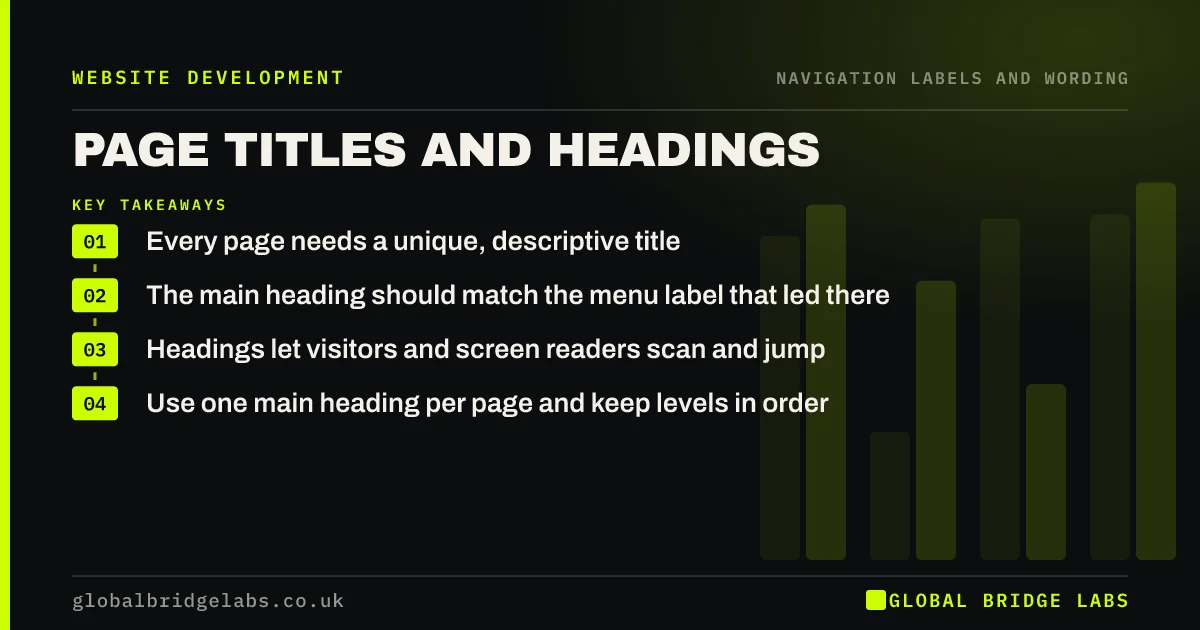
- Every page needs a unique, descriptive title.
- The main heading should match the menu label that led there.
- Headings let visitors and screen readers scan and jump.
- Use one main heading per page and keep levels in order.
Want your page titles and headings checked across the site? Message us on WhatsApp.
Chat on WhatsApp →How do page titles help navigation?
The page title is the text in the browser tab and usually the headline in search results. When visitors have several tabs open, or come back via history, the title is how they find your page again. WCAG 2.2 success criterion 2.4.2, Page Titled, requires pages to have titles that describe their topic or purpose.
Why should headings match menu labels?
When a visitor clicks 'Loft conversions' and lands on a page headed 'Transform your space', they pause to check they are in the right place. Matching the main heading to the label confirms arrival instantly. The page can carry a more persuasive line underneath.
How do headings help visitors scan?
Most visitors scan before they read. Clear section headings let them see the shape of a page and jump to the part they need, such as prices or process. Screen reader users often move by heading. WCAG 2.2 success criterion 2.4.6 asks for headings that describe the topic or purpose of each section.
- Write headings as statements or questions buyers ask.
- Avoid vague headings such as 'Overview' or 'More'.
- Use one main heading, then nested levels in order.
- Do not choose heading levels for their size; style them instead.
What makes a good page title?
A good title puts the specific topic first and the business name last: 'Loft conversions in Leeds | Smith Builders'. Every page's title should be unique. Google's title link guidance recommends descriptive, concise titles and warns against boilerplate repeated across pages.
Want unique titles written for every key page? Message us on WhatsApp and we will discuss your requirements.
Chat on WhatsApp →What are the common mistakes?
The common mistakes are every page titled with only the business name, headings used for styling rather than structure, a missing main heading on the homepage, and headings that change wording from the menu. Each makes it harder for visitors and search engines to know where they are.
What does this look like in practice?
A pattern we see: every page on a site has the title 'Home | Business name', left over from the template. Visitors with several tabs open cannot tell them apart, and search results show the same headline for every page. Writing a unique title per page takes an afternoon.
Titles and headings checklist
- Unique, descriptive title on every page.
- Topic first, business name last.
- Main heading matches the menu label.
- One main heading per page.
- Section headings describe their content.
- Heading levels in order.
Next step
Open five of your pages in separate tabs and check you can tell them apart by the tab titles.
Message us on WhatsApp for a titles and headings review, or book a 30-minute consultation.
Chat on WhatsApp →Sources and further reading
Frequently asked questions
What is the difference between a page title and a heading?
The page title sits in the HTML head and shows in the browser tab and search results. The main heading, usually an H1, is the visible headline on the page. They can differ, but both should describe the page clearly and agree with each other.
Should every page have an H1?
Yes, one main heading that describes the page is the clearest approach for visitors and screen reader users. Use H2s for sections and H3s within them, in order, rather than choosing levels for their visual size.
Do page titles affect SEO?
Yes. Google often uses the page title as the headline in search results, and a clear title helps it understand the page. Unique, descriptive titles also help searchers choose your result over others.
Written by

Global Bridge Labs (GBL) is a UK–Sri Lanka partner for social media, websites and BPO. Everything here comes from client delivery, not theory.


