
On this page
- 01Key takeaways
- 02Who uses a logistics website?
- 03How should services be organised?
- 04Where should tracking go?
- 05How should the quote route work?
- 06Where should proof and documents go?
- 07What does this look like in practice?
- 08Logistics navigation checklist
- 09Next step
- 10Sources and further reading
- 11Frequently asked questions
Key takeaways
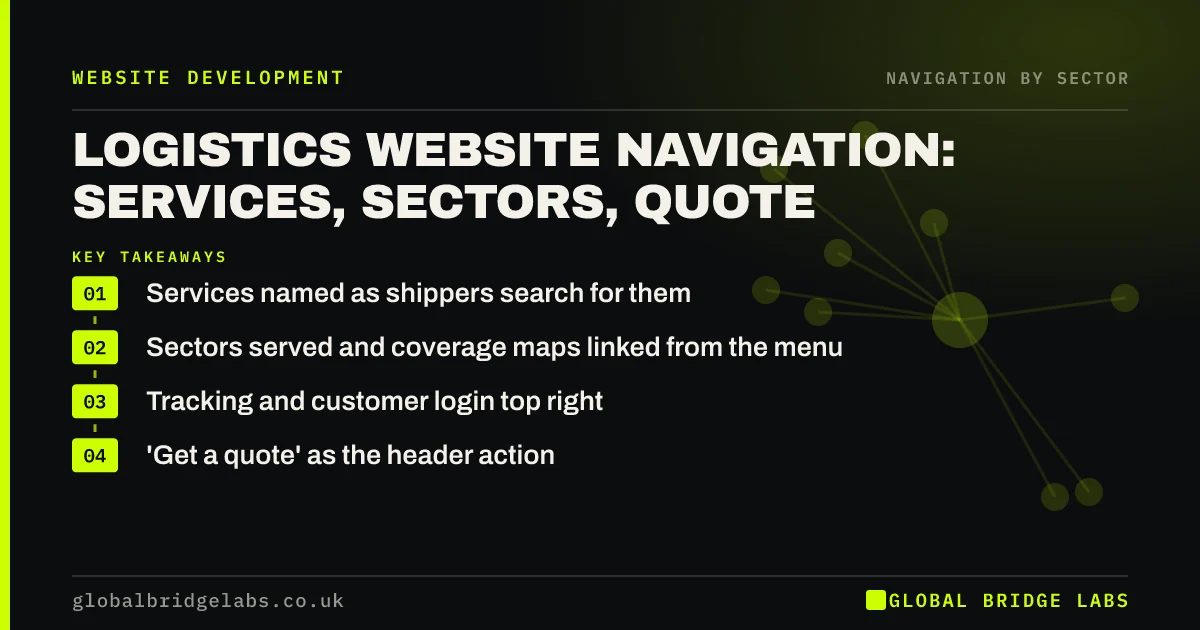
Logistics website navigation should help two groups: buyers comparing providers and customers who need to track or book. Name services as shippers search for them, such as 'Pallet delivery' or 'Warehousing', add sectors you serve and coverage, keep tracking and customer login in the utility area and make 'Get a quote' the header action.
- Services named as shippers search for them.
- Sectors served and coverage maps linked from the menu.
- Tracking and customer login top right.
- 'Get a quote' as the header action.
Want your logistics website navigation reviewed? Message us on WhatsApp.
Chat on WhatsApp →Who uses a logistics website?
Prospects, often operations or procurement managers, compare capabilities, coverage, sectors and accreditations, sometimes as part of a buying group. Existing customers come to track consignments, book collections or download documents. Navigation must serve both without one crowding out the other.
How should services be organised?
Group by what shippers buy, in their words, and add sector routes for buyers who think by industry.
- Services: pallet delivery, same-day, warehousing, international.
- Sectors: retail, manufacturing, healthcare, construction.
- Coverage: UK map, depots, international lanes.
- Accreditations and case studies under proof.
Where should tracking go?
Tracking is the most common task for existing customers. Put 'Track' and 'Customer login' at the top right of every page, visible on phones. Customers who cannot find tracking call or email, which costs your team time.
- Utility navigation: login, basket and search, out of the way
- Navigation for returning customers: logins and reorders
Want tracking and quote routes placed where customers look? Message us on WhatsApp and we will discuss your requirements.
Chat on WhatsApp →How should the quote route work?
Make 'Get a quote' the header action, linking to a short form that asks only what is needed for a first price. Link it from every service and sector page. For complex contracts, offer a call with a specialist as an alternative.
Where should proof and documents go?
Buyers shortlisting a logistics provider check accreditations, insurance, fleet details and case studies before they ask for a quote. Group these under one menu item, such as 'Why us' or 'About', rather than scattering them across pages. Link the relevant case study from each sector page, so a retail buyer sees retail work.
Existing customers need documents: terms and conditions, rate cards, collection guides and customs paperwork for international work. Put them in a customer area or a clearly labelled documents page linked from the footer and the customer login area. Publish key information as web pages rather than only as PDFs, so it reads properly on a phone in a depot.
What does this look like in practice?
A pattern we see: a haulier's tracking link sits in the footer, the menu lists 'Solutions', 'Industries' and 'Network', and the quote form is on the contact page. Moving tracking to the header, naming services directly and adding a 'Get a quote' button gives each audience a clear route.
Logistics navigation checklist
- Services named as shippers search.
- Sector and coverage routes.
- Track and login top right.
- Get a quote in the header.
- Accreditations and case studies linked.
Next step
Ask a customer how they track a delivery on your site, and how many clicks it takes.
Message us on WhatsApp for a logistics website review, or book a 30-minute consultation.
Chat on WhatsApp →Sources and further reading
- Utility navigation: what it is and how to design it · Nielsen Norman Group
- Menu-design checklist: 17 UX guidelines · Nielsen Norman Group
- Understanding WCAG 2.2 success criterion 3.2.6: Consistent Help · W3C
Frequently asked questions
What should a logistics website menu include?
Services named in shippers' words, sectors served, coverage, proof such as accreditations and case studies, about and contact, with tracking and customer login in the utility area and 'Get a quote' as the header action.
Where should the tracking link go?
At the top right of every page, labelled 'Track', and visible on phones without opening the menu. It is the most common task for existing customers.
Should logistics websites organise by sector or service?
Usually both: services as the main grouping, with sector pages for buyers who think by industry. Link each sector page to the services it uses, so either route leads to a quote.
Written by

Global Bridge Labs (GBL) is a UK–Sri Lanka partner for social media, websites and BPO. Everything here comes from client delivery, not theory.


