
On this page
- 01Key takeaways
- 02How should services be grouped in a menu?
- 03How many services should the menu show?
- 04How do you name services in the menu?
- 05What order should services go in?
- 06Should the 'Services' item link to an overview page?
- 07What does this look like in practice?
- 08Services menu checklist
- 09Next step
- 10Sources and further reading
- 11Frequently asked questions
Key takeaways
Organise your services menu the way buyers choose: usually by service type, sometimes by problem or by customer group. Show each main service by name, group them under plain headings if you have more than about seven, and link every item to its own page. Order by demand, with the services most buyers want first.
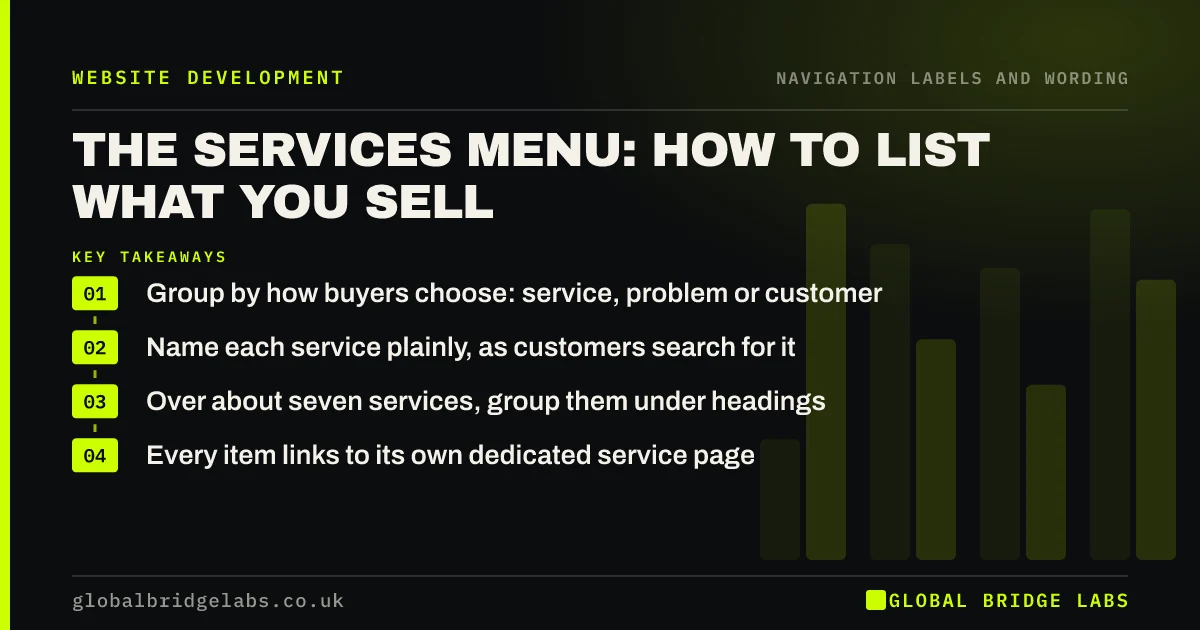
- Group by how buyers choose: service, problem or customer.
- Name each service plainly, as customers search for it.
- Over about seven services, group them under headings.
- Every item links to its own dedicated service page.
Want your services menu restructured around your buyers? Message us on WhatsApp.
Chat on WhatsApp →How should services be grouped in a menu?
Group services by the first decision buyers make. Homeowners usually know the job they need, so group by service. Businesses with a problem but no solution in mind, such as a slow website or late payments, may find problem-based groups easier. Firms serving very different customers may group by audience.
- By service: 'Extensions', 'Loft conversions', 'Renovations'.
- By problem: 'Fix a slow site', 'Get more enquiries'.
- By customer: 'For landlords', 'For homeowners'.
How many services should the menu show?
A simple dropdown works well for up to about seven services. Beyond that, group them under two to four headings, or use a mega menu if you have many services in clear groups. Hick's law, described by Nielsen Norman Group, means each extra option adds decision time, so cut services nobody asks for.
How do you name services in the menu?
Use the name customers search for, not the internal product name. Check Search Console queries and enquiry emails. 'Commercial cleaning' beats 'Facility care'. If you must use a branded service name, add a plain description beside it in the dropdown.
What order should services go in?
Put the services most buyers want first, because people scan from the top of a list and the first items get most attention. Alphabetical order helps only with long lists where visitors know the name. Keep the order the same everywhere the list appears.
Want your services menu ordered by real demand? Message us on WhatsApp and we will discuss your requirements.
Chat on WhatsApp →Should the 'Services' item link to an overview page?
Yes, where possible. An overview page that summarises each service with a link gives visitors who click the parent item somewhere useful to land, and gives search engines a hub. On touch screens, make sure the parent opens the dropdown and a separate link leads to the overview.
What does this look like in practice?
A pattern we see: an accountancy practice lists 14 services alphabetically in one dropdown, from 'Audit' to 'VAT'. Grouping them under 'For businesses', 'For individuals' and 'Specialist', with the most requested first, lets each visitor scan four or five items instead of 14.
Services menu checklist
- Decide whether buyers choose by service, problem or customer.
- Name services as customers search for them.
- Group under headings above about seven items.
- Order by demand.
- Link every item to a dedicated page.
- Give the parent item an overview page.
Next step
Rank your services by enquiries over the last year and compare that order with your menu.
Message us on WhatsApp for a services menu review, or book a 30-minute consultation.
Chat on WhatsApp →Sources and further reading
- Hick's Law: designing long menu lists · Nielsen Norman Group
- Menu-design checklist: 17 UX guidelines · Nielsen Norman Group
- Mega menus work well for site navigation · Nielsen Norman Group
Frequently asked questions
Should each service have its own page?
Yes, for any service buyers search for or ask about separately. A dedicated page can answer that buyer's questions, rank for that search and be linked directly from the menu. Very minor services can be grouped on one page.
Should I list services by audience or by service?
By service if buyers know what they need, by audience if different customer groups need different services or information. Test both with a tree test if you are unsure, using the same tasks for each.
What if I offer too many services for one menu?
Group them under a few headings, use a mega menu if you have many in clear groups, and link to a services overview page. Consider whether rarely requested services need to be in the menu at all.
Written by

Global Bridge Labs (GBL) is a UK–Sri Lanka partner for social media, websites and BPO. Everything here comes from client delivery, not theory.


