
On this page
- 01Key takeaways
- 02What is utility navigation?
- 03What belongs in utility navigation?
- 04How should utility links look?
- 05Should utility links appear on phones?
- 06What are the common mistakes?
- 07What does this look like in practice?
- 08Utility navigation checklist
- 09Next step
- 10Sources and further reading
- 11Frequently asked questions
Key takeaways
Utility navigation is the small set of tool links, such as login, basket, search, language and phone, that visitors use to do something rather than to learn about the business. Put it at the top right of the header, smaller than the main menu, and keep it identical on every page. Moving tools here keeps the main menu about the offer.
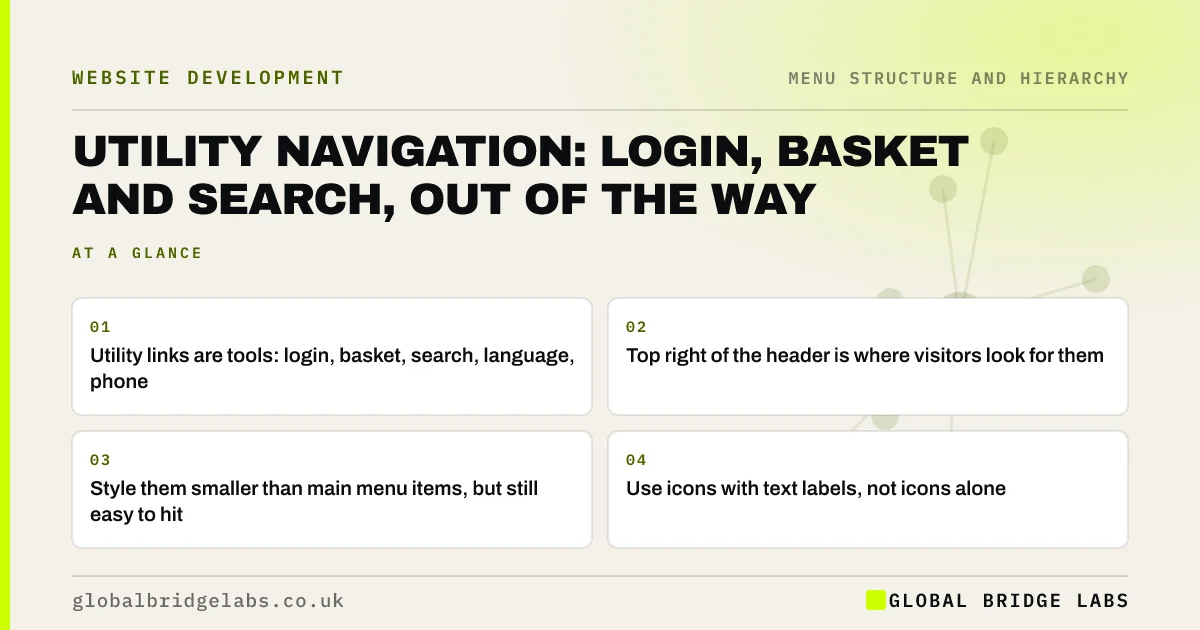
- Utility links are tools: login, basket, search, language, phone.
- Top right of the header is where visitors look for them.
- Style them smaller than main menu items, but still easy to hit.
- Use icons with text labels, not icons alone.
Want your header tools tidied into a utility area? Message us on WhatsApp.
Chat on WhatsApp →What is utility navigation?
Utility navigation is a secondary menu of tools and account functions that help visitors interact with a site, rather than browse its content. Nielsen Norman Group defines it as links to tools such as search, account login, basket and language settings, and notes users expect it in the top right corner.
What belongs in utility navigation?
Include tools a meaningful share of visitors use, and nothing that describes the business. A few items is enough.
- Login or account for customers and clients.
- Basket or cart on e-commerce sites.
- Search on sites large enough to need it.
- Language or region switcher.
- Phone number, if calls matter.
- Order tracking for retailers.
How should utility links look?
Smaller and quieter than the main menu, but still clearly clickable and large enough to hit. Pair icons with text, such as a basket icon with 'Basket (2)', because icon-only links are easy to misread. On phones, keep the basket and search visible beside the menu icon.
Should utility links appear on phones?
The most used ones should. Basket and search usually sit beside the menu icon; login and language can move into the menu. Decide from analytics which tools mobile visitors use most and keep those visible.
Want your header arranged for phones and desktop? Message us on WhatsApp and we will discuss your requirements.
Chat on WhatsApp →What are the common mistakes?
The common mistakes are mixing tools into the main menu, hiding login behind 'More', showing icon-only links with no names for screen readers, and a basket that disappears on some pages. WCAG 2.2 success criterion 3.2.3 asks for repeated navigation to stay in the same order across pages.
What does this look like in practice?
A pattern we see: an accountancy firm's client portal link sits under 'Resources', so clients email to ask where to upload documents. Moving 'Client login' to the top right of every page removes the question.
Utility navigation checklist
- Top right of the header on every page.
- Only tools: login, basket, search, language, phone.
- Icons always paired with text.
- Most used tools visible on phones.
- Same order on every page.
Next step
Ask your customer service team which tool customers most often cannot find.
Message us on WhatsApp for a header review, or book a 30-minute consultation.
Chat on WhatsApp →Sources and further reading
- Utility navigation: what it is and how to design it · Nielsen Norman Group
- Understanding WCAG 2.2 success criterion 3.2.3: Consistent Navigation · W3C
- Icon usability · Nielsen Norman Group
Frequently asked questions
What is a utility menu?
A utility menu is a small set of tool links, usually in the top right of the header, such as login, basket, search and language. It is separate from the main menu, which describes the business's content and services.
Should search be in the utility navigation?
On sites large enough to need search, yes, usually at the top right as a visible box or a labelled icon. Small sites with a clear menu often do not need search at all.
Should the phone number be in the utility bar?
For businesses that take calls, it works well there, or beside the main action button. Make it a tap-to-call link on phones and keep it in the same place on every page.
Written by

Global Bridge Labs (GBL) is a UK–Sri Lanka partner for social media, websites and BPO. Everything here comes from client delivery, not theory.


