
On this page
- 01Key takeaways
- 02What do patients look for on a clinic website?
- 03How should treatments be organised?
- 04What must be easy to find?
- 05How should booking work in the navigation?
- 06What does this look like in practice?
- 07Clinic navigation checklist
- 08Next step
- 09Sources and further reading
- 10Frequently asked questions
Key takeaways
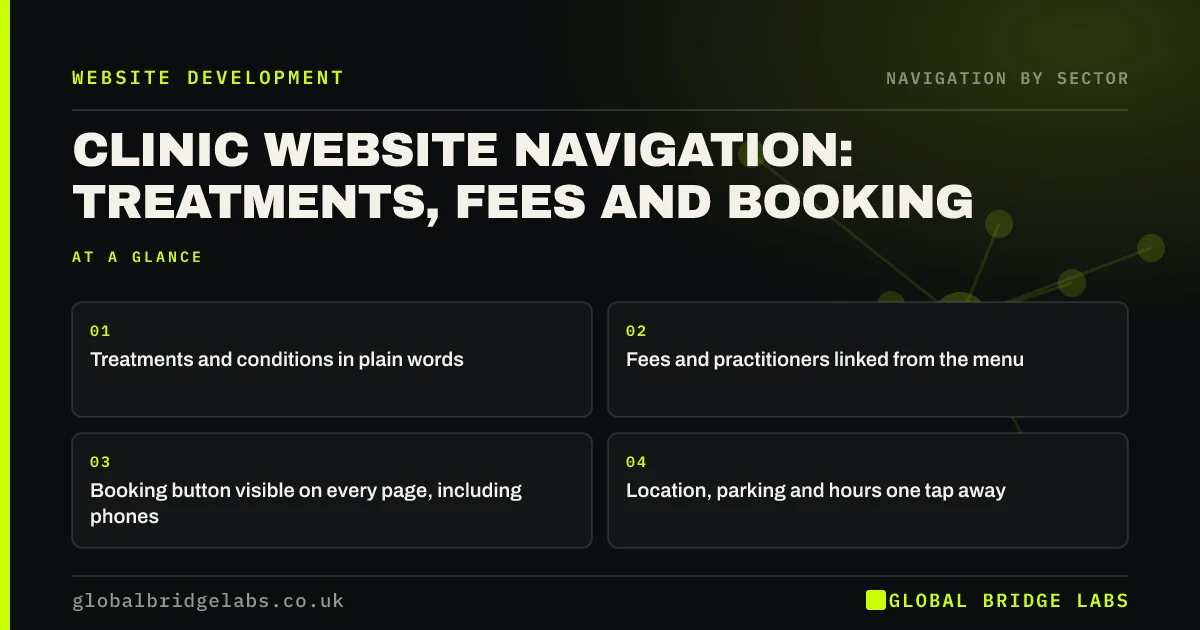
Clinic website navigation should help anxious or busy patients find a treatment, check fees, see who will treat them and book, with as little effort as possible. Name treatments and conditions in plain words, link fees and practitioners from the menu, keep a booking button visible on every page and make location, parking and opening hours easy to find.
- Treatments and conditions in plain words.
- Fees and practitioners linked from the menu.
- Booking button visible on every page, including phones.
- Location, parking and hours one tap away.
Want your clinic's website navigation reviewed? Message us on WhatsApp.
Chat on WhatsApp →What do patients look for on a clinic website?
Patients usually want to confirm the clinic treats their problem, check the cost, see who they will see and book. Many are worried or in pain, so effort matters more than usual. Navigation should give each answer one tap from any page.
How should treatments be organised?
Organise by what patients recognise: conditions ('Back pain'), treatments ('Physiotherapy') or both, grouped by body area or specialty when the list is long. Use plain names in the menu and explain clinical terms on the page.
- Treatments grouped by specialty or body area.
- Conditions linked to the treatments that help.
- Plain names first, clinical terms explained.
- A section menu within large specialties.
What must be easy to find?
Fees, practitioners, location and booking. If your clinic is regulated by the Care Quality Commission, you must display your CQC rating on your website, usually on the homepage and in a consistent place. Opening hours, parking and accessibility information should be linked from the header or footer on every page.
Want fees, practitioners and booking placed where patients look? Message us on WhatsApp and we will discuss your requirements.
Chat on WhatsApp →How should booking work in the navigation?
Show a 'Book' button in the header on every page, visible on phones without opening the menu. If booking uses a third-party system, keep the clinic's header and a link back on the booking pages, so patients do not feel they have left the site.
What does this look like in practice?
A pattern we see: a physiotherapy clinic lists treatments by technique, such as 'Manual therapy' and 'Shockwave', which patients do not search for, and fees sit under 'FAQs'. Adding conditions patients recognise, linking 'Fees' from the menu and putting 'Book' in the mobile header shortens the path to an appointment.
Clinic navigation checklist
- Treatments and conditions in plain words.
- Fees linked from the menu.
- Practitioner profiles linked from treatments.
- CQC rating displayed if applicable.
- Book button visible on phones.
- Location, parking and hours easy to find.
Next step
Ask a patient to find the price of your most common treatment on your site, on their phone.
Message us on WhatsApp for a clinic website review, or book a 30-minute consultation.
Chat on WhatsApp →Sources and further reading
- Display your CQC ratings · Care Quality Commission
- Menu-design checklist: 17 UX guidelines · Nielsen Norman Group
- Web Content Accessibility Guidelines (WCAG) 2.2 · W3C
Frequently asked questions
What should be in a clinic website's menu?
Treatments or conditions in plain words, fees, practitioners or team, location and contact, plus a visible booking button. Keep secondary pages such as careers and policies in the footer.
Do clinics have to show their CQC rating online?
Providers regulated by the Care Quality Commission must display their most recent rating on their website, as well as at their premises. Check CQC guidance for exactly where and how.
Should a clinic list conditions or treatments?
Often both. Patients search for their problem, such as 'knee pain', and for treatments they know, such as 'physiotherapy'. Link conditions to the treatments that help, so either route leads to booking.
Written by

Global Bridge Labs (GBL) is a UK–Sri Lanka partner for social media, websites and BPO. Everything here comes from client delivery, not theory.


