
On this page
- 01Key takeaways
- 02What is accessible navigation?
- 03Which WCAG criteria apply to navigation?
- 04Why does accessible navigation help everyone?
- 05What are the most common navigation failures?
- 06Will an accessibility overlay fix navigation?
- 07What does this look like in practice?
- 08Accessible navigation checklist
- 09Next step
- 10Sources and further reading
- 11Frequently asked questions
Key takeaways
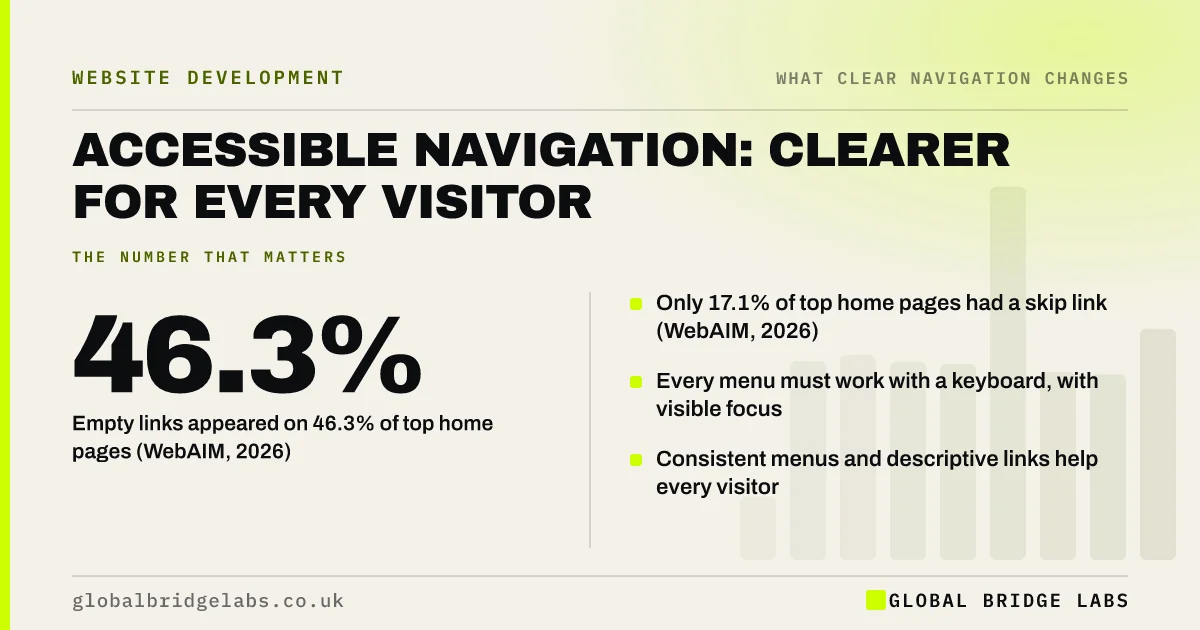
Accessible navigation works for people using keyboards, screen readers, magnification and voice control, and it is clearer for everyone else too. WCAG 2.2 sets the checks: a way to skip repeated menus, consistent navigation, descriptive links, visible focus and more than one way to find pages. WebAIM found empty links on 46.3% of top home pages in 2026.
- Empty links appeared on 46.3% of top home pages (WebAIM, 2026).
- Only 17.1% of top home pages had a skip link (WebAIM, 2026).
- Every menu must work with a keyboard, with visible focus.
- Consistent menus and descriptive links help every visitor.
Want your navigation checked against WCAG 2.2? Message us on WhatsApp.
Chat on WhatsApp →What is accessible navigation?
Accessible navigation is navigation that disabled people can perceive, operate and understand, whatever device or assistive technology they use. It follows the Web Content Accessibility Guidelines (WCAG) 2.2, published by the W3C. In the UK, the Equality Act 2010 requires service providers to make reasonable adjustments, and WCAG is the usual benchmark.
Which WCAG criteria apply to navigation?
Several WCAG 2.2 success criteria apply directly to menus and links. Most sites can check them without specialist tools.
- 2.4.1 Bypass Blocks: a way to skip repeated menus.
- 2.4.4 Link Purpose: link text that makes sense in context.
- 2.4.5 Multiple Ways: more than one way to find a page.
- 2.4.7 Focus Visible: a visible focus indicator.
- 2.4.11 Focus Not Obscured: focus not hidden by sticky bars.
- 3.2.3 Consistent Navigation: menus in the same order on every page.
- 1.4.13 Content on Hover or Focus: dropdowns that can be dismissed and stay open.
Why does accessible navigation help everyone?
The fixes that help disabled visitors help everyone. Descriptive link text helps people scanning a page. Consistent menus help anyone who visits more than one page. Large, well-spaced targets help people on phones. Visible focus helps keyboard users and people in a hurry. Accessibility and usability overlap almost entirely in navigation.
What are the most common navigation failures?
WebAIM's 2026 analysis of the top one million home pages found empty links, which have no text for screen readers, on 46.3% of pages, and a skip link on only 17.1%, with about one in ten of those broken. Other common failures are dropdowns that only open on hover, invisible focus outlines and icon-only links.
Want the common failures checked on your site? Message us on WhatsApp and we will discuss your requirements.
Chat on WhatsApp →Will an accessibility overlay fix navigation?
No. Overlay widgets add a toolbar but do not fix the underlying code, and they can interfere with the assistive technology disabled people already use. Fix the menu itself: real links, keyboard support, visible focus and clear labels.
What does this look like in practice?
A pattern we see: a site's dropdown menu opens only on mouse hover, the focus outline has been removed for looks and the social icons are links with no text. Keyboard and screen reader users cannot reach the services. Making the dropdown open on Enter, restoring the focus outline and adding hidden text labels fixes all three.
Accessible navigation checklist
- Add a working skip link.
- Make every menu work with Tab, Enter and Escape.
- Keep a visible focus outline.
- Give every link, including icons, a text name.
- Keep the menu in the same order on every page.
- Offer search or a sitemap as a second way to find pages.
Next step
Unplug your mouse and try to reach your contact page using only the keyboard.
Message us on WhatsApp for an accessible navigation review, or book a 30-minute consultation.
Chat on WhatsApp →Sources and further reading
Frequently asked questions
What makes a navigation menu accessible?
An accessible menu uses real links, works fully with a keyboard, shows a visible focus indicator, has descriptive text for every link, stays consistent across pages and lets users skip it. Dropdowns must open with the keyboard and be dismissible without moving the pointer.
Is website accessibility a legal requirement in the UK?
Public sector bodies must meet specific accessibility regulations. Private businesses providing services to the public have duties under the Equality Act 2010 to make reasonable adjustments, and WCAG 2.2 AA is the usual benchmark. Take advice for your situation.
How do I test my navigation for accessibility?
Use only the keyboard to move through the menu, check focus is visible, run an automated checker such as WAVE or Lighthouse, and try a screen reader such as NVDA or VoiceOver. Automated tools catch only some issues, so include manual checks.
Written by

Global Bridge Labs (GBL) is a UK–Sri Lanka partner for social media, websites and BPO. Everything here comes from client delivery, not theory.


