
On this page
- 01Key takeaways
- 02What do guests look for first?
- 03Why should food menus be web pages?
- 04What should the menu include?
- 05Where should allergen information go?
- 06What about booking systems?
- 07What does this look like in practice?
- 08Hospitality navigation checklist
- 09Next step
- 10Sources and further reading
- 11Frequently asked questions
Key takeaways
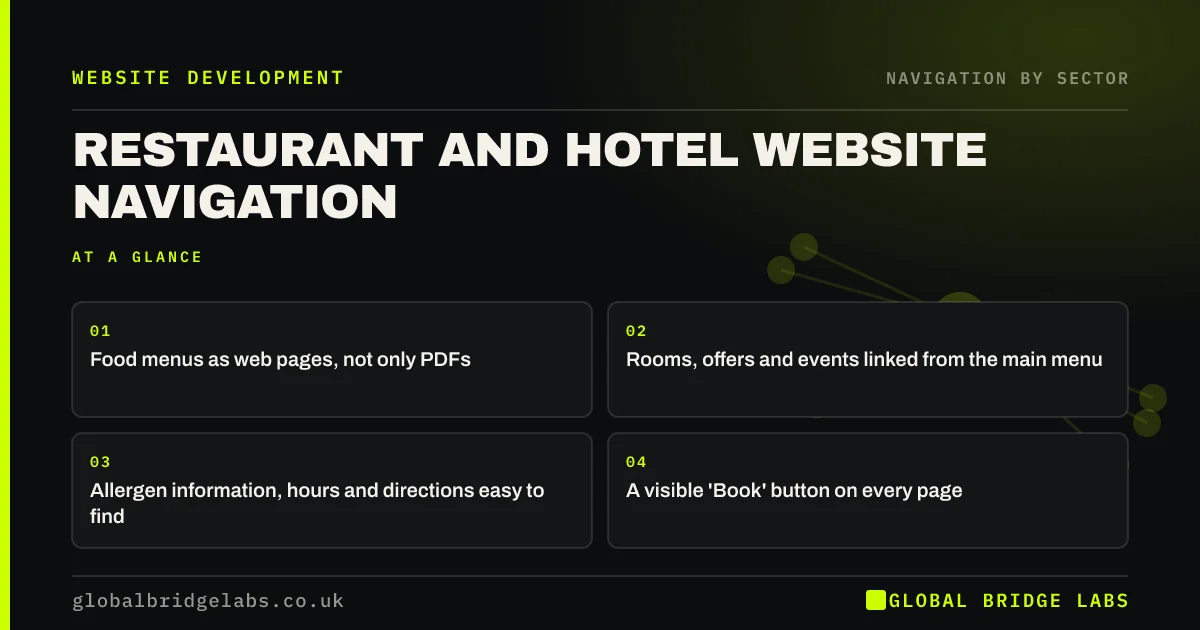
Restaurant and hotel website navigation should get guests to the menu or rooms, prices, location and booking in a tap or two. Show food menus as web pages, not only PDFs, link rooms and offers from the main menu, make allergen, opening hours and directions easy to find and keep a 'Book' button visible on every page, especially on phones.
- Food menus as web pages, not only PDFs.
- Rooms, offers and events linked from the main menu.
- Allergen information, hours and directions easy to find.
- A visible 'Book' button on every page.
Want your restaurant or hotel website navigation reviewed? Message us on WhatsApp.
Chat on WhatsApp →What do guests look for first?
Restaurant guests look for the menu, prices, opening hours, location and booking. Hotel guests look for rooms, rates, availability, location and facilities. Most browse on phones, often on the move. Navigation should put those items in the first screen.
Why should food menus be web pages?
PDF menus are slow to open on phones, need zooming and cannot be read easily by screen readers or search engines. A web page menu loads quickly, reflows to fit the screen and can link to allergen information. Keep a PDF as an extra download if you like, but not as the only version.
What should the menu include?
A short, specific menu covers most hospitality businesses.
- Restaurants: Menu, Book, Private dining, Gift vouchers, Find us.
- Hotels: Rooms, Offers, Dining, Facilities, Location, Book.
- Pubs: Food, Drinks, Events, Rooms if offered, Find us.
- Book as a distinct header button.
Want your hospitality site structured around bookings? Message us on WhatsApp and we will discuss your requirements.
Chat on WhatsApp →Where should allergen information go?
Make it easy to reach from the food menu page. The Food Standards Agency's guidance requires food businesses to provide information about the 14 major allergens, and for food sold online or by phone, before the purchase is completed. Link allergen information next to each menu and say how to ask staff.
What about booking systems?
Many restaurants and hotels use third-party booking engines. Keep your header and a link back to the site on booking pages where the system allows, and make sure the 'Book' button opens the right booking type, such as table or room, without extra steps.
What does this look like in practice?
A pattern we see: a restaurant's menu is a large PDF linked from 'Food & drink', and booking sits behind 'Contact'. On a phone, guests download a slow file and then hunt for booking. A web page menu and a 'Book a table' header button cut both steps.
Hospitality navigation checklist
- Food menus as web pages.
- Rooms and rates one tap away.
- Allergen information linked from menus.
- Hours, location and parking easy to find.
- Book button visible on phones.
- Booking pages link back to the site.
Next step
On a phone, time how long it takes to see your menu and book a table or room.
Message us on WhatsApp for a hospitality website review, or book a 30-minute consultation.
Chat on WhatsApp →Sources and further reading
- Allergen guidance for food businesses · Food Standards Agency
- PDF: still unfit for human consumption, 20 years later · Nielsen Norman Group
- Menu-design checklist: 17 UX guidelines · Nielsen Norman Group
Frequently asked questions
Should a restaurant menu be a PDF?
Not only a PDF. PDFs are slow and awkward on phones and harder for screen readers and search engines. Publish the menu as a web page and offer a PDF as an optional download if guests want to print it.
What should be in a hotel website menu?
Rooms, offers, dining, facilities, location and a prominent 'Book' button. Keep secondary pages such as careers, policies and press in the footer.
Where should allergen information go on a restaurant website?
Linked clearly from each food menu page, with information on the 14 major allergens and how to ask staff. Food Standards Agency guidance also covers what must be provided before purchase for food sold online.
Written by

Global Bridge Labs (GBL) is a UK–Sri Lanka partner for social media, websites and BPO. Everything here comes from client delivery, not theory.


