
On this page
- 01Key takeaways
- 02What is work queue management?
- 03Why do back-office queues get out of control?
- 04How do you set up a work queue?
- 05What does it look like in numbers?
- 06Who should own the queue?
- 07When is a queue the wrong tool?
- 08What does this look like in practice?
- 09Work queue checklist
- 10Next step
- 11Sources and further reading
- 12Frequently asked questions
Key takeaways
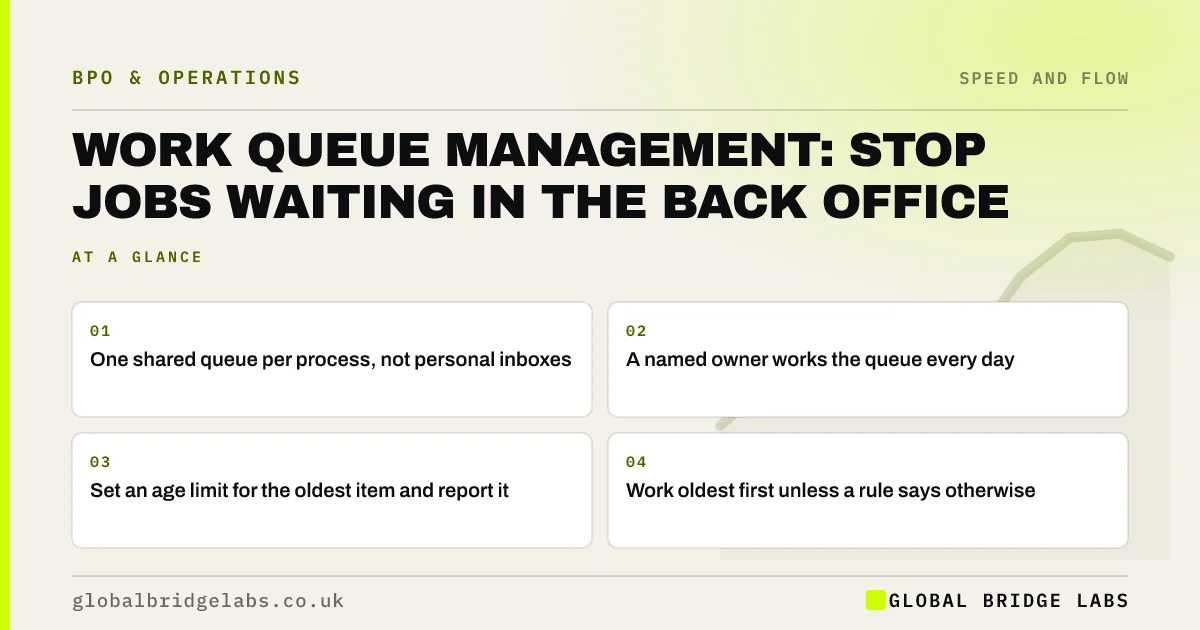
Work queue management means making every queue of waiting work visible, giving it an owner and working it at a set rhythm. In small businesses most back-office work waits in personal inboxes, so nobody can see it until a customer chases. One shared queue per process, a daily owner and an age limit for the oldest item fix most of it.
- One shared queue per process, not personal inboxes.
- A named owner works the queue every day.
- Set an age limit for the oldest item and report it.
- Work oldest first unless a rule says otherwise.
Want help setting up queues for your back office? Message us on WhatsApp.
Chat on WhatsApp →What is work queue management?
Work queue management is the practice of collecting waiting work in visible, shared lists and working them to agreed rules on priority and timing. A queue might be supplier invoices to approve, documents to check or customer emails to answer. Managed well, the queue shows how much is waiting, how long the oldest item has waited and who is working on what.
Why do back-office queues get out of control?
Back-office queues get out of control because they are invisible. Work arrives by email to whoever the customer knows, sits behind that person's other jobs, and only surfaces when chased. Nobody can see the total, so nobody can plan capacity. Each person also prioritises differently, so the same type of task waits two hours for one and two weeks for another.
How do you set up a work queue?
Set up a work queue by routing all requests of one type to one place, such as a shared mailbox, helpdesk or task board. Tag each item with its type and arrival time. Agree priority rules, a target turnaround per type and a limit for the oldest item. Then name one owner per day who works the queue.
- 1. Route requests of one type to one shared place.
- 2. Record type and arrival time for each item.
- 3. Agree priority rules and a target turnaround.
- 4. Name the owner for each working day.
- 5. Report queue size and oldest item weekly.
What does it look like in numbers?
In an illustrative firm, customer document requests arrive in five personal inboxes. The average wait is four working days and the oldest is three weeks. Routing them to one shared queue worked twice a day brings the average to under one day, with no extra staff. Example figures, not a benchmark.
- Work ageing report: find the jobs that have been waiting
- Turnaround time: what to agree with an outsourced team
Want to estimate what one shared queue would change for you? Send us your volumes on WhatsApp.
Chat on WhatsApp →Who should own the queue?
The queue owner should be someone whose main job that day is the queue, not someone fitting it around client work. In a small firm that is hard to arrange, which is why queues suit a managed team. The owner works items to the rules, flags exceptions and reports queue size. A separate internal process owner sets the rules.
When is a queue the wrong tool?
A queue is the wrong tool for work that needs a relationship, such as a key client who expects one named contact, or for very low volumes where one person can simply do the work as it arrives. It is also wrong if nobody will ever work it. A queue without an owner is just a hidden backlog.
What does this look like in practice?
A pattern we see: an owner says requests are dealt with quickly. Moving them into one shared queue shows a long tail of items waiting more than a week, all sent to people who were on holiday or busy. Seeing the queue is often the first time anyone notices them.
Work queue checklist
Check each back-office process against these.
- Does every request of this type land in one place?
- Can you see how many are waiting right now?
- Do you know the age of the oldest item?
- Is there a named owner today?
- Is turnaround reported weekly?
Next step
Tell us which back-office requests customers chase most. We will help you design one shared queue for them and say whether it is best worked in-house or by a managed team.
Message us on WhatsApp to set up your queues, or book a 30-minute consultation.
Chat on WhatsApp →Sources and further reading
- Labour productivity · Office for National Statistics
- UK Customer Satisfaction Index · Institute of Customer Service
Frequently asked questions
What is work queue management?
Work queue management is collecting waiting work in shared, visible lists and working them to agreed rules on priority and timing. It lets a business see how much is waiting, how long the oldest item has waited and who owns the queue each day.
How do you prioritise a work queue?
Start with oldest first, then add a small number of clear exceptions, such as payment issues or regulated deadlines. Write the rules down so everyone working the queue applies them the same way. Too many priority levels slow people down.
What tool should a small business use for work queues?
A shared mailbox works for low volumes. A helpdesk or task board is better once several people work the queue, because it records arrival times, assigns owners and reports ageing. Choose the simplest tool that shows queue size and oldest item.
Written by

Global Bridge Labs (GBL) is a UK–Sri Lanka partner for social media, websites and BPO. Everything here comes from client delivery, not theory.


