
On this page
- 01Key takeaways
- 02What is the difference?
- 03When is a shared inbox enough?
- 04What are the signs you have outgrown it?
- 05What does a helpdesk change in numbers?
- 06How do you switch without losing emails?
- 07When is a helpdesk overkill?
- 08What does this look like in practice?
- 09Inbox or helpdesk checklist
- 10Next step
- 11Sources and further reading
- 12Frequently asked questions
Key takeaways
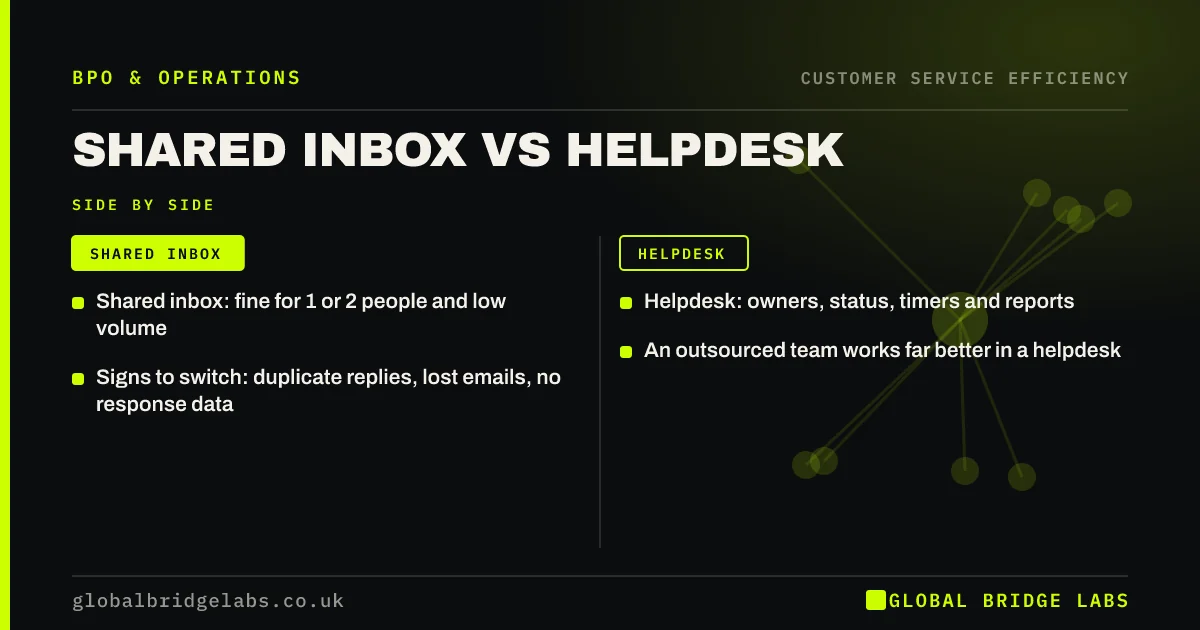
A shared inbox works for one or two people handling modest email volumes. A helpdesk is better once several people, several channels or an outsourced team are involved, because it assigns owners, tracks status and response times, and stops two people answering the same email. The switch usually pays off sooner than owners expect.
- Shared inbox: fine for 1 or 2 people and low volume.
- Helpdesk: owners, status, timers and reports.
- Signs to switch: duplicate replies, lost emails, no response data.
- An outsourced team works far better in a helpdesk.
Not sure if you have outgrown your shared inbox? Message us on WhatsApp.
Chat on WhatsApp →What is the difference?
A shared inbox is one email account several people can read and reply from, such as info@ or support@. A helpdesk turns each email, chat or message into a ticket with an owner, a status, a priority and timestamps. The helpdesk adds structure the inbox lacks: who has it, whether it is solved and how long it took.
When is a shared inbox enough?
A shared inbox is enough when one or two people handle all customer email, volumes are low, and everyone can see what the other has done. It is simple, cheap and familiar. Folders, flags and a few saved replies go a long way at this size.
What are the signs you have outgrown it?
You have outgrown it when two people reply to the same customer, when emails are missed because someone thought another person had them, when nobody can say how long replies take, or when queries also arrive by chat, WhatsApp and social media. Adding an outsourced team to a shared inbox makes all of these worse.
- Duplicate or conflicting replies to the same customer.
- Emails missed or forgotten.
- No data on response or resolution times.
- Several channels to watch.
- More than two or three people answering.
What does a helpdesk change in numbers?
In an illustrative team of four sharing support@, about one email in fifteen gets two replies and a few each week are missed. After moving to a helpdesk with assignment rules, duplicates and misses stop, and for the first time the owner can see that first response averages six working hours. Example figures; the visibility is often the biggest gain.
- Response time vs resolution time: which one to improve
- Operations dashboard: the few numbers a small firm needs
Want help choosing what you need? Send us your volumes and channels on WhatsApp.
Chat on WhatsApp →How do you switch without losing emails?
Switch by forwarding the shared address into the helpdesk so customers see no change, importing recent open conversations, setting up categories and saved replies before go-live, and running both side by side for a few days. Train everyone on assigning and closing tickets on day one.
When is a helpdesk overkill?
A helpdesk is overkill for a sole trader or a business receiving a handful of emails a day, handled by one person. The setup and subscription cost more than they save. Revisit the choice when a second person starts answering.
What does this look like in practice?
A pattern we see: a business adds an outsourced team to its shared inbox and the first week is confusing, with nobody sure who is handling what. Moving to a simple helpdesk with assignment rules settles it within days.
Inbox or helpdesk checklist
Answer these to decide.
- How many people answer customers?
- How many channels do queries arrive by?
- Have customers had duplicate replies?
- Do you know your response time?
- Will an outside team be answering?
Next step
Tell us how many people answer customers and through which channels. We will say whether a shared inbox is still enough and what a switch would involve.
Message us on WhatsApp about your inbox, or book a 30-minute consultation.
Chat on WhatsApp →Sources and further reading
- Contracts and liabilities between controllers and processors · Information Commissioner's Office
- Small Business Guide: cyber security · National Cyber Security Centre
Frequently asked questions
What is the difference between a shared inbox and a helpdesk?
A shared inbox is one email account several people use. A helpdesk turns each message into a ticket with an owner, status, priority and timestamps, across email, chat and other channels. It prevents duplicate replies and shows response times.
When should a small business get a helpdesk?
When more than two or three people answer customers, when queries arrive on several channels, when customers get duplicate replies or emails are missed, or when an outsourced team joins. Before that, a well-organised shared inbox is usually enough.
Will customers notice a switch to a helpdesk?
Usually not, if the same address is forwarded into the helpdesk. Customers keep emailing the same address and get replies from it. They may notice faster, more consistent replies, and some helpdesks add a ticket reference to emails.
Written by

Global Bridge Labs (GBL) is a UK–Sri Lanka partner for social media, websites and BPO. Everything here comes from client delivery, not theory.


