
On this page
- 01Key takeaways
- 02Why do outsourced teams need one task list?
- 03What should every task include?
- 04What statuses should you use?
- 05What does it change in numbers?
- 06Which tool should you use?
- 07When is a task list overkill?
- 08What does this look like in practice?
- 09Task management checklist
- 10Next step
- 11Sources and further reading
- 12Frequently asked questions
Key takeaways
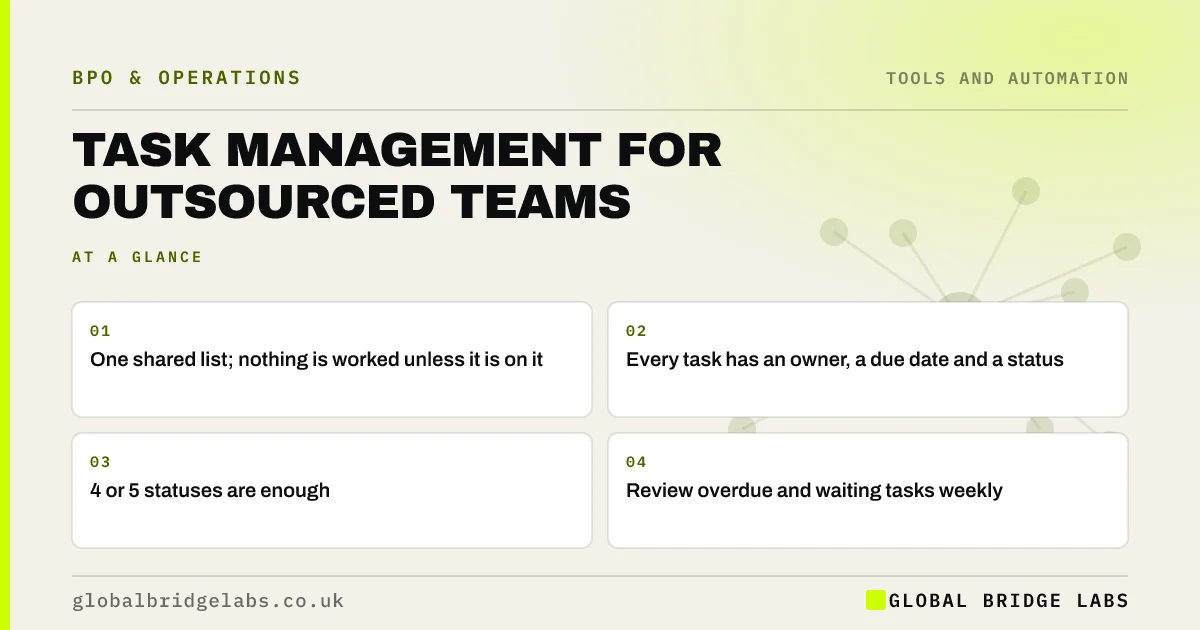
Task management for outsourced teams works best with one shared task list that both sides can see, where every request becomes a task with an owner, a due date and a status. It replaces requests scattered across email, chat and calls. Four or five statuses, a weekly review and a rule that nothing is worked unless it is on the list keep it simple.
- One shared list; nothing is worked unless it is on it.
- Every task has an owner, a due date and a status.
- 4 or 5 statuses are enough.
- Review overdue and waiting tasks weekly.
Want a task board set up for your outsourced work? Message us on WhatsApp.
Chat on WhatsApp →Why do outsourced teams need one task list?
Outsourced teams need one list because requests otherwise arrive by email, chat, phone and in meetings, from several people. Some are lost, some are done twice and nobody can see what is waiting. One list makes the work visible to both sides and gives everyone the same answer to what is happening.
What should every task include?
Every task should include a clear title, what done looks like, any files or links needed, an owner, a due date and a priority. For recurring work, link to the SOP instead of repeating instructions.
- Title that says the outcome.
- Definition of done or link to criteria.
- Files, links and access needed.
- Owner and due date.
- Priority, if not normal.
What statuses should you use?
Use four or five statuses: to do, in progress, waiting on client, in review and done. The waiting on client status is the most important, because it shows which tasks are stuck on your side. A weekly look at it often reveals that the provider is waiting for you, not the other way round.
What does it change in numbers?
In an illustrative arrangement, the client sends about 40 requests a week through email and WhatsApp, and two or three a week are missed or duplicated. Moving to one task board with a rule that only board tasks are worked ends the misses, and the waiting on client column shows about a quarter of open tasks are blocked on the client. Example figures.
- How much of your time does an outsourced team need?
- Escalation paths for outsourced teams: fast, not chaotic
Want to see where your outsourced tasks get stuck? Send us your current set-up on WhatsApp.
Chat on WhatsApp →Which tool should you use?
Use the simplest tool both sides can access, ideally one you already have. A helpdesk suits customer-facing work, a task board suits project and admin work, and a shared spreadsheet can work for very small volumes. Give the provider named accounts, not a shared log-in.
When is a task list overkill?
For a single, steady recurring process with no ad hoc requests, such as daily data entry, a queue in the working system and a weekly report may be enough. A task list earns its place once requests vary or come from several people.
What does this look like in practice?
A pattern we see: a client feels the provider is slow, while the provider feels the client never answers. One shared board with a waiting on client column settles it within a week, because both sides can finally see where tasks wait.
Task management checklist
Set these up with your provider.
- One shared task list.
- Rule: only listed tasks are worked.
- Owner and due date on every task.
- A waiting on client status.
- Weekly review of overdue tasks.
Next step
Tell us how you send work to your team or provider today. We will suggest a simple task set-up that stops requests going missing.
Message us on WhatsApp about task management, or book a 30-minute consultation.
Chat on WhatsApp →Sources and further reading
- Password administration for system owners · National Cyber Security Centre
- Contracts and liabilities between controllers and processors · Information Commissioner's Office
Frequently asked questions
How do you manage tasks with an outsourced team?
Use one shared task list that both sides can see, where every request becomes a task with an owner, due date and status. Agree that only tasks on the list are worked, and review overdue and waiting tasks together every week.
What tool should I use to manage an outsourced team?
The simplest tool both sides can access. A helpdesk suits customer-facing work, a task board suits admin and projects, and a shared spreadsheet can do for very small volumes. Use named accounts with multi-factor authentication rather than shared log-ins.
Why do outsourced tasks get missed?
Usually because requests arrive through several channels from several people, so some are never logged. Moving all requests to one list, with a rule that nothing else is worked, stops most missed tasks.
Written by

Global Bridge Labs (GBL) is a UK–Sri Lanka partner for social media, websites and BPO. Everything here comes from client delivery, not theory.


