On this page
- 01Key takeaways
- 02Why do customer emails go unanswered?
- 03How do you measure an email backlog?
- 04What should you try before outsourcing?
- 05When should you outsource your inbox?
- 06What does outsourced inbox handling cost?
- 07What about data protection?
- 08Which emails should stay in-house?
- 09How does an outsourced team triage an inbox?
- 10What does this look like in practice?
- 11Inbox checklist
- 12Next step
- 13Sources and further reading
- 14Frequently asked questions
Key takeaways
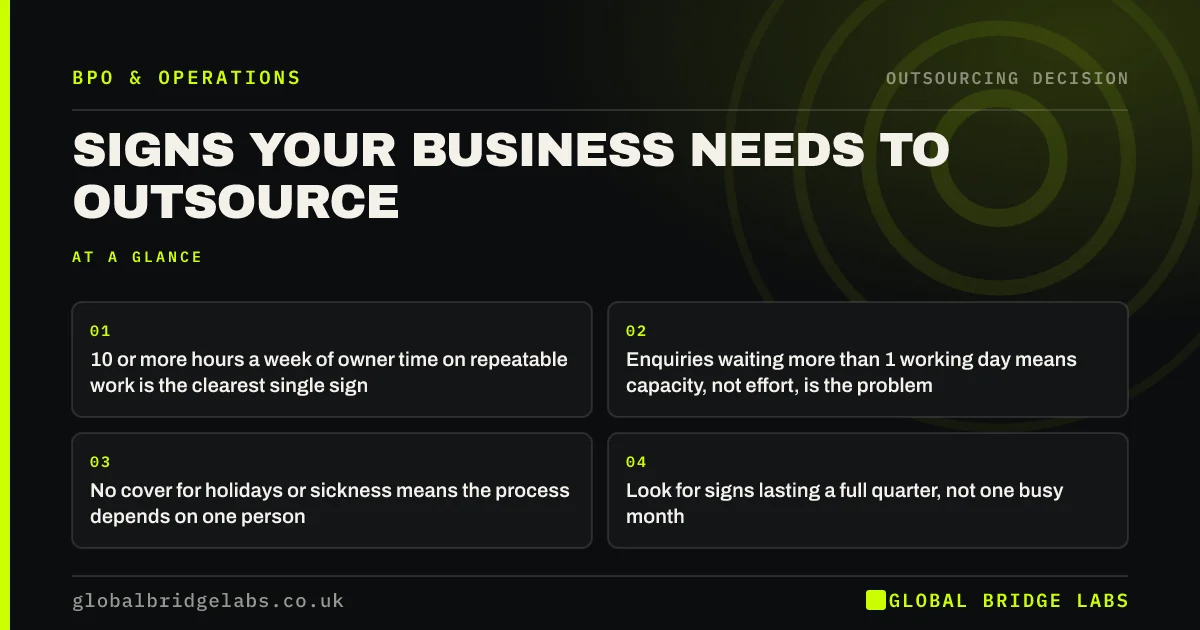
Unanswered customer emails are one of the clearest signs a business needs more capacity. If emails regularly wait more than one working day, or a backlog builds every week, try templates and a shared inbox first. If the backlog persists and the inbox takes 10 or more hours a week, outsourcing inbox handling usually pays for itself.
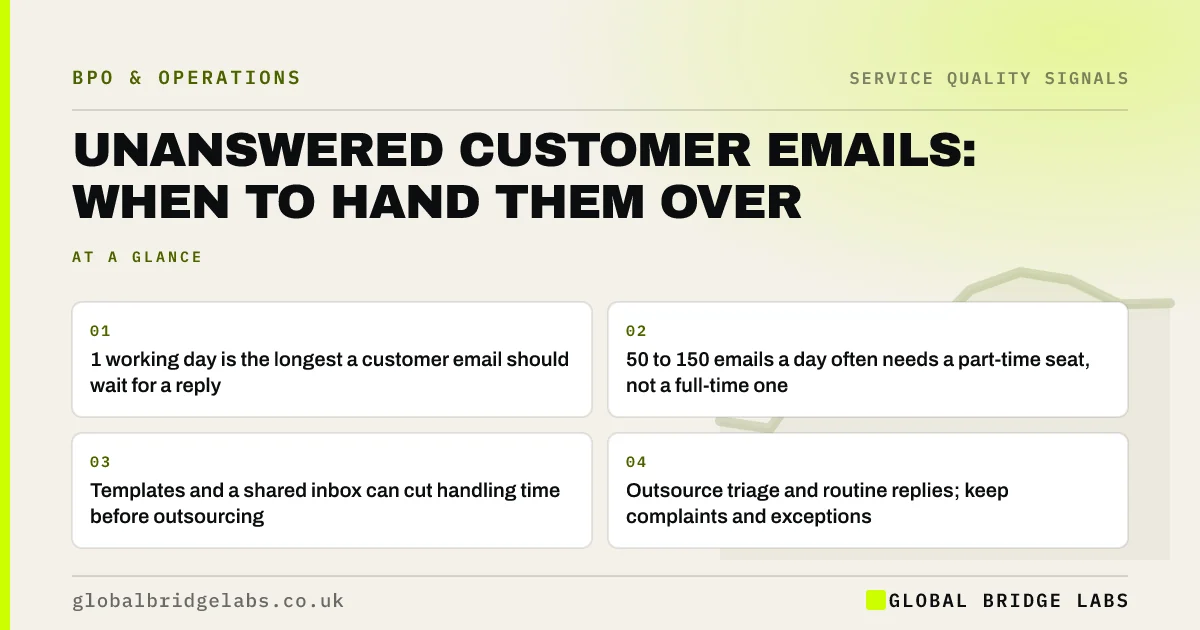
- 1 working day is the longest a customer email should wait for a reply.
- 50 to 150 emails a day often needs a part-time seat, not a full-time one.
- Templates and a shared inbox can cut handling time before outsourcing.
- Outsource triage and routine replies; keep complaints and exceptions.
Inbox out of control? Message us on WhatsApp with how many emails arrive each day.
Chat on WhatsApp →Why do customer emails go unanswered?
Customer emails go unanswered because the person responsible has other work, because the inbox is shared but nobody owns it, or because volume has outgrown the time available. In small businesses, email is often handled between other tasks, so it waits whenever the day gets busy, which is exactly when most emails arrive.
How do you measure an email backlog?
Count unanswered emails at the same time each day, and note the age of the oldest. Track for two weeks. Also count emails that are customers chasing earlier emails, because chasers are a direct measure of waiting. If the backlog and chasers rise together, capacity is the problem.
- Unanswered emails at 9am each day.
- Age of the oldest unanswered email.
- Share of emails that are chasers.
- Average time to first reply.
What should you try before outsourcing?
Try three fixes first. A shared inbox with one named owner each day stops emails falling between people. Saved replies for the most common questions cut handling time. Clear auto-replies and self-service answers, such as order tracking links, reduce the number of emails that need a person at all.
Want a list of the templates most businesses need? Ask us on WhatsApp.
Chat on WhatsApp →When should you outsource your inbox?
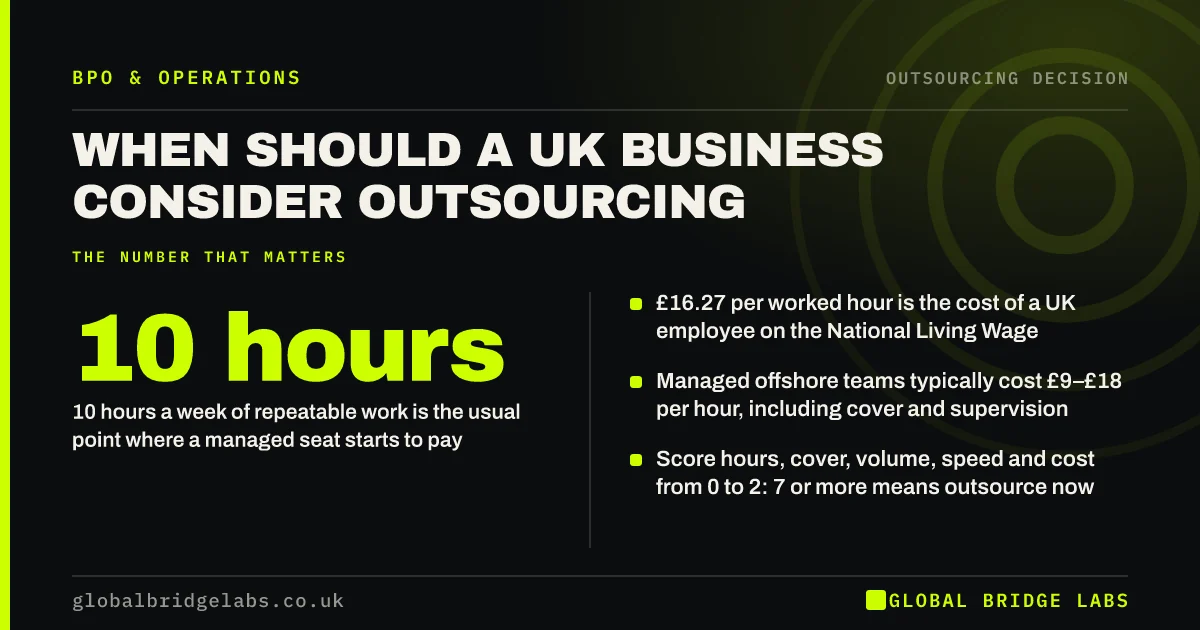
Outsource when the fixes are in place and emails still wait, when the inbox takes 10 or more hours a week, or when it needs covering through holidays, evenings or peaks. A managed team can triage, answer routine emails from a written guide, and pass exceptions to the right person with a summary.
What does outsourced inbox handling cost?
A single inbox with 50 to 150 emails a day often needs a part-time seat. As indicative market ranges, managed offshore teams cost £9–£18 per hour and onshore teams £20–£35. A 20-hour-a-week offshore seat at £12 per hour is about £1,040 a month, often less than the owner time or overtime it replaces.
What about data protection?
Customer emails contain personal data, so the provider is a data processor under UK GDPR and needs a written processor contract. An offshore team also needs a valid transfer safeguard. Give individual logins with multi-factor authentication and restrict access to the mailboxes the team needs.
Which emails should stay in-house?
Keep complaints, legal matters, pricing negotiations and key accounts in-house, at least at first. Give the outsourced team clear rules to route these to named people. As trust builds, some straightforward categories, such as simple refund requests within policy, can move across.
How does an outsourced team triage an inbox?
Triage sorts every email into one of a few categories within a set time. Routine questions get answered from the guide. Requests that need action, such as a change to an order, are completed or passed to the right system. Exceptions, complaints and sales opportunities go to named people with a short summary. The inbox is left clear at the end of each shift.
- Answer: routine questions from the written guide.
- Action: complete simple requests in your systems.
- Route: complaints and exceptions to named people with a summary.
- Flag: sales opportunities for the sales team.
What does this look like in practice?
A pattern we see in UK e-commerce brands: 400 unanswered emails after a sale, most asking where an order is or how to return something. A managed team working from saved replies and read-only order access clears the backlog in two weeks and keeps first replies within hours after that, while the founder handles only escalations.
Inbox checklist
Use this to deal with unanswered emails.
- Count unanswered emails and chasers daily for two weeks.
- Set up a shared inbox with a daily owner.
- Write saved replies for the ten most common questions.
- Add self-service links and clear auto-replies.
- Outsource triage and routine replies if the backlog persists.
- Route complaints and key accounts to named people.
Next step
Tell us how many emails arrive each day and how long they wait. We will tell you whether templates will do or whether outsourcing makes sense.
Message us on WhatsApp about your inbox, or book a 30-minute consultation.
Chat on WhatsApp →Sources and further reading
- Contracts and liabilities between controllers and processors · Information Commissioner's Office
- International transfers of personal data · Information Commissioner's Office
- UK Customer Satisfaction Index · Institute of Customer Service
Frequently asked questions
How long should customers wait for an email reply?
No more than one working day, and ideally a few hours in business hours. Longer waits create chaser emails, which add to the backlog, and send buyers to competitors. Set a clear auto-reply with a realistic reply time and meet it consistently.
How do I manage too many customer emails?
Use a shared inbox with a daily owner, saved replies for common questions and self-service links to reduce volume. If emails still wait more than a day and the inbox takes 10 or more hours a week, outsource triage and routine replies.
Is it safe to let an outsourced team answer customer emails?
Yes, with the right controls: a processor contract under UK GDPR, a transfer safeguard for offshore teams, individual logins with multi-factor authentication, a written guide and clear rules for escalating complaints and exceptions.
Written by

Global Bridge Labs (GBL) is a UK–Sri Lanka partner for social media, websites and BPO. Everything here comes from client delivery, not theory.