
On this page
- 01Key takeaways
- 02What is website speed monitoring?
- 03What should a small business monitor?
- 04Which tools cover it without a subscription?
- 05How often should you check?
- 06Who should receive the alerts?
- 07What does this look like in practice?
- 08Speed monitoring checklist
- 09Next step
- 10Sources and further reading
- 11Frequently asked questions
Key takeaways
Website speed monitoring means checking speed on a schedule instead of when someone complains. Sites rarely slow down in one step. A plugin update, a new tracking tag or a large image added by a colleague each cost a little, and nobody notices until enquiries dip. For most small businesses, three free checks and a named owner are enough to catch it early.
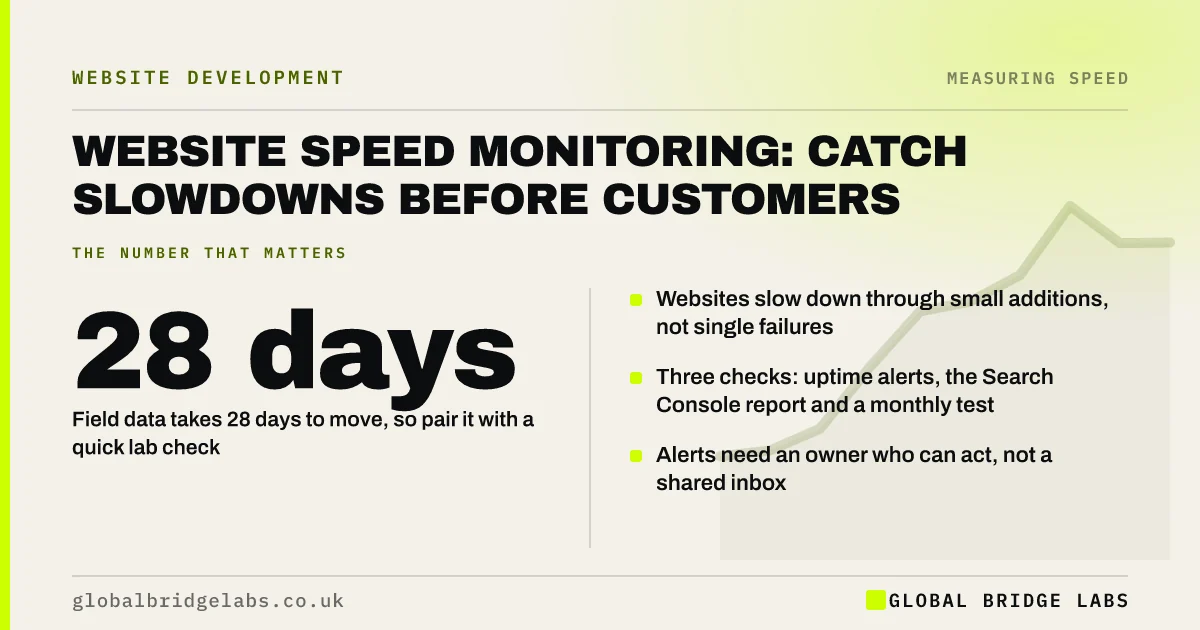
- Websites slow down through small additions, not single failures.
- Three checks: uptime alerts, the Search Console report and a monthly test.
- Field data takes 28 days to move, so pair it with a quick lab check.
- Alerts need an owner who can act, not a shared inbox.
Nobody watching your site's speed? Tell us on WhatsApp and we will set up the basics.
Chat on WhatsApp →What is website speed monitoring?
Website speed monitoring is the routine measurement of how quickly a site loads and responds, so that changes are spotted and fixed before they affect customers.
It has two forms. Synthetic monitoring runs the same lab test on a schedule, which shows a change within hours. Real-user monitoring records what actual visitors experience, which is more truthful and slower to react. A small business needs a light version of both.
What should a small business monitor?
Monitor the few things that would cost enquiries if they went wrong.
- Uptime: is the site reachable at all?
- Core Web Vitals for mobile, from field data.
- Lab results for three key pages: a landing page, a service page and the contact page.
- The enquiry form: does it submit, and how quickly?
- Server response time, as an early sign of hosting trouble.
Which tools cover it without a subscription?
Three free tools cover the essentials. An uptime monitor checks the site every few minutes and sends an alert when it fails. Google Search Console's Core Web Vitals report shows how real visitors' experience is trending across the site and emails you when pages move into a worse group. PageSpeed Insights, run monthly on the same three pages, gives a lab check and field data in one place.
Paid monitoring adds scheduled tests from several locations, alerts on speed thresholds and history. It is worth it for online shops and for sites that change often.
Want these three checks set up and pointed at the right person? Ask us on WhatsApp.
Chat on WhatsApp →How often should you check?
Match the frequency to how quickly each thing can go wrong.
- Uptime: automatically, every few minutes.
- Enquiry form: a test submission every week.
- Key pages in PageSpeed Insights: monthly, and after any site change.
- Search Console Core Web Vitals: monthly.
- Full journey on a phone: quarterly.
Who should receive the alerts?
Alerts should go to a named person who can do something about them, with a deputy. An uptime alert sent to a general inbox that nobody reads at the weekend is not monitoring. Decide in advance who contacts the host or developer, and keep those details where they can be found.
There is a trade-off. Too many alerts and people stop reading them. Start with uptime and the Search Console emails, and add more only if a problem slips through.
What does this look like in practice?
A pattern we see after a speed project: the site is fast at handover and nobody is asked to keep it that way. Over the next year a pop-up tool, two campaign pixels and several unresized team photographs go on. Enquiries soften, and the cause is only found when someone runs a test.
A monthly check of three pages, with the results noted in one place, would have shown the first step down. Global Bridge Labs (GBL) builds that check into its care plans.
Speed monitoring checklist
- Set up an uptime monitor with alerts to a phone.
- Verify the site in Search Console and turn on email notices.
- Choose three pages and record their results monthly.
- Send a test enquiry every week.
- Name an owner and a deputy.
- Re-test after every plugin, tag or design change.
Next step
The cheapest time to fix a slowdown is the week it happens. We can set up basic monitoring for your site and agree who gets the call.
Message us on WhatsApp to set up speed and uptime monitoring.
Chat on WhatsApp →Sources and further reading
- Core Web Vitals report · Search Console Help
- Chrome User Experience Report · Chrome for Developers
- Uptime and availability: keeping your service online · GOV.UK Service Manual
- About PageSpeed Insights · Google for Developers
Frequently asked questions
How do I monitor my website speed?
Use an uptime monitor for availability, Google Search Console's Core Web Vitals report for real-visitor trends and a monthly PageSpeed Insights test of the same three pages. Record the results and name a person responsible for acting on changes.
Does a small business need paid speed monitoring?
Usually not. Free tools cover uptime, field data and lab checks. Paid services add scheduled tests, threshold alerts and history, which are worth it for online shops, busy sites and sites that are updated frequently.
How often should I check my website speed?
Monthly for key pages, and after any change that adds content or code, such as a new plugin, tag or page template. Uptime should be checked automatically every few minutes, and the enquiry form tested weekly.
Why did my website get slower without any changes?
Something usually did change: an automatic plugin or theme update, a new tag added through a tag manager, larger images uploaded by a colleague, a third-party service slowing down or a busier shared server. Monitoring narrows down when it happened.
Written by

Global Bridge Labs (GBL) is a UK–Sri Lanka partner for social media, websites and BPO. Everything here comes from client delivery, not theory.


