
On this page
- 01Key takeaways
- 02What is time to first byte?
- 03Why does server response matter to customers?
- 04What makes a server slow to respond?
- 05How do you check and fix it?
- 06When is changing host the answer?
- 07What does this look like in practice?
- 08Time to first byte checklist
- 09Next step
- 10Sources and further reading
- 11Frequently asked questions
Key takeaways
Time to first byte (TTFB) is how long a visitor's browser waits before your server starts sending the page. It tells you whether the slow part of your site is the server or the page itself. A result within about 0.8 seconds is good. If yours is much higher, hosting and caching are the place to look. If it is fine, a new host will not help.
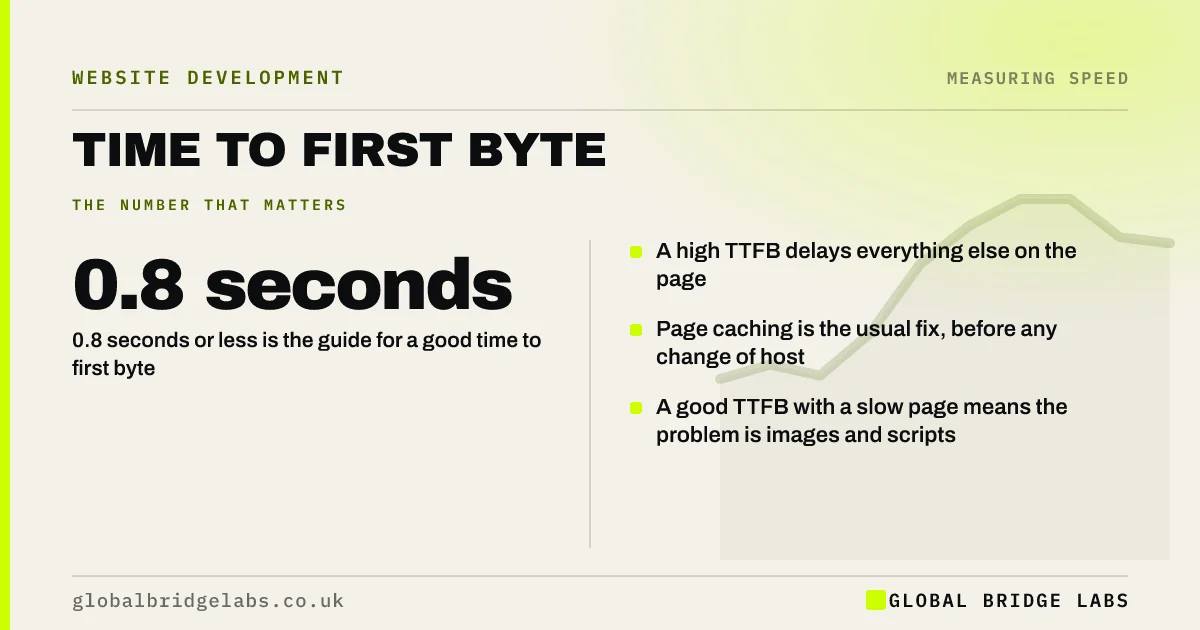
- 0.8 seconds or less is the guide for a good time to first byte.
- A high TTFB delays everything else on the page.
- Page caching is the usual fix, before any change of host.
- A good TTFB with a slow page means the problem is images and scripts.
Want to know whether your server is the slow part? Send us the URL on WhatsApp.
Chat on WhatsApp →What is time to first byte?
Time to first byte is the time between a browser requesting a page and receiving the first piece of the response from the server.
It covers finding the server, connecting securely, and the server working out what to send. Nothing can appear on screen until it is over, so it sets the floor for every other speed measure. Google's web.dev suggests most sites should aim for 0.8 seconds or less.
Why does server response matter to customers?
Server response matters because it is pure waiting. During it, the visitor sees a blank screen or the previous page. Every later step, loading the images, running scripts, drawing the page, starts only when it ends.
It also repeats. Each new page a visitor opens makes another request, so a server that takes two seconds to reply adds two seconds to every click.
What makes a server slow to respond?
Servers respond slowly when they have to do a lot of work for each request, or when they are short of resources.
- No page caching: the page is built from the database on every visit.
- Crowded shared hosting: your site waits behind others.
- Many plugins or heavy queries running before the page is sent.
- An out-of-date version of the server software.
- The server is far from your visitors, with no content delivery network.
- Redirect chains before the final page.
How do you check and fix it?
PageSpeed Insights reports time to first byte in its field data where available, and flags slow server response in the lab diagnostics. Test a few different pages, because a cached homepage can hide slow inner pages.
- 1. Turn on full-page caching.
- 2. Add a content delivery network to serve pages and files from nearby.
- 3. Update the server software to a supported version.
- 4. Remove plugins that run heavy work on every request.
- 5. If it is still slow, move to better hosting.
Want your server response tested across several pages? Ask us on WhatsApp.
Chat on WhatsApp →When is changing host the answer?
Changing host is the answer when response is slow even with caching on, when it varies widely through the day, or when the host cannot offer caching or a current server version. Managed hosting in the UK is typically an indicative £20 to £100 a month and usually includes both.
It is not the answer when TTFB is already under a second. In that case the delay is on the page, and a migration will cost time and risk for no gain.
What does this look like in practice?
A pattern we see on low-cost shared hosting: the homepage tests acceptably, because it is cached, and every other page takes two or three seconds before anything arrives. Logged-in areas and search results are slowest of all.
Turning on caching for all public pages often brings the wait under a second without moving host. Where it does not, the test results make the case for an upgrade. Global Bridge Labs (GBL) measures server response on several page types before recommending either.
Time to first byte checklist
- Check TTFB for the homepage, a service page and the contact page.
- Compare results at different times of day.
- Confirm page caching is on for all public pages.
- Check the server software version is supported.
- Add a content delivery network.
- Consider a new host only if it is still above a second.
Next step
Knowing whether the server or the page is slow saves paying to fix the wrong one. We will measure both and tell you which it is.
Message us on WhatsApp for a server response check.
Chat on WhatsApp →Sources and further reading
- Time to First Byte (TTFB) · web.dev (Google)
- Optimise Time to First Byte · web.dev (Google)
- Content delivery networks (CDNs) · web.dev (Google)
- About PageSpeed Insights · Google for Developers
Frequently asked questions
What is a good time to first byte?
As a rough guide, 0.8 seconds or less. Google's web.dev suggests most sites should aim for that. Above 1.8 seconds is considered poor. A result under a second generally means the server is not the main cause of a slow page.
What causes a slow time to first byte?
The server doing too much work for each request, usually because pages are not cached, or sharing resources with too many other sites. Heavy plugins, old server software, long redirect chains and distance from the visitor also add to it.
Will better hosting improve time to first byte?
It will if the current host is the limit. Try page caching and a content delivery network first, because they often solve it at little cost. If response is still slow or inconsistent, better hosting is the next step.
Is time to first byte a Core Web Vital?
No. The Core Web Vitals are Largest Contentful Paint, Interaction to Next Paint and Cumulative Layout Shift. Time to first byte is a supporting measure. It matters because a slow server response makes a good Largest Contentful Paint much harder to reach.
Written by

Global Bridge Labs (GBL) is a UK–Sri Lanka partner for social media, websites and BPO. Everything here comes from client delivery, not theory.


