
On this page
Key takeaways
Tracking tags slow a website because each one is a script from another company that runs on your visitor's phone, usually on every page. They build up unnoticed: every campaign, agency and tool adds one and nobody removes them. The irony is that tags installed to improve marketing make the pages that marketing pays for slower. A tag audit keeps the measurement you use and drops the rest.
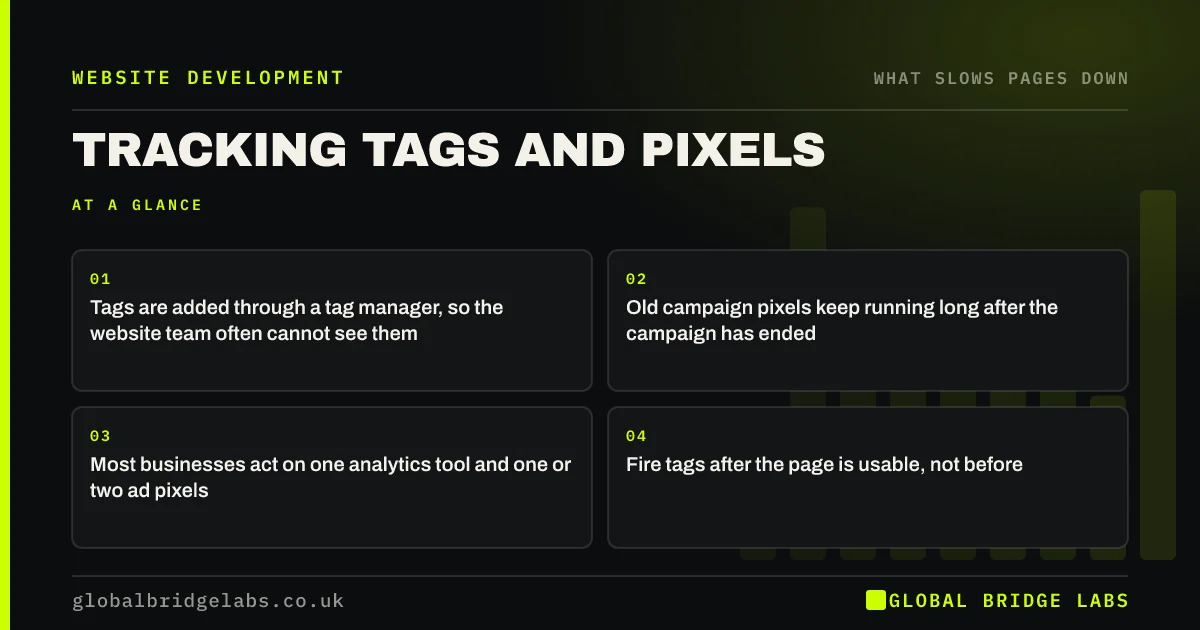
- Tags are added through a tag manager, so the website team often cannot see them.
- Old campaign pixels keep running long after the campaign has ended.
- Most businesses act on one analytics tool and one or two ad pixels.
- Fire tags after the page is usable, not before.
Want a list of every tag firing on your site? Send us the URL on WhatsApp.
Chat on WhatsApp →How do tracking tags slow a site?
Each tag asks the visitor's browser to connect to another company, download code and run it. Advertising pixels often load further scripts of their own. All of this shares the phone's connection and processor with your page.
Google's web.dev guidance on tags is direct about the cause: the performance cost comes from the number and type of tags, not from the tag manager itself. A tag manager makes tags easy to add, which is why they multiply.
Why do tags build up?
Tags build up because adding one takes minutes, needs no developer and has no visible cost. A new agency adds its own analytics. A platform trial needs a pixel. A heatmap tool goes in for a week. Nobody has the job of removing them, and the person who added each one may have left.
- Pixels for advertising platforms no longer used.
- Duplicate analytics from past and present agencies.
- Heatmap and session recording tools left running.
- A/B testing tools with no test in progress.
- Tags set to fire on all pages when one page would do.
How do you audit your tags?
Open the tag manager and go through the list with whoever runs marketing. For each tag, ask what it is for, whether the account behind it is still active and whether anyone looks at the data.
- 1. Export the list of tags, triggers and the pages each fires on.
- 2. Pause tags for inactive platforms and cancelled tools.
- 3. Remove duplicates of the same tool.
- 4. Limit conversion tags to the pages where conversions happen.
- 5. Set remaining tags to fire once the page has loaded.
- 6. Record who owns each tag and review the list quarterly.
Want a tag audit done with a keep, pause or remove against each one? Ask us on WhatsApp.
Chat on WhatsApp →What should you not remove?
Do not remove the measurement your decisions depend on. Conversion tracking for live advertising tells the platform which clicks became enquiries, and removing it makes campaigns perform worse. Your main analytics and your consent tool also stay.
Consent matters here too. Under the Privacy and Electronic Communications Regulations, non-essential tags generally need the visitor's agreement before they run. Holding tags back until consent is given is a legal requirement that happens to help speed.
Is server-side tagging worth it?
Server-side tagging moves much of the tag work from the visitor's phone to a server you control, which lightens the page. It also needs that server set up and paid for, and specialist configuration. For a business with heavy advertising it can be worthwhile. For most small sites, removing unused tags achieves more for nothing.
What does this look like in practice?
A pattern we see after a change of agency: the tag manager holds two analytics setups, pixels for five advertising platforms of which two are in use, a recording tool and an abandoned test. Every one fires on every page, before the content.
Pausing the unused tags and moving the rest to fire after load is reversible, takes an afternoon and often produces the largest single improvement in how quickly pages respond. Across client work at Global Bridge Labs (GBL), we have seen a 2.4x enquiry rate from conversion changes like these.
Tracking tag checklist
- List every tag and the page it fires on.
- Pause tags for platforms you no longer use.
- Remove duplicate analytics.
- Restrict conversion tags to conversion pages.
- Fire non-essential tags after the page loads and after consent.
- Name an owner and a review date for the tag manager.
Next step
Measurement should not cost you the visits it measures. We will audit your tags with you and leave only the ones that inform a decision.
Message us on WhatsApp for a tag manager audit, or book a 30-minute consultation.
Chat on WhatsApp →Sources and further reading
- Best practices for tags and tag managers · web.dev (Google)
- Tag Manager overview · Tag Manager Help
- Cookies and similar technologies under PECR · Information Commissioner's Office
Frequently asked questions
Does Google Tag Manager slow down a website?
The tag manager itself adds little. The tags loaded through it are what cost speed. Because adding a tag is easy, sites accumulate them. Auditing and removing unused tags, and firing the rest after the page loads, addresses the problem.
Do tracking pixels affect page speed?
Yes. Each pixel connects to another company, downloads code and runs it on the visitor's device, and many load additional scripts. One or two are manageable. Several firing on every page before the content noticeably slow a site.
How many tracking tags should a small business website have?
As few as inform decisions. For most small businesses that is one analytics tool, conversion tracking for each advertising platform in active use and a consent tool. Anything nobody reviews should be paused or removed.
Will removing tags break my advertising?
It can if you remove conversion tracking for a live campaign, because the platform loses the signal it uses to optimise. Pause tags first instead of deleting them, check campaigns and reports for a fortnight, then remove what was not missed.
Written by

Global Bridge Labs (GBL) is a UK–Sri Lanka partner for social media, websites and BPO. Everything here comes from client delivery, not theory.


