
On this page
Key takeaways
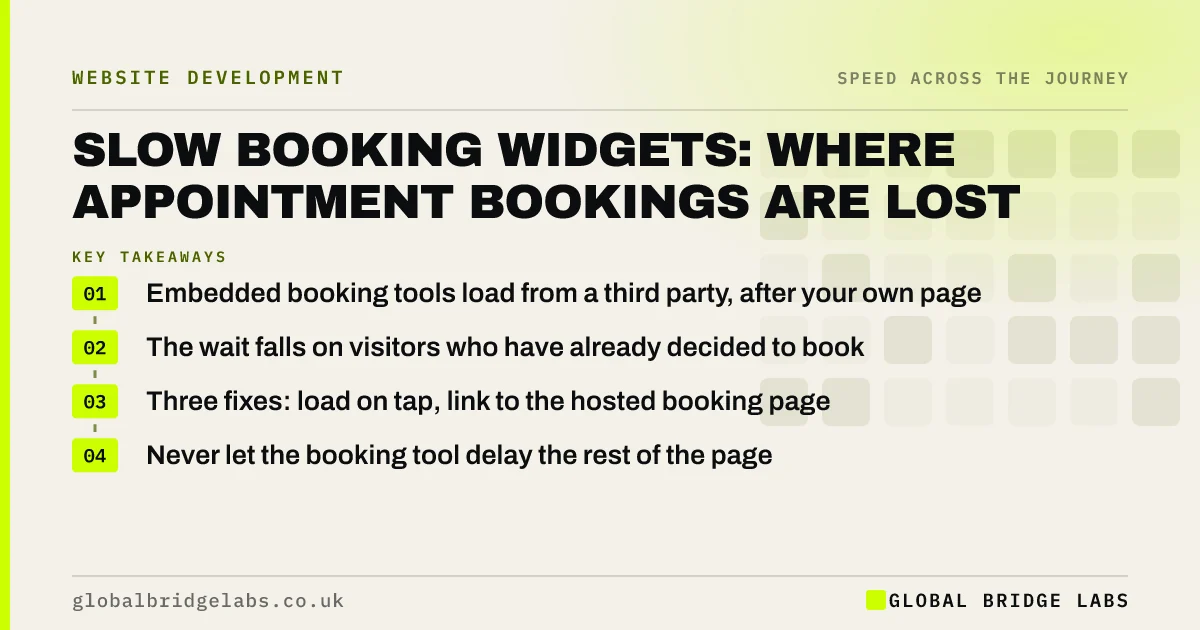
A slow booking widget loses customers at the moment they try to commit. Most booking tools are embedded from another company's servers, so they load after your page and outside your control. The visitor taps Book Now and waits for a calendar to appear. You cannot make the supplier faster, but you can decide when the widget loads, show something useful meanwhile and offer a direct route.
- Embedded booking tools load from a third party, after your own page.
- The wait falls on visitors who have already decided to book.
- Three fixes: load on tap, link to the hosted booking page, or keep a phone route visible.
- Never let the booking tool delay the rest of the page.
Want your booking journey timed on a phone? Send us the page on WhatsApp.
Chat on WhatsApp →Why are booking widgets slow?
Booking widgets are slow because they are small applications delivered from someone else's servers. An embedded calendar brings its own scripts, styles and fonts, then asks its system for your availability. On mobile data, that can take several seconds after your own page has finished.
If the widget is placed near the top of the page, it can also hold up everything beneath it, so a visitor who only wanted your address waits for a calendar they did not ask for.
What does a slow booking step cost?
It costs bookings from the visitors with the highest intent. Someone who taps Book Now has chosen you. A blank box where the calendar should be gives them time to reconsider, and on a phone the alternative is one tap back to the search results.
An illustrative sum: if 200 people a month open the booking page and one in ten gives up during the wait, that is 20 lost bookings. At £45 an appointment, the loss is £900 a month, before counting any repeat visits those customers would have made.
How do you fix a slow booking widget?
There are three practical options, in rising order of effort.
- 1. Link out: send Book Now to the supplier's hosted booking page, which is usually faster than the embed.
- 2. Load on tap: show a button and load the widget only when it is pressed, with a visible loading message.
- 3. Place it lower: keep the embed below the first screen so the page itself appears first.
- Always: keep a tap-to-call and WhatsApp route beside it.
- Always: tell the browser to connect to the supplier early.
Not sure which option suits your booking tool? Ask us on WhatsApp.
Chat on WhatsApp →When should you change booking supplier?
Change supplier when the tool is slow on its own hosted page as well as in your embed, or when it fails on common phones. Test the supplier's direct booking link on mobile data. If that is quick, the problem is how it has been added to your site, which is cheap to fix. If it is slow there too, no amount of work on your website will help.
Switching has costs: staff retraining, moving customer records and updating links. Weigh them against the bookings being lost.
What does this look like in practice?
A pattern we see in clinics, salons and restaurants: the booking calendar is embedded at the top of the homepage, so every visitor waits for it, including those who came for opening hours. On a phone, the page appears to hang.
Moving bookings behind a clear button that opens the supplier's own page, and keeping the phone number tappable beside it, makes the homepage quick and the booking step predictable. Across client work at Global Bridge Labs (GBL), we have seen a 2.4x enquiry rate from conversion changes like these.
Booking speed checklist
- Make a test booking on a phone over mobile data.
- Time the gap between tapping Book and seeing dates.
- Open the supplier's direct booking link and compare.
- Move the embed below the first screen or behind a button.
- Keep call and WhatsApp buttons next to it.
- Re-test after the supplier updates its widget.
Next step
If customers have to wait to give you their business, some will not. We will test your booking step on a phone and tell you which of the three fixes fits.
Message us on WhatsApp for a booking journey speed test, or book a 30-minute consultation.
Chat on WhatsApp →Sources and further reading
- Best practices for using third-party embeds · web.dev (Google)
- Loading third-party JavaScript · web.dev (Google)
- Response times: the 3 important limits · Nielsen Norman Group
Frequently asked questions
Why is my online booking system slow to load?
Most booking tools are embedded from the supplier's servers. They load their own scripts and then fetch your availability, all after your page has loaded. On mobile data that adds seconds. Loading the widget on tap or linking to the hosted booking page avoids most of the delay.
Is it better to embed a booking widget or link to it?
Linking to the supplier's hosted page is usually faster and more reliable on phones. Embedding keeps visitors on your site but adds weight and a wait. If you embed, load it only when the visitor asks for it and keep it below the first screen.
Can a booking widget slow down my whole website?
Yes, if it is placed high on the page or loaded on every page. Its scripts compete with your own content. Restrict it to the booking page, place it below the first screen and delay it until the main content has appeared.
Should I keep a phone number if I have online booking?
Yes. A tap-to-call or WhatsApp button beside the booking tool catches visitors who are in a hurry, have a question or meet a slow widget. It costs nothing in speed and protects bookings when the tool misbehaves.
Written by

Global Bridge Labs (GBL) is a UK–Sri Lanka partner for social media, websites and BPO. Everything here comes from client delivery, not theory.


