
On this page
- 01Key takeaways
- 02Why does speed matter for clinics?
- 03What slows clinic websites down?
- 04How do you speed up booking?
- 05Which pages should be fastest?
- 06What must not be compromised for speed?
- 07What does this look like in practice?
- 08Clinic speed checklist
- 09Next step
- 10Sources and further reading
- 11Frequently asked questions
Key takeaways
Clinic website speed matters because patients are often worried, in discomfort or short of time when they visit. They want to know whether you treat their problem, what it costs and how soon they can be seen. A page that stalls, or a booking system that takes several seconds to show an appointment, adds stress to an already stressful moment. Calm, quick pages are part of patient care.
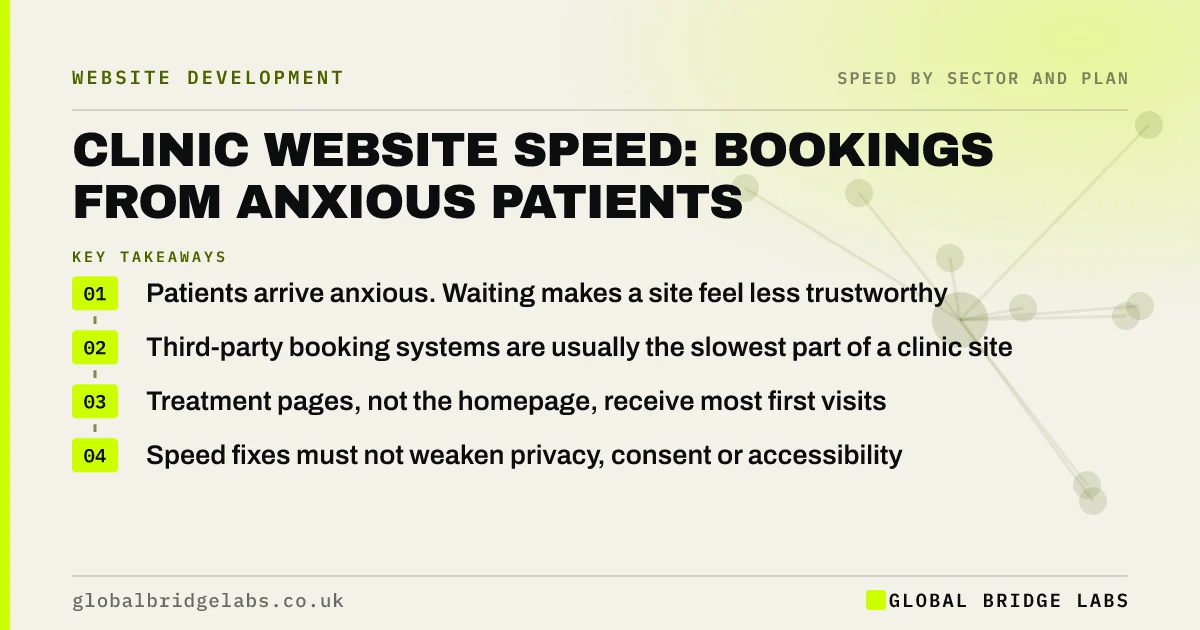
- Patients arrive anxious. Waiting makes a site feel less trustworthy.
- Third-party booking systems are usually the slowest part of a clinic site.
- Treatment pages, not the homepage, receive most first visits.
- Speed fixes must not weaken privacy, consent or accessibility.
Want your booking journey timed on a phone? Send us the URL on WhatsApp.
Chat on WhatsApp →Why does speed matter for clinics?
Speed matters for clinics because the visitor's state of mind is different. Someone with toothache or a worrying symptom is not browsing. A blank screen or an unresponsive button reads as one more obstacle, and a clinic that seems hard to reach online seems hard to reach in person.
Many patients also search on a phone, during a break or on the way home, and choose between two or three nearby practices in a few minutes.
What slows clinic websites down?
Clinic sites carry a familiar set of heavy elements.
- An online booking system embedded on the homepage.
- Before-and-after galleries at full resolution.
- Practitioner portraits uploaded from a camera.
- Review widgets and finance calculators from other companies.
- Live chat that loads on every page.
- Cookie consent tools heavier than the site needs.
How do you speed up booking?
Most clinics use a practice management system with an online booking module supplied by another company. You cannot make that system faster. You can control how patients reach it.
- 1. Put a Book button and a tap-to-call number on the first screen.
- 2. Open the booking system on tap, with a loading message.
- 3. Keep the booking module off pages where it is not needed.
- 4. Test the supplier's own booking link on mobile data.
- 5. Raise persistent slowness with the supplier, with timings.
- Slow booking widgets: where appointment bookings are lost
- Clinic mobile websites: bookings from a phone
Want your booking system tested against its direct link? Ask us on WhatsApp.
Chat on WhatsApp →Which pages should be fastest?
Treatment and condition pages receive most first visits from search, so they matter more than the homepage. Each should show, quickly and in text, what the treatment is, who it is for, the fee or fee range and how to book. Practitioner profiles come next, because patients check who they will see.
What must not be compromised for speed?
Health enquiries can involve special category data, so speed work has limits. Do not remove or delay the consent mechanism to save a moment. Do not move forms to an unvetted third-party tool because it loads faster. And keep accessibility intact: patients include older people and people using assistive technology, and UK equality law expects reasonable adjustments.
Lighter pages generally help accessibility. The conflict arises only when a shortcut removes something patients are entitled to.
What does this look like in practice?
A pattern we see in dental and physiotherapy practices: the booking calendar is embedded at the top of the homepage and takes several seconds to appear. Patients who wanted the address or an emergency number wait for it too. Some ring another practice.
A Book button that opens the system on tap, with the phone number beside it, makes the page quick for everyone and the booking step predictable. Across client work at Global Bridge Labs (GBL), we have seen a 2.4x enquiry rate from conversion changes like these.
Clinic speed checklist
- Test your top three treatment pages on a phone.
- Time the gap between tapping Book and seeing an appointment.
- Move the booking module behind a button.
- Resize gallery and practitioner images.
- Keep a tap-to-call number on every page.
- Confirm consent and accessibility still work after changes.
Next step
A patient who is worried should not also have to wait for your website. We will walk the journey from search to booked appointment and mark each delay.
Message us on WhatsApp for a clinic website speed review.
Chat on WhatsApp →Sources and further reading
- Best practices for using third-party embeds · web.dev (Google)
- Special category data · Information Commissioner's Office
- Equality Act 2010 · legislation.gov.uk
- Understanding Core Web Vitals and Google search results · Google Search Central
Frequently asked questions
Does website speed matter for a private clinic?
Yes. Patients are often anxious or in discomfort and choose quickly between nearby practices on a phone. A slow page or booking step adds stress and sends some to a competitor. A quick, steady site supports the impression of an organised practice.
Why is my clinic's online booking slow?
Online booking is usually provided by a practice management supplier and loads from their servers after your page. Embedding it high on a page delays everything. Opening it on tap, or linking to the supplier's booking page, makes the wait shorter and clearer.
Which clinic website pages should load fastest?
Treatment and condition pages, because they receive most first visits from search. They should show what the treatment is, the fee and how to book within a couple of seconds on mobile. Practitioner profiles and the contact page follow.
Can speed improvements affect patient data protection?
They can if done carelessly. Do not remove consent tools or move forms to unvetted services to gain speed. Health enquiries may involve special category data. Make pages lighter by resizing images and controlling scripts, not by cutting protections.
Written by

Global Bridge Labs (GBL) is a UK–Sri Lanka partner for social media, websites and BPO. Everything here comes from client delivery, not theory.


