On this page
- 01Short answer
- 02What is an online booking system?
- 03Why add online booking to your website?
- 04How do you choose a booking system?
- 05How do you reduce no-shows?
- 06How should booking be placed on the site?
- 07When is online booking the wrong choice?
- 08What does this look like in practice?
- 09Online booking checklist
- 10Next step
- 11Sources and further reading
- 12Frequently asked questions
Short answer
Online booking suits a small business website when the service has a standard duration and price, such as appointments, consultations, classes or tables. It lets customers book at any hour, cuts back-and-forth messages and fills gaps. Choose a system that syncs with your calendar, takes deposits, sends reminders and works well on a phone.
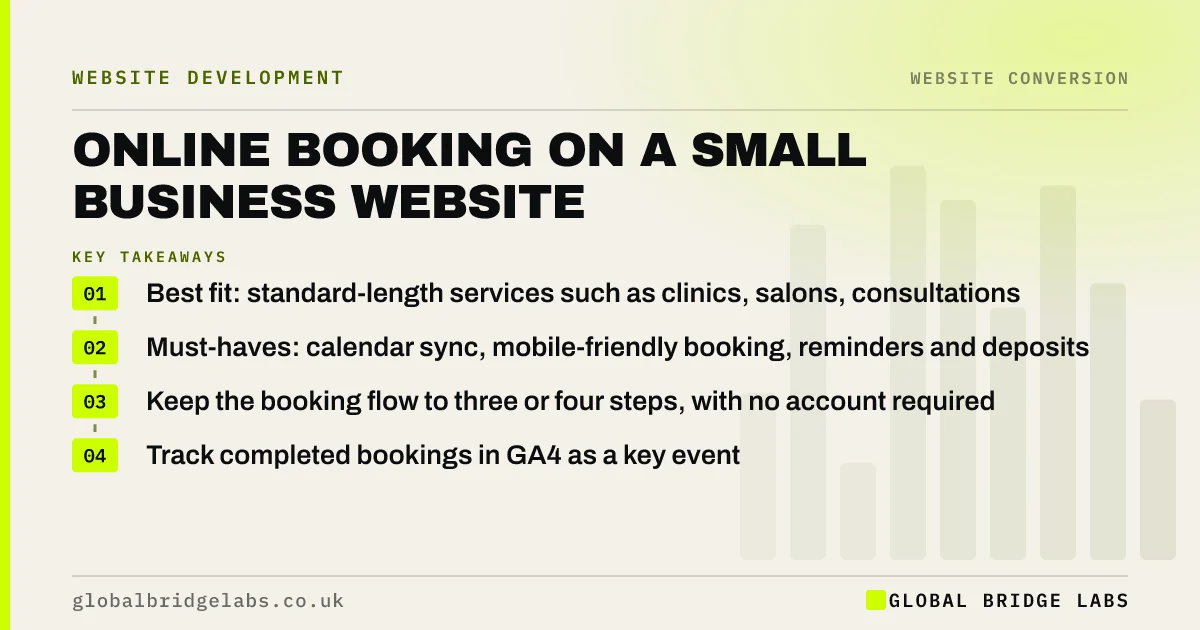
- Best fit: standard-length services such as clinics, salons, consultations and restaurants.
- Must-haves: calendar sync, mobile-friendly booking, reminders and deposits.
- Keep the booking flow to three or four steps, with no account required.
- Track completed bookings in GA4 as a key event.
Considering online booking? Message us on WhatsApp and we will tell you whether it fits your service.
Chat on WhatsApp →What is an online booking system?
An online booking system is software that lets customers choose and reserve an available time slot for a service through a website, typically showing live availability, collecting customer details and sometimes taking payment or a deposit.
It can be a hosted tool linked from your site, an embedded widget, or a custom integration with your own scheduling or practice management system.
Why add online booking to your website?
Customers increasingly expect to book when it suits them, which is often in the evening or at weekends when nobody is answering the phone. A booking button captures that demand instead of leaving it for a competitor who offers it.
It also saves staff time. Every booking made online is a call or message thread that did not need handling, and automated reminders reduce the admin of chasing confirmations.
How do you choose a booking system?
Choose on fit with how you work, not on feature lists. The questions that matter most are listed below.
- Does it sync both ways with the calendar or system you already use?
- Can it take deposits or full payment securely?
- Does it send email or SMS reminders automatically?
- Is the booking flow quick on a phone, with no account needed?
- Can you set buffers, staff availability and service durations?
- Where is the data stored, and is there a UK GDPR data processing agreement?
- What does it cost per month or per booking as volume grows?
Want help choosing between two or three booking tools? Message us on WhatsApp with your shortlist.
Chat on WhatsApp →How do you reduce no-shows?
No-shows fall when customers have something at stake and are reminded. Take a deposit or card details for higher-value appointments, send reminders 24 to 48 hours before, and make rescheduling easy so people move rather than skip.
Publish your cancellation policy on the booking page and in the confirmation, in plain words. For consumer bookings, make sure the policy and any fees are shown before the customer commits, in line with the Consumer Contracts Regulations.
How should booking be placed on the site?
Make booking the primary call to action on every relevant page: a Book now button in the header, on each service page and in a sticky mobile bar. Link each button directly to the right service in the booking tool, rather than to a general page where the customer has to choose again.
Keep the flow short: service, time, details, confirm. Track completed bookings in GA4 as a key event so you can see which pages and channels produce them.
When is online booking the wrong choice?
Online booking is the wrong choice when every job needs assessment before it can be scheduled, such as building work or bespoke projects, or when availability depends on factors the system cannot know. In those cases, a short enquiry form or a booked call is better.
The trade-off is control. Open booking fills your calendar without your input. Some businesses prefer a request to book, where the customer picks a preferred slot and you confirm it.
What does this look like in practice?
A pattern in clinics and appointment businesses: a website with a Call to book button, phones that go to voicemail during treatments, and evenings full of messages to return.
Adding online booking with deposits for longer appointments and automated reminders shifts a large share of bookings online, and the evening callbacks shrink. The website starts doing work that previously needed a receptionist.
Online booking checklist
Check these before launching.
- Confirm your services have standard durations and prices.
- Choose a tool that syncs with your calendar.
- Enable deposits for higher-value appointments.
- Set automatic reminders.
- Publish the cancellation policy before booking.
- Link each service button to its booking page.
- Track completed bookings as a key event.
- Sign a data processing agreement with the provider.
Next step
If you are losing bookings to voicemail, we will map out an online booking set-up for your services with you in 30 minutes.
Message us on WhatsApp to plan online booking, or book a 30-minute consultation.
Chat on WhatsApp →Sources and further reading
- Consumer Contracts (Information, Cancellation and Additional Charges) Regulations 2013 · legislation.gov.uk
- Special category data · Information Commissioner's Office
- About key events · Google Analytics Help
Frequently asked questions
Should my small business offer online booking?
If your services have standard durations and prices, such as appointments, consultations, classes or tables, online booking usually helps. It captures bookings outside opening hours and reduces admin. If every job needs an assessment first, an enquiry form or booked call works better.
How do I add a booking system to my website?
Choose a booking tool that syncs with your calendar, set up services, durations and availability, then link or embed it from a Book now button on each relevant page. Link each button directly to the right service and track completed bookings as a key event in Google Analytics 4.
How can I reduce no-shows from online bookings?
Take a deposit or card details for higher-value appointments, send automatic reminders 24 to 48 hours before, make rescheduling easy and show your cancellation policy clearly before the customer books. People with something at stake who are reminded in advance are far less likely to miss appointments.
Is online booking GDPR compliant?
It can be. Choose a provider that offers a UK GDPR compliant data processing agreement, explain in your privacy notice how booking data is used, collect only what you need, and take extra care with health information, which is special category data under UK GDPR.
Written by

Global Bridge Labs (GBL) is a UK–Sri Lanka partner for social media, websites and BPO. Everything here comes from client delivery, not theory.