
On this page
- 01Key takeaways
- 02Why does a slow form cost enquiries?
- 03What makes a form slow to submit?
- 04How do you make a form confirm instantly?
- 05Does spam protection have to slow a form?
- 06When is a slower form acceptable?
- 07What does this look like in practice?
- 08Slow form checklist
- 09Next step
- 10Sources and further reading
- 11Frequently asked questions
Key takeaways
A slow contact form loses the most valuable visitors on your site: the ones who had already decided to get in touch. When nothing happens after Send, people assume it failed. Some press the button again and create duplicates. Others leave, unsure whether you received anything. Most forms are slow because the website waits for an email or a spam check to finish before saying thank you.
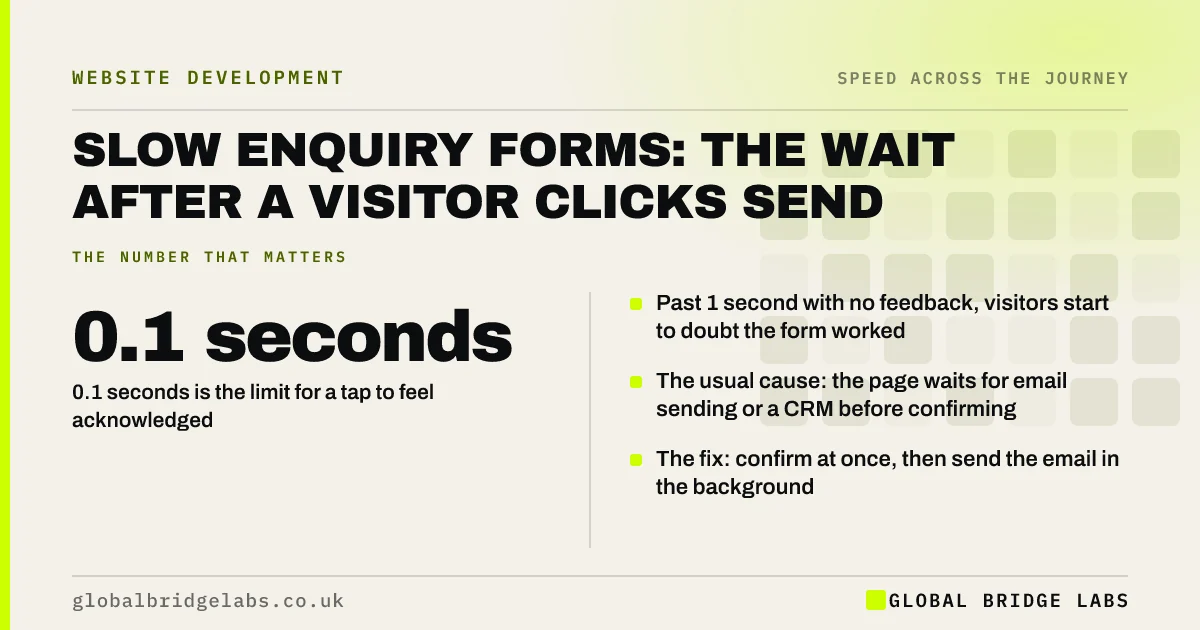
- 0.1 seconds is the limit for a tap to feel acknowledged.
- Past 1 second with no feedback, visitors start to doubt the form worked.
- The usual cause: the page waits for email sending or a CRM before confirming.
- The fix: confirm at once, then send the email in the background.
Never timed your own enquiry form? Send us the page on WhatsApp and we will test it.
Chat on WhatsApp →Why does a slow form cost enquiries?
A slow form costs enquiries because the wait arrives at the moment of commitment. The visitor has typed their details and pressed the button. A blank pause now creates doubt about the one thing they need to know: did it go through?
The Nielsen Norman Group's response time limits apply directly. Within 0.1 seconds a tap feels acknowledged. Beyond 1 second the visitor notices the wait. Approaching 10 seconds without a progress indicator, most assume failure.
What makes a form slow to submit?
Forms are slow for reasons that have little to do with the form you can see. The delay is usually in what the website does after the button is pressed.
- Email sending: the page waits for a mail server before responding.
- Integrations: details are pushed to a CRM or spreadsheet first.
- Spam checks: a verification service is consulted on submit.
- File uploads: photographs sent from a phone over mobile data.
- Heavy scripts: the form plugin loads late, so the button is not ready.
How do you make a form confirm instantly?
Separate acknowledging the visitor from processing the enquiry. The button should change the moment it is pressed. The site should store the enquiry and show a confirmation straight away, then send notification emails and update other systems in the background.
- 1. Show a pressed state and 'Sending' text on the button at once.
- 2. Disable the button after the first tap to prevent duplicates.
- 3. Save the enquiry, confirm, then send emails afterwards.
- 4. Show upload progress for any attached files.
- 5. Follow with a clear thank-you page that says what happens next.
- The thank-you page: the most ignored page on your site
- Contact form best practices for more enquiries
Want your form to confirm in under a second? Ask us on WhatsApp what it would take.
Chat on WhatsApp →Does spam protection have to slow a form?
No, but the common tools can. A verification script that loads on every page adds weight for visitors who never use the form, and image puzzles add effort for those who do. Lighter options exist: load the check only on pages with a form, use invisible checks, or add a hidden field that only automated submissions fill in.
There is a trade-off. Remove protection entirely and you will receive more junk. The aim is protection that real visitors do not feel.
When is a slower form acceptable?
A slower form is acceptable when the work is real and visible. Uploading six photographs of a damp wall takes time on mobile data, and visitors accept that if a progress bar shows it happening. A quote calculator that needs a moment to work out a figure is also fine with a message that says so. Silence is the problem, not seconds.
What does this look like in practice?
A pattern we see across service businesses: the inbox contains pairs of identical enquiries a few seconds apart. Each pair is one visitor who pressed Send, saw nothing happen and pressed it again. For every pair, there are others who did not try twice.
Making the button respond at once and moving the email to the background removes the duplicates and the doubt together. Across client work at Global Bridge Labs (GBL), we have seen a 2.4x enquiry rate from conversion changes like these.
Slow form checklist
- Submit your own form on a phone over mobile data and time it.
- Check the inbox for duplicate enquiries.
- Confirm the button changes when pressed.
- Move email and CRM updates to the background.
- Load spam protection only where a form exists.
- Show progress on file uploads.
Next step
The enquiry form is the last yard of the journey and often the least tested. We will submit yours the way a customer would and tell you what they experience.
Message us on WhatsApp for a form speed test, or book a 30-minute consultation.
Chat on WhatsApp →Sources and further reading
- Response times: the 3 important limits · Nielsen Norman Group
- Optimise Interaction to Next Paint · web.dev (Google)
- Structuring forms · GOV.UK Service Manual
Frequently asked questions
Why is my contact form slow to submit?
Usually because the website waits for something to finish before showing a confirmation: sending an email, updating a CRM, checking for spam or uploading files. The visitor sees nothing during that wait. Confirming first and processing in the background removes the delay.
Why do I get duplicate enquiries from my website?
Duplicates a few seconds apart almost always mean the form gave no feedback after Send, so the visitor pressed it again. Show a pressed state immediately, disable the button after the first tap and confirm the submission promptly.
How fast should a form submit?
The button should react within about 0.1 seconds, and a confirmation should appear within a second where possible. If the work takes longer, such as a file upload, show a progress indicator. A silent wait of several seconds will lose enquiries.
Does reCAPTCHA slow down a website?
Verification scripts add weight, particularly when loaded on every page. Loading them only on pages with a form, or using lighter methods such as a hidden field, protects against spam with less impact on speed. Removing protection altogether usually increases junk enquiries.
Written by

Global Bridge Labs (GBL) is a UK–Sri Lanka partner for social media, websites and BPO. Everything here comes from client delivery, not theory.


