
On this page
- 01Key takeaways
- 02Why does grouping help navigation?
- 03How should you decide the groups?
- 04How should groups be labelled and laid out?
- 05What are the common grouping mistakes?
- 06Can an item appear in two groups?
- 07What does this look like in practice?
- 08Grouping checklist
- 09Next step
- 10Sources and further reading
- 11Frequently asked questions
Key takeaways
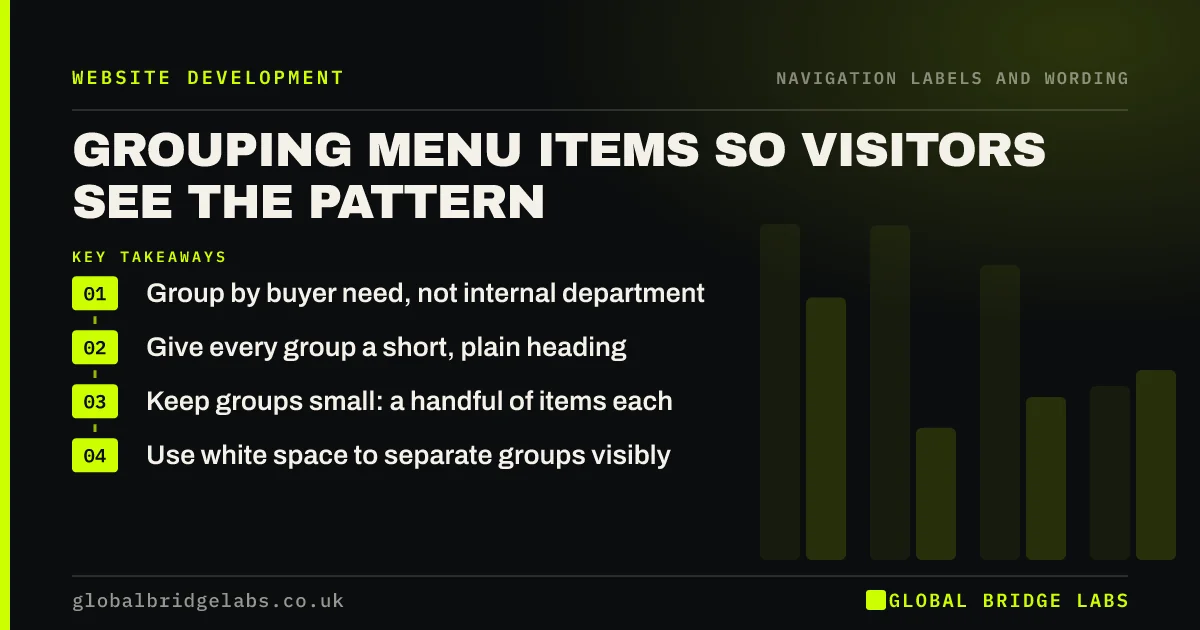
Grouping menu items helps visitors see the pattern and skip whole groups that do not apply to them. Group by what buyers need, not by your departments. Give every group a plain heading, keep groups to a handful of items each, and use space as well as lines to separate them. Check the groups with a card sort.
- Group by buyer need, not internal department.
- Give every group a short, plain heading.
- Keep groups small: a handful of items each.
- Use white space to separate groups visibly.
Want your menu groups checked with real customers? Message us on WhatsApp.
Chat on WhatsApp →Why does grouping help navigation?
Groups turn a long list into a few short ones. A visitor looking for a residential service can skip the commercial group entirely. Nielsen Norman Group's work on cognitive load notes that chunking information into meaningful groups makes it easier to process. The fewer items visitors must read, the faster they find theirs.
How should you decide the groups?
Decide groups from customers' view. A card sort, in which customers sort your pages into piles and name them, shows which groupings make sense to them. Common patterns are by service type, by customer type, by problem and by stage, such as 'Plan', 'Build', 'Maintain'.
How should groups be labelled and laid out?
Every group needs a heading that says what the items have in common. Headings should not be links that look like items, or visitors will confuse the two. Separate groups with space and a subtle rule, and keep each group's items in a consistent order.
- Short, specific group headings.
- Headings styled differently from links.
- Space between groups.
- Three to seven items per group as a rule of thumb.
- Consistent order within each group.
What are the common grouping mistakes?
The common mistakes are groups that mirror the org chart, a 'Miscellaneous' or 'More' group that becomes a dumping ground, items that could fit two groups, and single-item groups. Each forces visitors to think about your structure instead of their need.
Want your grouping fixed without rebuilding the site? Message us on WhatsApp and we will discuss your requirements.
Chat on WhatsApp →Can an item appear in two groups?
Occasionally, if customers genuinely look for it in both places. Link both to the same page, with the same label. Do not do it routinely; duplicate links make menus longer and can suggest two different pages.
What does this look like in practice?
A pattern we see: a 'Services' dropdown holds 16 items in one column. Splitting it into 'For homes', 'For businesses' and 'Maintenance', each with four to six items and a clear heading, lets visitors skip two-thirds of the list.
Grouping checklist
- Run a card sort with customers.
- Group by buyer need.
- Label every group plainly.
- Keep groups to a handful of items.
- Remove 'Miscellaneous' and 'More' groups.
- Separate groups with space.
Next step
Look at your longest dropdown and sketch two or three groups a customer would recognise.
Message us on WhatsApp for a menu grouping review, or book a 30-minute consultation.
Chat on WhatsApp →Sources and further reading
- Minimize cognitive load to maximize usability · Nielsen Norman Group
- Card sorting: uncover users' mental models · Nielsen Norman Group
- Mega menus work well for site navigation · Nielsen Norman Group
Frequently asked questions
How do you group navigation items?
Group them by what customers are looking for, such as service type or customer type, using a card sort to confirm the groups. Give each group a clear heading, keep groups small and separate them visually so visitors can skip the groups that do not apply.
How many items should be in each menu group?
Three to seven is a practical rule of thumb. Fewer than three suggests the group could merge with another; more than seven suggests it should split. The aim is that visitors can scan a group at a glance.
Should group headings be clickable?
They can link to an overview page, but style them clearly as headings so visitors do not mistake them for items. If a heading is not a link, make sure it does not look like one.
Written by

Global Bridge Labs (GBL) is a UK–Sri Lanka partner for social media, websites and BPO. Everything here comes from client delivery, not theory.


