
On this page
- 01Key takeaways
- 02What is a mega menu?
- 03When does a mega menu help?
- 04When is a mega menu a mistake?
- 05How should a mega menu be organised?
- 06What interaction mistakes should you avoid?
- 07How do mega menus work on mobile?
- 08What does this look like in practice?
- 09Mega menu checklist
- 10Next step
- 11Sources and further reading
- 12Frequently asked questions
Key takeaways
A mega menu is a large dropdown panel that shows many links at once, grouped under headings. Nielsen Norman Group's research found mega menus work well for sites with many pages because visitors can see all options together. Most small business sites with under about 15 key pages do not need one; a simple dropdown is clearer.
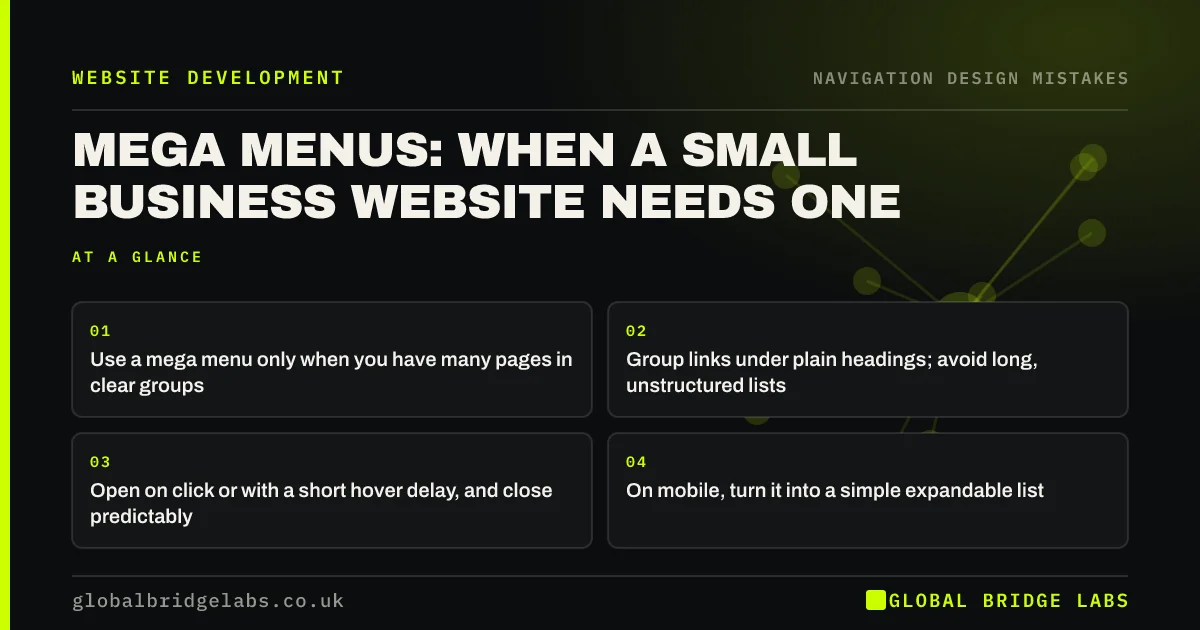
- Use a mega menu only when you have many pages in clear groups.
- Group links under plain headings; avoid long, unstructured lists.
- Open on click or with a short hover delay, and close predictably.
- On mobile, turn it into a simple expandable list.
Not sure if your site needs a mega menu? Message us on WhatsApp.
Chat on WhatsApp →What is a mega menu?
A mega menu is a navigation panel that drops down from a top-level menu item and displays many links in columns, often grouped under headings and sometimes with images. Unlike a standard dropdown, which shows a single short list, a mega menu shows a whole section of the site at once.
When does a mega menu help?
Mega menus help when a site has many pages that fall into clear groups: a retailer with dozens of categories, a firm with services for several sectors, or a manufacturer with product families. Nielsen Norman Group found they let visitors see the full range of options without scrolling a long list, which speeds up finding things.
When is a mega menu a mistake?
A mega menu is a mistake when it is used to look big. A small business with six services spread across a giant panel with icons and images makes a simple choice look complicated. It is also a mistake when it becomes a dumping ground for every page on the site.
How should a mega menu be organised?
Organise links into a few groups under short, specific headings, based on how customers think, not your internal departments. Keep each group to a handful of links. Highlight the most popular options and keep imagery minimal so it does not slow the menu or distract from the links.
- Information architecture for small business websites
- Card sorting: let customers organise your website
Want your navigation organised around your customers? Message us on WhatsApp and we will discuss your requirements.
Chat on WhatsApp →What interaction mistakes should you avoid?
Panels that open instantly on hover and vanish when the cursor drifts are frustrating. Use a short delay or open on click, keep the panel open while the pointer moves towards it, and close it with Escape. The menu must also work with a keyboard and be announced properly to screen readers.
How do mega menus work on mobile?
They do not, in their desktop form. On phones, convert the panel into an expandable list: top-level items open to show their groups, one at a time. Keep labels the same as desktop so visitors switching devices recognise them.
What does this look like in practice?
A pattern we see: a mega menu with images and icons for eight services takes up half the screen and slows the header. Replacing it with a simple dropdown listing the eight services by name usually makes them faster to find.
Mega menu checklist
- Use one only if you have many grouped pages.
- Group links under specific headings.
- Keep imagery minimal.
- Open on click or with a short hover delay.
- Support keyboard use and Escape to close.
- Use an expandable list on mobile.
Next step
Count the pages your menu needs to reach. Under about 15, try a simple dropdown first.
Message us on WhatsApp for a navigation review, or book a 30-minute consultation.
Chat on WhatsApp →Sources and further reading
- Mega menus work well for site navigation · Nielsen Norman Group
- Hick's Law: designing long menu lists · Nielsen Norman Group
- Understanding SC 2.1.1: Keyboard · W3C
Frequently asked questions
Are mega menus good for usability?
For sites with many pages in clear groups, yes. Nielsen Norman Group found they let visitors see options together and find things faster. For small sites with few pages, a simple dropdown is clearer and lighter.
When should I use a mega menu?
When one or more menu sections contain many pages that fall into clear groups, such as product categories or services for several sectors. If a section has fewer than about eight links, a standard dropdown is usually enough.
Should mega menus open on hover or click?
Either can work. Hover menus need a short delay and should stay open while the pointer moves towards them. Click menus are more predictable on touchscreens and laptops. Both must work with a keyboard and close with Escape.
Written by

Global Bridge Labs (GBL) is a UK–Sri Lanka partner for social media, websites and BPO. Everything here comes from client delivery, not theory.


