
On this page
- 01Key takeaways
- 02What is responsive navigation?
- 03When should the menu collapse?
- 04What should stay visible on phones?
- 05How should the collapsed menu behave?
- 06What about content, not just the menu?
- 07What does this look like in practice?
- 08Responsive navigation checklist
- 09Next step
- 10Sources and further reading
- 11Frequently asked questions
Key takeaways
Responsive navigation should show the full menu for as long as it fits, then collapse into a labelled menu button, keeping the logo, the main action and any key tools visible. Collapse based on when your menu stops fitting, not at a fixed device width. The links behind the button should match the desktop menu exactly.
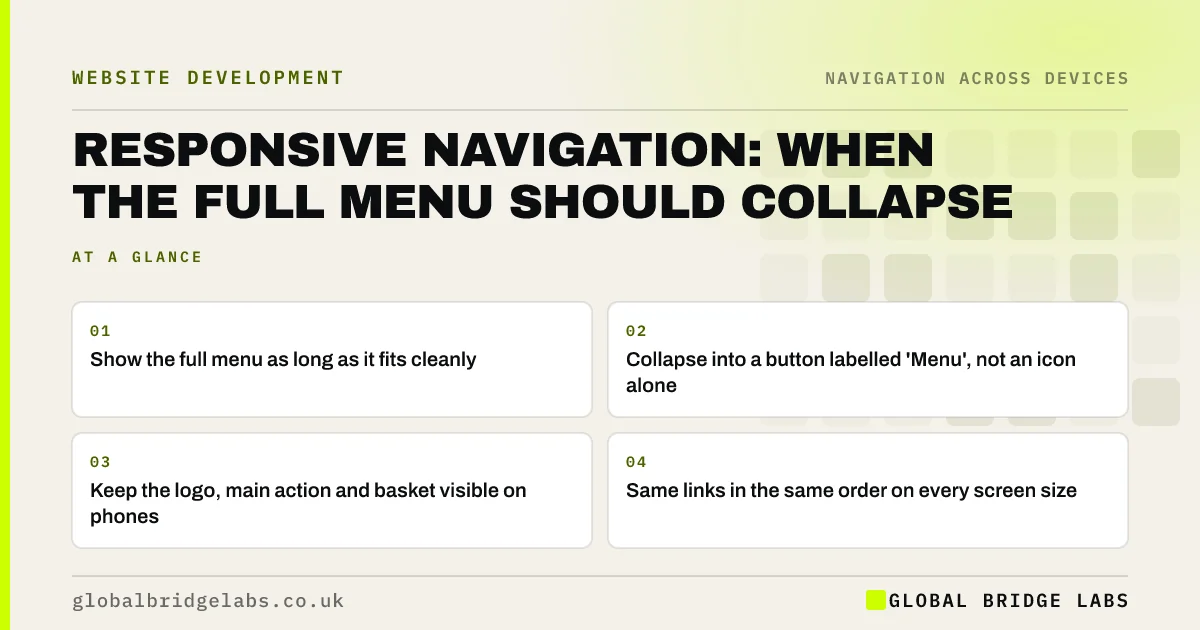
- Show the full menu as long as it fits cleanly.
- Collapse into a button labelled 'Menu', not an icon alone.
- Keep the logo, main action and basket visible on phones.
- Same links in the same order on every screen size.
Want your menu checked at every screen size? Message us on WhatsApp.
Chat on WhatsApp →What is responsive navigation?
Responsive navigation is a menu that adapts its layout to the screen size, so it stays usable from a large desktop to a small phone. The links stay the same; the presentation changes. Common patterns are a full horizontal menu on wide screens and a collapsible menu behind a button on narrow ones.
When should the menu collapse?
Collapse when the full menu stops fitting on one line beside the logo and header action, and not before. Collapsing too early hides the menu on laptops and tablets that could show it. Collapsing too late squeezes items until they wrap or overlap. Find the width by resizing the browser slowly.
What should stay visible on phones?
The items most phone visitors need without opening the menu. Nielsen Norman Group found hidden navigation is used less, so keep the essentials out of the hidden menu.
- Logo, linking home.
- A labelled 'Menu' button.
- The main action: call, book, quote or WhatsApp.
- Basket and search on e-commerce sites.
- Hamburger menu vs bottom navigation on mobile websites
- The header CTA button: one action that stands apart
Want the right items kept visible on phones? Message us on WhatsApp and we will discuss your requirements.
Chat on WhatsApp →How should the collapsed menu behave?
It should open on a tap, show items in the same order as desktop, let visitors expand sub-menus clearly and close with an obvious button or a tap outside. It should be operable by keyboard and announce its state to screen readers. Avoid animations that make it slow to open.
What about content, not just the menu?
Responsive navigation includes in-page routes: buttons, contents lists and links. Make sure they do not disappear or move below long content on phones. Google's mobile-first indexing uses the mobile version of pages, so any link missing on mobile may be missed by search too.
What does this look like in practice?
A pattern we see: a site switches to a hamburger icon below 1,200 pixels, so most laptop visitors never see the menu. Showing the full menu down to the width where it actually stops fitting puts services in view for a large share of visitors.
Responsive navigation checklist
- Collapse only when the menu stops fitting.
- Label the button 'Menu'.
- Keep the main action visible on phones.
- Same links and order on every size.
- Keyboard and screen reader support.
- Test from large desktop to small phone.
Next step
Slowly narrow your browser window and note the width at which your menu collapses.
Message us on WhatsApp for a responsive navigation review, or book a 30-minute consultation.
Chat on WhatsApp →Sources and further reading
- Hamburger menus and hidden navigation hurt UX metrics · Nielsen Norman Group
- Responsive web design basics · web.dev (Google)
- Mobile-first indexing best practices · Google Search Central
Frequently asked questions
When should a website use a hamburger menu?
When the full menu no longer fits cleanly on one line, which is usually on phones and some narrow tablets. On desktop and most laptops, show the full menu, because visible navigation is used more than hidden navigation.
Should mobile and desktop menus have the same links?
Yes. Visitors switch devices, and search engines index the mobile version. Keep the same links in the same order, changing only the layout. Removing links on mobile hides pages from visitors and possibly from search.
What should the mobile menu button say?
Pair the three-line icon with the word 'Menu'. The label makes it clearer for less confident visitors and gives screen readers a meaningful name.
Written by

Global Bridge Labs (GBL) is a UK–Sri Lanka partner for social media, websites and BPO. Everything here comes from client delivery, not theory.


