
On this page
Key takeaways
Mobile and desktop menus should contain the same links, with the same labels, in the same order; only the layout should change. Visitors switch devices, and Google indexes the mobile version first, so a page missing from the mobile menu can be missed by both. Drive both menus from one source in the site's settings.
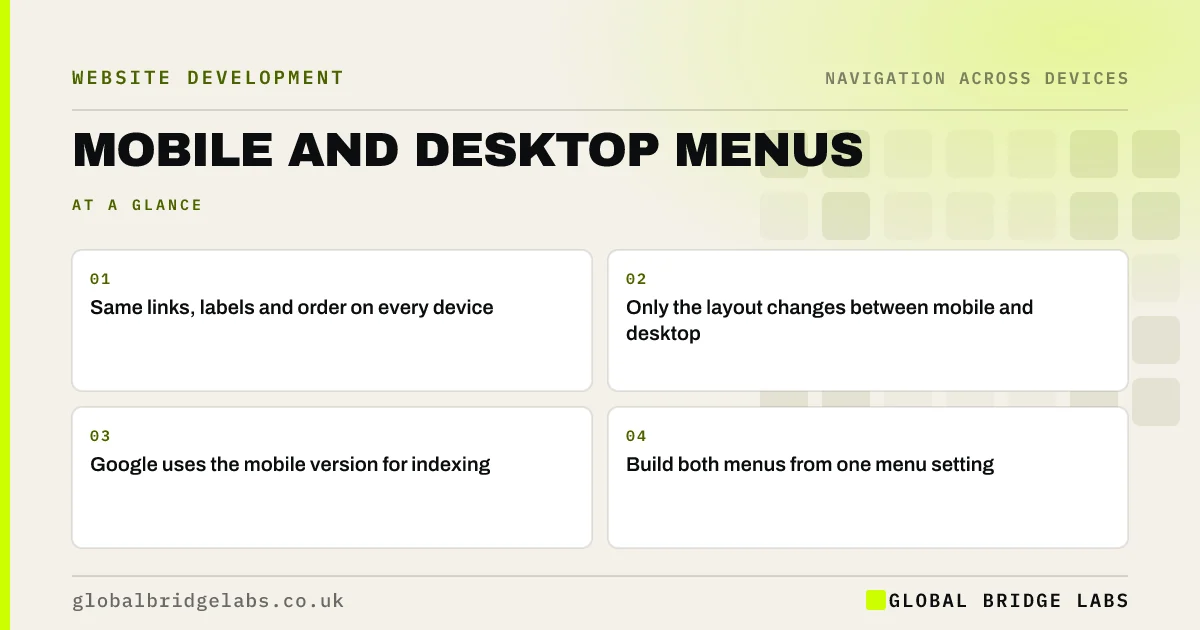
- Same links, labels and order on every device.
- Only the layout changes between mobile and desktop.
- Google uses the mobile version for indexing.
- Build both menus from one menu setting.
Want your mobile and desktop menus compared link by link? Message us on WhatsApp.
Chat on WhatsApp →Why do mobile and desktop menus drift apart?
Drift happens when the two menus are built separately: a theme with a separate mobile menu setting, a page builder with different header templates, or a developer who trimmed the mobile menu to save space. Over time, someone adds a page to one and forgets the other.
Why does it matter?
Visitors often research on a phone and return on a laptop, or the reverse. If a page they found on one device is missing on the other, they assume it is gone. Google's mobile-first indexing means the mobile version is what Google primarily uses, so links only on desktop may carry less weight or be missed.
- Visitors switch devices mid-research.
- Missing links make pages seem to disappear.
- Search engines index the mobile version first.
- Different labels look like different pages.
Can the mobile menu ever be shorter?
The structure can be more compact, with sub-items collapsed into expandable sections, but the links should still be reachable. If something is not worth showing on mobile, ask whether it is worth showing on desktop. A shorter menu for everyone is usually the better answer.
Want one menu that works on every device? Message us on WhatsApp and we will discuss your requirements.
Chat on WhatsApp →How do you keep them in step?
Use one menu setting in your content management system for both layouts, so editing the menu updates both. If your theme forces two menus, add a monthly check that compares them. Test after every new page, service or redesign.
What does this look like in practice?
A pattern we see: a site's desktop menu was updated with a new service and a 'Prices' item, but the mobile menu, set separately, still shows last year's structure. Most visitors are on phones. Switching the theme to one shared menu removes the drift for good.
Device parity checklist
- List every link in both menus.
- Match labels and order.
- Use one shared menu setting.
- Check the footer on both, too.
- Retest after every new page.
Next step
Open your menu on a phone and a laptop side by side and list any differences.
Message us on WhatsApp for a device navigation review, or book a 30-minute consultation.
Chat on WhatsApp →Sources and further reading
- Mobile-first indexing best practices · Google Search Central
- Understanding WCAG 2.2 success criterion 3.2.3: Consistent Navigation · W3C
- SEO link best practices for Google · Google Search Central
Frequently asked questions
Should my mobile menu have fewer links than desktop?
It can present them more compactly, with sub-menus collapsed, but the same links should be reachable. If a link is not worth including on mobile, consider removing it from desktop too. Keep labels and order the same.
Does a different mobile menu affect SEO?
It can. Google primarily uses the mobile version of a site for indexing, so links missing from the mobile menu may be found less easily. Keep the same links on both versions.
Why does my website have two menus?
Some themes and page builders use separate menu settings for mobile and desktop. Where possible, assign the same menu to both. If that is not possible, check both whenever you change one.
Written by

Global Bridge Labs (GBL) is a UK–Sri Lanka partner for social media, websites and BPO. Everything here comes from client delivery, not theory.


