
On this page
- 01Key takeaways
- 02Why does navigation break on tablets?
- 03What are the common tablet problems?
- 04Which menu should a tablet show?
- 05How do you test tablet navigation?
- 06How much tablet traffic is there?
- 07What does this look like in practice?
- 08Tablet navigation checklist
- 09Next step
- 10Sources and further reading
- 11Frequently asked questions
Key takeaways
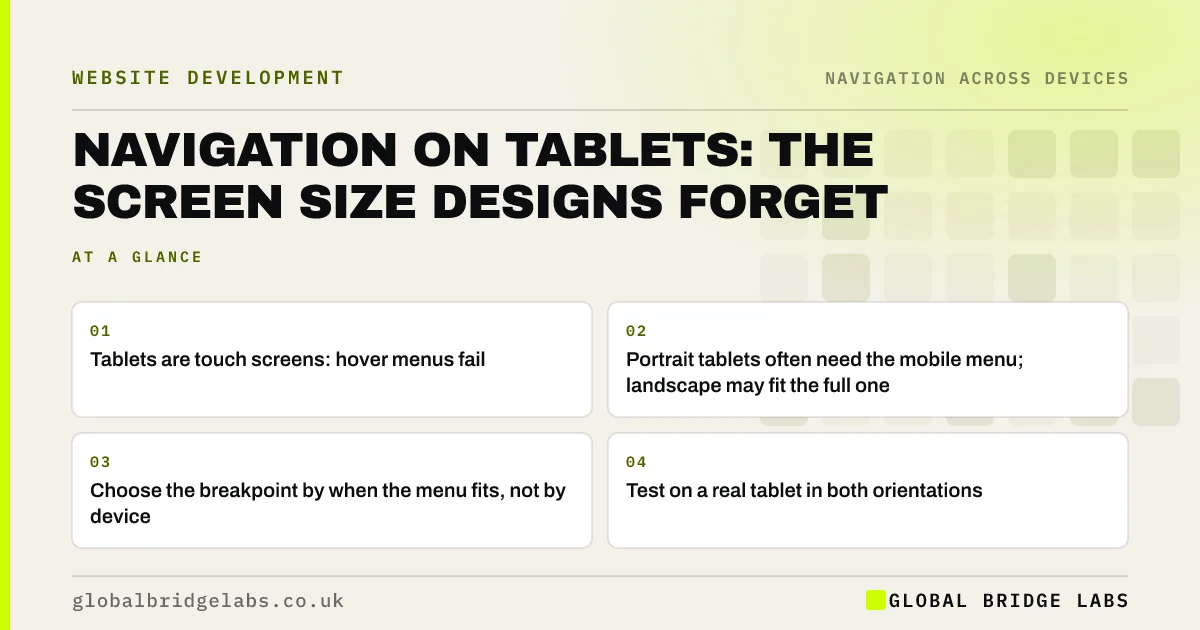
Tablets fall between phone and desktop designs, so navigation often breaks there. Hover dropdowns do not work on touch, full menus wrap or overlap in portrait, and some sites switch to a hamburger too early or too late. Test the main menu on a real tablet in portrait and landscape, and choose the breakpoint by when the menu fits, not by device name.
- Tablets are touch screens: hover menus fail.
- Portrait tablets often need the mobile menu; landscape may fit the full one.
- Choose the breakpoint by when the menu fits, not by device.
- Test on a real tablet in both orientations.
Want your menu tested on tablets in both orientations? Message us on WhatsApp.
Chat on WhatsApp →Why does navigation break on tablets?
Most designs are drawn for a phone and a laptop. Tablets are wide enough to show a desktop layout but are touch screens with no hover, and in portrait they are narrower than most laptops. The desktop menu may squeeze, wrap onto two lines or rely on hover; the phone menu may never appear.
What are the common tablet problems?
The problems are predictable, which makes them easy to test for.
- Dropdowns that open only on hover.
- A parent item that navigates on first tap, hiding the dropdown.
- Menu items wrapping onto a second line in portrait.
- The header action pushed off screen or overlapping the logo.
- Text links too small and close together to tap.
Which menu should a tablet show?
Whichever fits cleanly at that width. In landscape, many tablets can show the full desktop menu if dropdowns open on tap. In portrait, the full menu often does not fit, and the mobile menu is clearer. Base the switch on the width at which your menu stops fitting, then check both orientations.
Want the right breakpoint set for your menu? Message us on WhatsApp and we will discuss your requirements.
Chat on WhatsApp →How do you test tablet navigation?
Browser developer tools can simulate sizes, but a real tablet shows how touch, hover and orientation interact. Open the site in portrait and landscape, open every dropdown, tap the header action and rotate mid-visit to check the menu adapts.
- Portrait and landscape on a real tablet.
- Open every dropdown by tap.
- Rotate while the menu is open.
- Check the header action stays visible.
- Check targets are large enough to tap.
How much tablet traffic is there?
Usually a small share compared with phones and desktops, but it varies by audience. Check your own analytics by device category. Some audiences, such as older customers browsing at home, use tablets more than average, so do not assume the share is negligible.
What does this look like in practice?
A pattern we see: a site shows its full seven-item menu down to a narrow width, so on a portrait tablet the items wrap onto two lines and overlap the logo. Switching to the mobile menu below the width where the full menu fits gives portrait tablets a clean header.
Tablet navigation checklist
- Dropdowns open on tap.
- No hover-only behaviour.
- Breakpoint set where the menu stops fitting.
- Header action visible in both orientations.
- Targets large enough to tap.
Next step
Open your site on a tablet in portrait and try to reach every service from the menu.
Message us on WhatsApp for a device navigation review, or book a 30-minute consultation.
Chat on WhatsApp →Sources and further reading
- Dropdowns: design guidelines · Nielsen Norman Group
- Responsive web design basics · web.dev (Google)
- Understanding SC 2.5.8: Target Size (Minimum) · W3C Web Accessibility Initiative
Frequently asked questions
Should tablets show the mobile or desktop menu?
Whichever fits cleanly. Many tablets can show the full menu in landscape, provided dropdowns work by tap. In portrait, the mobile menu is often clearer. Set the switch by the width at which your menu stops fitting, then test both orientations.
Why does my dropdown menu not work on an iPad?
Usually because it opens on hover, which touch screens do not have, or because the parent item is a link that navigates on first tap. Make the first tap open the dropdown, or add a separate toggle button.
How do I test my website on a tablet?
Use a real tablet if possible, in both orientations, and try every menu and dropdown by touch. Browser developer tools can simulate sizes, but they do not fully reproduce touch behaviour.
Written by

Global Bridge Labs (GBL) is a UK–Sri Lanka partner for social media, websites and BPO. Everything here comes from client delivery, not theory.


