
On this page
- 01Key takeaways
- 02What happens in weeks 1 and 2?
- 03What happens in weeks 3 to 6?
- 04What happens in weeks 7 to 10?
- 05What happens in weeks 11 to 13?
- 06How much time does the plan take?
- 07What does this look like in practice?
- 0890-day navigation plan checklist
- 09Next step
- 10Sources and further reading
- 11Frequently asked questions
Key takeaways
A 90-day navigation plan moves from evidence to lasting change in four phases: measure and test in weeks 1 to 2, make quick wins in weeks 3 to 6, test and adjust the structure in weeks 7 to 10, and measure, document and hand over in weeks 11 to 13. Each phase ends with a check, so you always know whether the work is helping.
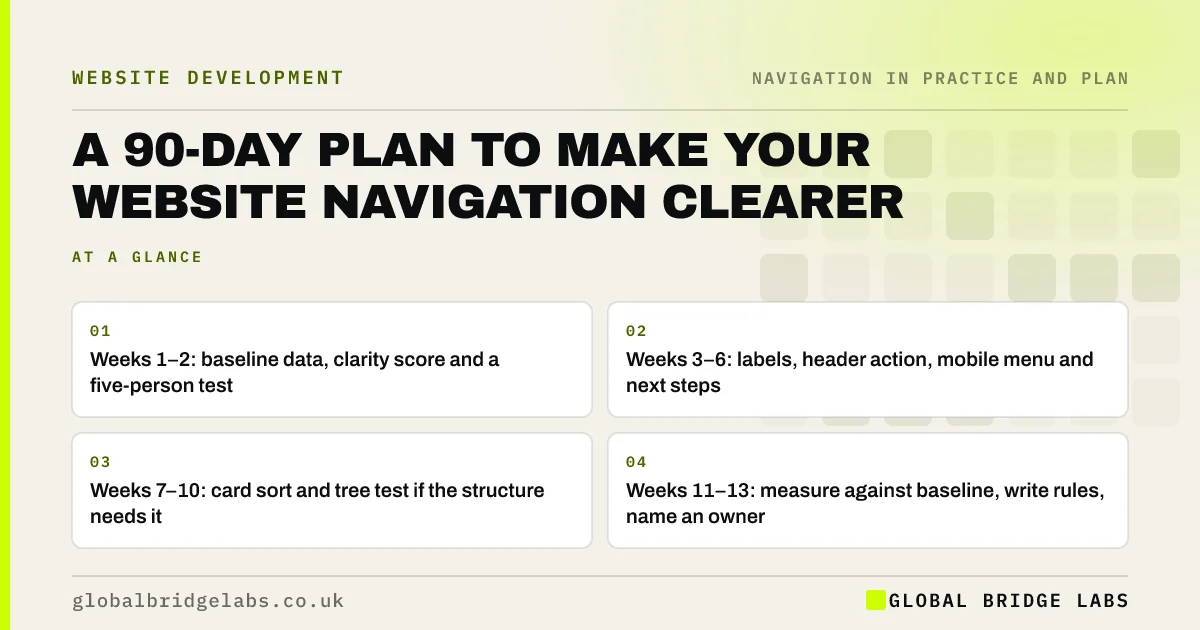
- Weeks 1–2: baseline data, clarity score and a five-person test.
- Weeks 3–6: labels, header action, mobile menu and next steps.
- Weeks 7–10: card sort and tree test if the structure needs it.
- Weeks 11–13: measure against baseline, write rules, name an owner.
Want the 90-day plan run with you? Message us on WhatsApp.
Chat on WhatsApp →What happens in weeks 1 and 2?
Measure before changing anything. Record key-page reach, homepage exits, menu clicks if tracked, site search terms and the most common 'where do I find' questions. Score the site on the five qualities of clear navigation, and run a five-person usability test with five core tasks.
- Set up menu click and site search tracking.
- Record four weeks of baseline data where possible.
- Score the navigation clarity score out of 10.
- Run a five-task, five-person usability test.
- List problems ranked by severity.
What happens in weeks 3 to 6?
Make the quick wins that do not change URLs: rename vague labels in customers' words, add a header action, show the current page, fix mobile and dropdown behaviour, replace vague link text and add next steps to key pages. Test the most important changes with a quick first-click test.
- Improve your website navigation this week: quick wins
- Menu labels: words visitors understand at a glance
Want the quick wins delivered for you? Message us on WhatsApp and we will discuss your requirements.
Chat on WhatsApp →What happens in weeks 7 to 10?
Decide whether the structure itself needs work. If the usability test showed services split across sections or key pages buried, run a card sort and tree test, then adjust the structure. Plan any URL changes with a redirect map. If the structure is sound, use this phase for accessibility and consistency fixes instead.
What happens in weeks 11 to 13?
Measure against the baseline, comparing equal periods and allowing for seasonality. Retest the same five tasks with five new people. Then lock in the gains: write a one-page navigation policy, name a menu owner, restrict menu editing and schedule a review in six months.
How much time does the plan take?
For a small business site, the owner or marketing lead typically spends two to three hours a week, more in the testing weeks. Developer or designer time depends on the fixes; most quick wins take hours each. These are GBL's working estimates, so scale them to your site.
What does this look like in practice?
A pattern we see: in the first fortnight a baseline test shows visitors cannot find prices or two of the services. Weeks 3 to 6 rename labels and add a header button. A tree test in weeks 7 to 10 confirms the structure is sound. By week 13, the retest shows the core tasks are easier and a menu owner keeps it that way.
90-day navigation plan checklist
- Weeks 1–2: baseline, score, usability test.
- Weeks 3–6: quick wins without URL changes.
- Weeks 7–10: structure tests if needed, or accessibility fixes.
- Weeks 11–13: compare, retest, write rules, name an owner.
- Review again in six months.
Next step
Put the first two weeks in your diary: tracking, a baseline and one usability test.
Message us on WhatsApp for a 90-day navigation plan, or book a 30-minute consultation.
Chat on WhatsApp →Sources and further reading
- Why you only need to test with 5 users · Nielsen Norman Group
- Tree testing: fast, iterative evaluation of menu labels and categories · Nielsen Norman Group
- Enhanced measurement events · Google Analytics Help
Frequently asked questions
How long does it take to improve website navigation?
Quick wins such as clearer labels and a header action can be done in days. A full improvement plan with measurement, testing, structural adjustments and handover typically takes about three months for a small business site.
What should I do first to improve my navigation?
Measure first: record key analytics, score your navigation and run a five-person usability test. That shows which problems matter most and gives you a baseline to judge improvements against.
How do I keep navigation clear after the project?
Name a menu owner, write a short navigation policy covering what earns a menu place, restrict menu editing and review the menu every six months or when services change.
Written by

Global Bridge Labs (GBL) is a UK–Sri Lanka partner for social media, websites and BPO. Everything here comes from client delivery, not theory.


