
On this page
- 01Key takeaways
- 02Why track menu clicks?
- 03Does GA4 track menu clicks automatically?
- 04How do you set it up in Google Tag Manager?
- 05Which reports should you build?
- 06What should you not conclude?
- 07What does this look like in practice?
- 08Menu tracking checklist
- 09Next step
- 10Sources and further reading
- 11Frequently asked questions
Key takeaways
GA4 does not track menu clicks by default, but a simple Google Tag Manager setup can. Send an event such as menu_click whenever a link in the header or footer navigation is clicked, with the link text, destination and menu location as parameters. Register them as custom dimensions, then report which items visitors use and which they ignore.
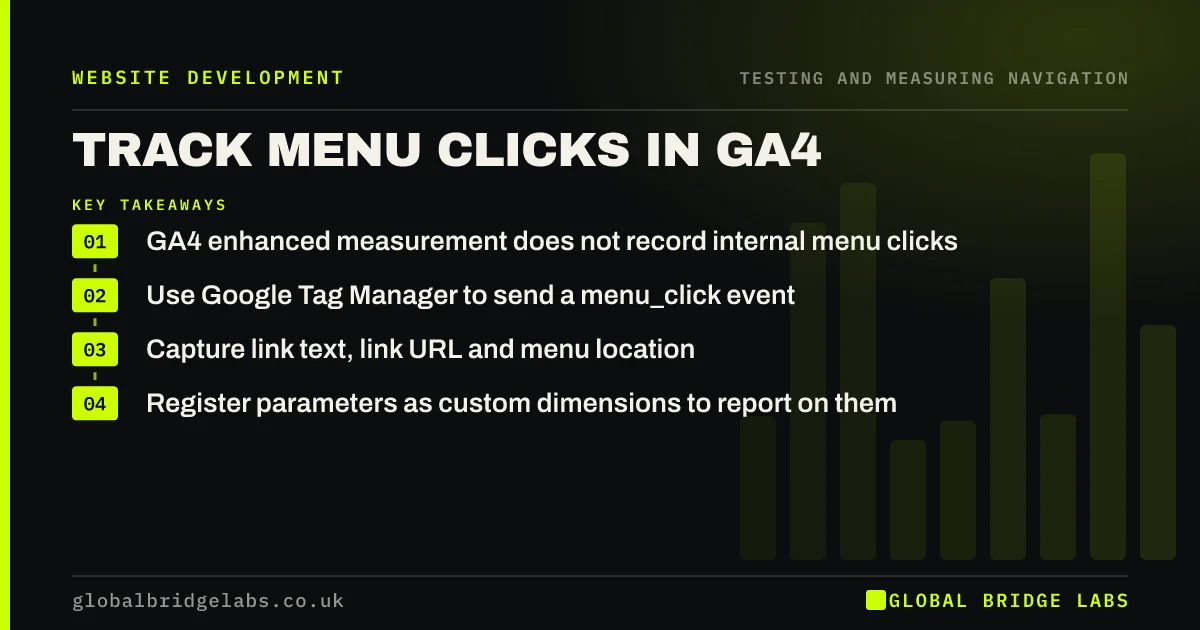
- GA4 enhanced measurement does not record internal menu clicks.
- Use Google Tag Manager to send a menu_click event.
- Capture link text, link URL and menu location.
- Register parameters as custom dimensions to report on them.
Want menu click tracking set up properly? Message us on WhatsApp.
Chat on WhatsApp →Why track menu clicks?
Menu click data shows which items visitors actually use, which they ignore and how usage differs between phone and desktop. It turns opinions about the menu into evidence. Combined with page paths, it shows whether visitors reach key pages through the menu or other routes.
Does GA4 track menu clicks automatically?
No. GA4's enhanced measurement records page views, scrolls, outbound clicks to other domains, site search, file downloads and some video and form interactions. Clicks on internal links, including the menu, are not recorded as separate events. You can see the page that followed, but not which link led there.
How do you set it up in Google Tag Manager?
The set-up takes an hour or two on most sites. Test it in preview mode before publishing.
- Enable the built-in Click Text, Click URL and Click Element variables.
- Create a Just Links click trigger that fires when the click element matches your menu selector, such as 'header nav a'.
- Create a GA4 event tag named menu_click.
- Add parameters: link_text, link_url and menu_location.
- Repeat for the footer and mobile menu with their own locations.
- Register the parameters as custom dimensions in GA4.
Want the tags built and tested for you? Message us on WhatsApp and we will discuss your requirements.
Chat on WhatsApp →Which reports should you build?
Build a free-form exploration with menu location and link text as rows and event count as the value, split by device category. Look for items with almost no clicks, items used far more on phones and differences between header and footer usage. Review monthly and after any change.
What should you not conclude?
A low click count does not always mean an item is useless. Visitors may reach that page through search or links. A high count on 'Contact' may mean visitors cannot find answers elsewhere. Read click data alongside task tests and search data before removing or promoting items.
What does this look like in practice?
A pattern we see: after menu tracking is added, 'Resources' gets almost no clicks while the footer 'Prices' link is one of the most used. Moving 'Prices' into the main menu and folding 'Resources' into the footer reflects what visitors actually want.
Menu tracking checklist
- menu_click event with text, URL and location.
- Header, footer and mobile menus tracked separately.
- Parameters registered as custom dimensions.
- Exploration split by device.
- Monthly review.
Next step
Check your GA4 events list for any menu click event. If none exists, plan the tag this week.
Message us on WhatsApp for help with navigation tracking, or book a 30-minute consultation.
Chat on WhatsApp →Sources and further reading
- Enhanced measurement events · Google Analytics Help
- Tag Manager overview · Tag Manager Help
- Path exploration · Google Analytics Help
Frequently asked questions
Can GA4 track which menu items are clicked?
Not by default. You need to send a custom event, usually through Google Tag Manager, whenever a menu link is clicked, including the link text and destination as parameters. Once registered as custom dimensions, you can report on them.
Do I need Google Tag Manager to track menu clicks?
It is the easiest way for most sites, because it needs no code changes. Developers can also send events directly with the gtag library or through the site's code.
How long before menu click data is useful?
A month of data is usually enough to see clear patterns on a moderately busy site. Low-traffic sites may need longer, or should rely more on user testing.
Written by

Global Bridge Labs (GBL) is a UK–Sri Lanka partner for social media, websites and BPO. Everything here comes from client delivery, not theory.


