
On this page
- 01Key takeaways
- 02Who is an IT support homepage really for?
- 03What should you say about response times?
- 04How do you show security credibly?
- 05How should you explain pricing?
- 06How do you deal with switching worries?
- 07When should you target a niche?
- 08What does this look like in practice?
- 09IT support homepage checklist
- 10Next step
- 11Sources and further reading
- 12Frequently asked questions
Key takeaways
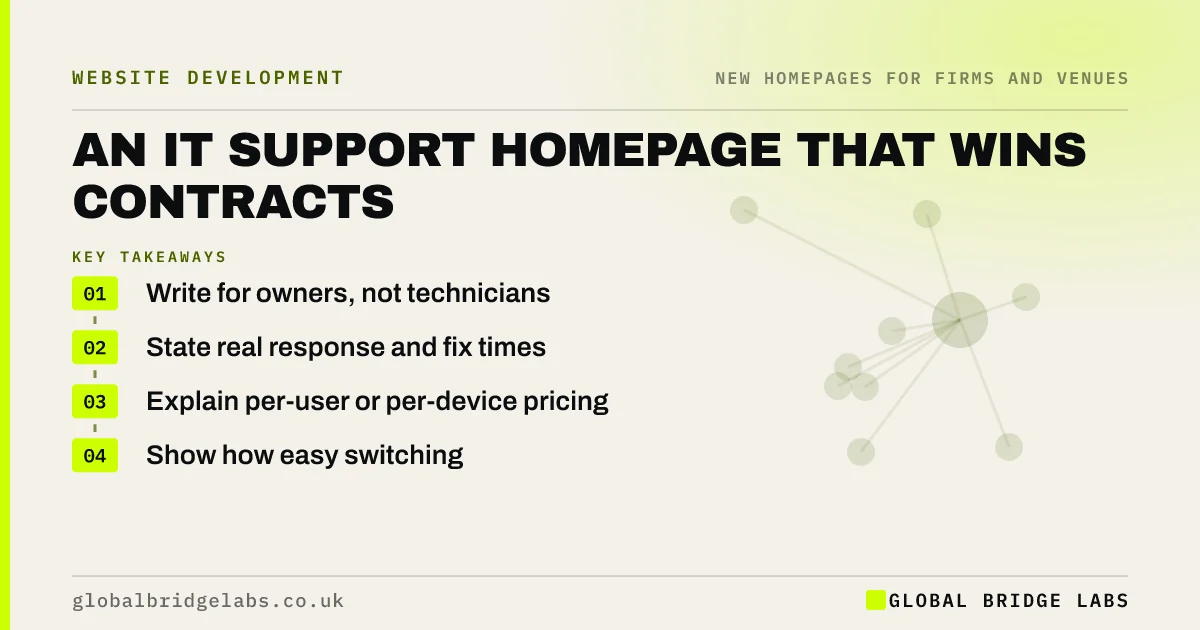
An IT support homepage should speak to busy business owners, not to other technicians. Say what you take off their plate, state real response times, explain how pricing works and show security credentials such as Cyber Essentials. Buyers usually arrive frustrated with their current provider, so address that directly and make switching feel simple.
- Write for owners, not technicians.
- State real response and fix times.
- Explain per-user or per-device pricing.
- Show how easy switching is.
Run an IT support firm? Message us on WhatsApp for a homepage review.
Chat on WhatsApp →Who is an IT support homepage really for?
It is usually for an owner or office manager, who does not want to think about IT. They want things to work, staff to be helped quickly and someone to call when things go wrong. Lists of vendor logos and product names mean little to them. Plain outcomes will mean a lot more.
What should you say about response times?
Publish specifics: for example, answering calls within so many seconds, or responding within so many hours, and how you measure this. Real numbers build more trust than 'fast, friendly support'. Share your actual ticket data if you can. Any figure on the page has to reflect what really happens.
How do you show security credibly?
Show Cyber Essentials or Cyber Essentials Plus, ISO 27001 if you hold it, and how you handle backups and incidents. Avoid scare tactics. The NCSC's guidance for small organisations is a useful, neutral base for your message. Buyers who have seen an incident may want a named person and a plain plan.
How should you explain pricing?
Explain your model, usually per user or per device a month, what is included and what costs extra. A starting price helps. Buyers fear hidden project charges, so be clear about these. Simple tiers work better than a long table of features, which tend to mean little to non-technical readers.
How do you deal with switching worries?
Many buyers stay with a poor provider because switching feels risky. Explain how you take over: the audit, the handover of passwords and accounts, and how long it takes. Mention that you can deal with the current provider for them. That one section can move a hesitant buyer towards a call.
When should you target a niche?
Target one if you have strong experience in a sector, such as legal, healthcare or construction, where software and compliance differ. General IT support is crowded, and buyers trust people who know their systems. A sector focus also makes your proof, your content and your referrals easier to build.
What does this look like in practice?
A pattern we see in the IT sector: a homepage of vendor logos and technical terms, written for peers rather than buyers. Rewriting it around response times and what happens in the first week of switching makes the offer easier to understand for the people who actually sign the contract.
IT support homepage checklist
- Write in owner language.
- Publish real response times.
- Explain your pricing model.
- Show security credentials.
- Explain how switching works.
- Add local or sector proof.
Next step
Ask a non-technical friend to read your homepage and explain what you do. Each word they stumble over is a word to replace.
Message us on WhatsApp for an IT homepage review, or book a 30-minute consultation.
Chat on WhatsApp →Sources and further reading
- Small organisations guide to cyber security · National Cyber Security Centre
- Plain language is for everyone, even experts · Nielsen Norman Group
- Substantiation: advice on backing up marketing claims · ASA and CAP
Frequently asked questions
What should an IT support company put on its website?
What you take care of, who you serve, response times, how pricing works, security credentials, proof and how switching works. Write it for a business owner, avoiding product names and technical language wherever you can.
Should managed service providers publish pricing?
Yes, at least a starting point or model. Most buyers expect per-user monthly pricing, and silence creates doubts. Say what is included and what would cost extra, as hidden charges are a common complaint against providers.
How do I win clients from another IT provider?
Address their fears directly: explain how you take over systems, deal with the outgoing provider and protect their data. Offer a short audit. Many buyers are unhappy with their provider but need the move to feel safe.
Written by

Global Bridge Labs (GBL) is a UK–Sri Lanka partner for social media, websites and BPO. Everything here comes from client delivery, not theory.


